

HopToDesk supports remote access, control, monitoring, screen sharing, file transfer, and chat across listed platforms.
Quick Assist
Microsoft’s Windows remote-assistance application for attended screen sharing and approved control.
About Quick Assist
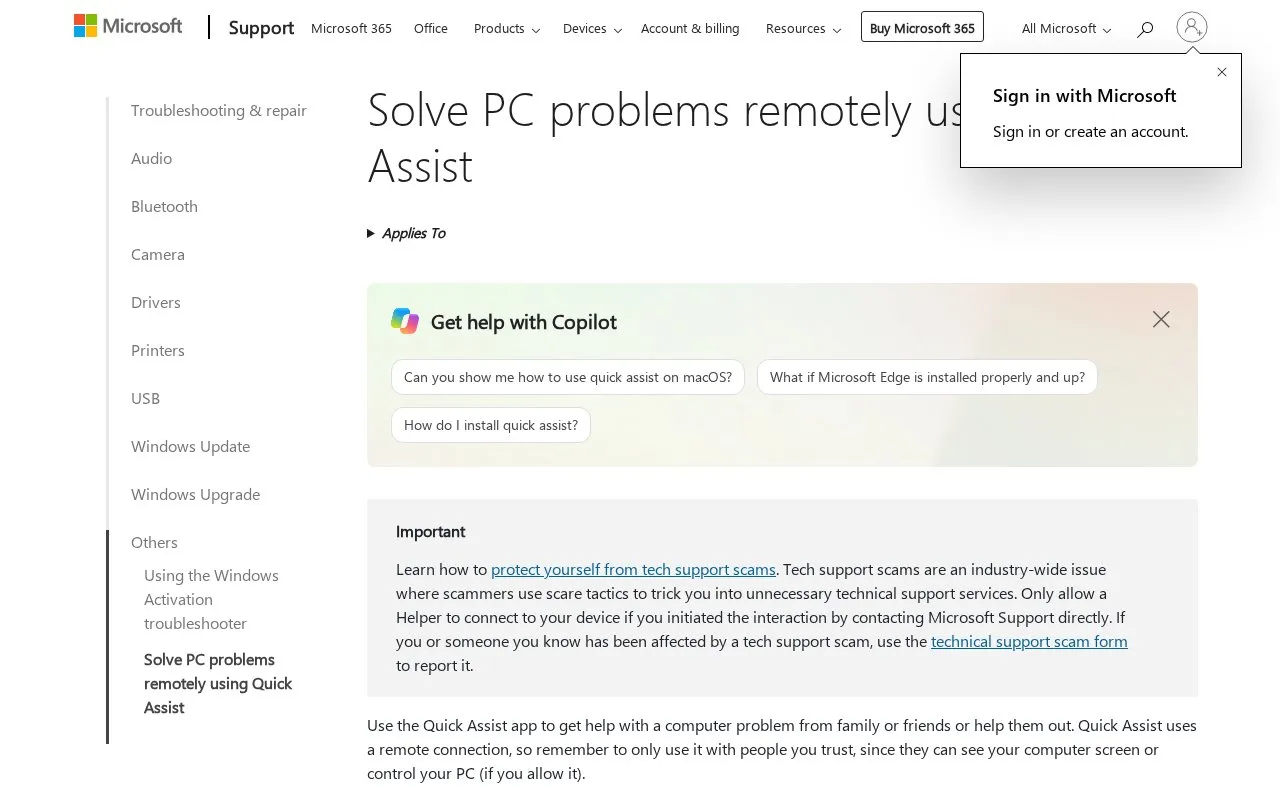
Quick Assist is a Windows application from Microsoft for remote assistance. A person who needs help can share a 6-digit code with a helper, who then connects to their screen. The connection is attended: the person being helped must wait for the connection to be allowed and share their screen. The helper can see the screen and, if the person allows it, control the PC. The page describes the tool for fixing PC problems from a distance, with the helper able to take over the PC from wherever they are.
The source says Quick Assist uses a remote connection and should be used only with people you trust, since they can see your screen or control your PC. The page also warns about tech support scams and advises allowing a helper to connect only if you started the contact with Microsoft Support directly. On PCs managed by a work or school, the app may not be installable from the Microsoft Store because of organizational policy.
Key features
- Connection started with a 6-digit code shared between the two people
- Helper can view the screen of the person being helped
- Helper can control the PC only if the person allows it
- Connection must be allowed by the person being helped before sharing begins
- Laser pointer and annotation tools available during a session
- Installed from the Microsoft Store and opened from the Start menu or Ctrl + Windows logo key + Q
Best for: Windows 10 or Windows 11 users who want a trusted family member, friend, or support person to help with a computer problem.
Good for
- Sessions are attended, and the person being helped must allow the connection and share their screen
- Control of the PC is given only when the person being helped allows it
- Free, according to the listed pricing
Watch out for
- On work or school PCs, installation from the Microsoft Store may be blocked by organizational policy
- The helper can see the screen and, if allowed, control the PC, so it should be used only with trusted people
- The page warns about tech support scams and advises against allowing unsolicited helpers to connect
Quick Assist at a glance
- Category
- Software & Utilities › Remote Desktop
- Type
- Online tool
- Pricing
- Free
- Open source
- Not stated
- Last checked
- Oct 9, 2026 · Online when checked
- Listed
- Oct 9, 2026
Quick Assist alternatives
Tools and sites you could use instead, ranked by how closely they match.

Google’s remote desktop service for personal computer access and attended remote support.
Free

Microsoft Support provides instructions for connecting to and using Remote Desktop in Windows.
Pick

Share a screen through a room code using this browser-based screen sharing service, with no download or signup required.

Remotly supports screen sharing, remote PC access, and remote game play from PCs or Android devices.

Aspia provides remote desktop control and file transfer, with NAT traversal, system information, audio, and chat features.
FreeOpen source
13 alternativesPopular in Remote Desktop
Well-known listings from the same topic.
Mouse Without Bordersmicrosoft.com/en-us/garage/wall-of-fame/mouse-…mRemoteNGmremoteng.orgInputDirectorinputdirector.comMoonlightmoonlight-stream.org


Quick Assist FAQ
Can I use Quick Assist on a PC managed by my work or school?
You might not be able to download and install Quick Assist from the Microsoft Store because of a policy from your organization. The source advises contacting your IT support person or admin for more information.
How does a person start a session to help someone else?
The helper opens Quick Assist, selects Help someone, and shares the 6-digit code with the person they are helping. After that person enters the code and allows the connection, they share their screen.
Should I allow a helper who contacts me without my request?
The source says to allow a helper to connect only if you started the interaction by contacting Microsoft Support directly. It also says to use the technical support scam form to report a scam.
Is something wrong or out of date?
Tell us and an editor will check it.
Own this website?
Claim this listing
Claim the listing and suggest updates yourself. An editor checks every claim first.