Chrome Remote Desktop

Google’s remote desktop service for personal computer access and attended remote support.
remotedesktop.google.com
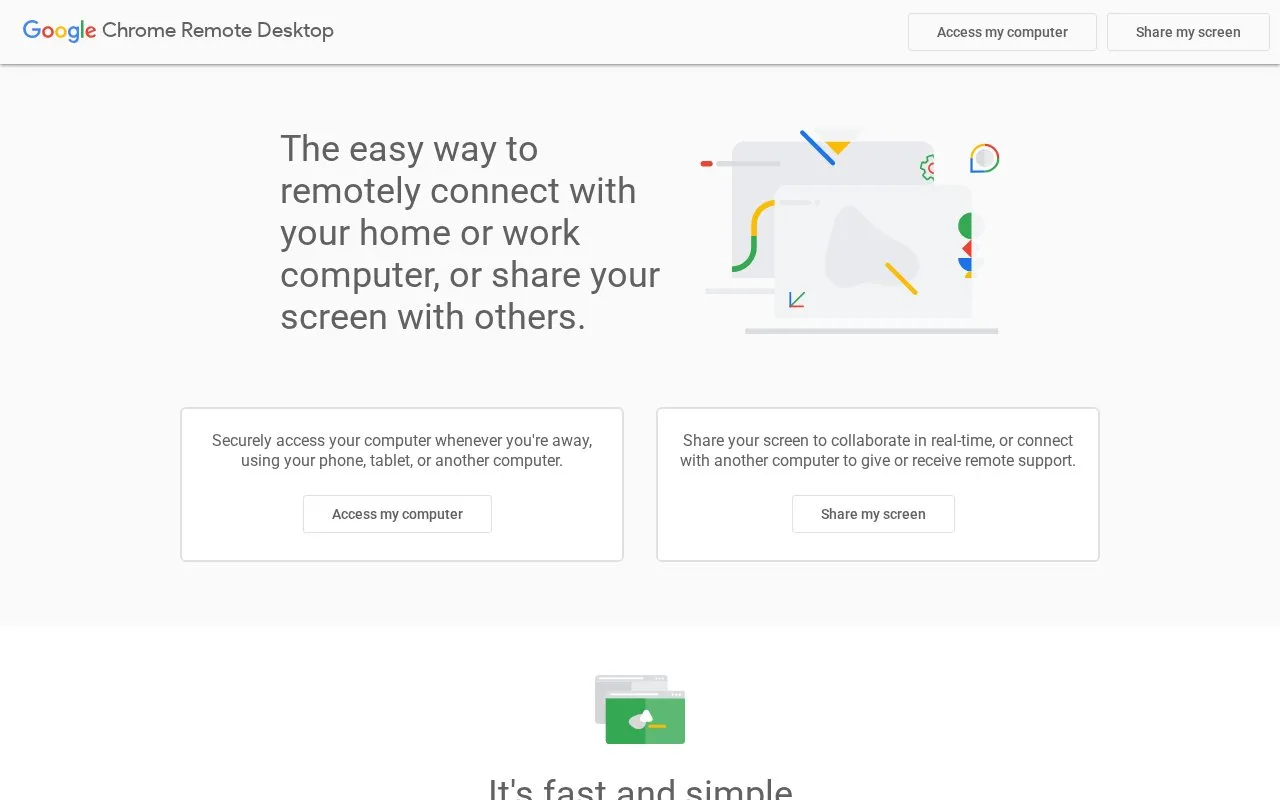
Chrome Remote Desktop homepage screenshot

About Chrome Remote Desktop

Chrome Remote Desktop is Google's remote desktop service. It lets people connect to a home or work computer from another device, and it lets them share their screen with others for real-time collaboration or attended remote support.

The homepage says users can view files and run programs on their computer from anywhere, and can connect from a phone, tablet, or another computer. The service is described as built on Google's infrastructure and WebRTC, an open web technology. The homepage does not state usage limits, supported system requirements, or details of any paid options, so these are not described here.

Key features

  • Remote access to a home or work computer from another device
  • Connection from Android or iOS devices or another computer
  • Screen sharing for real-time collaboration with others
  • Attended remote support in which one computer connects to another
  • Remote viewing of files and running of programs on a computer
  • Connections built on WebRTC, an open web technology
Best for: People who need to reach their own home or work computer from another device, or who want to share their screen with others for collaboration or remote support.
Good for
  • Can be used from Android and iOS devices as well as other computers
  • Supports both screen sharing for collaboration and attended remote support
  • Described by its provider as built on Google's secure infrastructure

Chrome Remote Desktop at a glance

Type
Online tool
Pricing
Free
Open source
Not stated
Last checked
Oct 9, 2026 · Online when checked
Listed
Oct 9, 2026

Chrome Remote Desktop alternatives

Tools and sites you could use instead, ranked by how closely they match.

All 4 alternatives

Quick Assist

support.microsoft.com/en-US/Windows/Apps/solve…

Microsoft’s Windows remote-assistance application for attended screen sharing and approved control.

AnyDesk

anydesk.com/en

Remote desktop software with free personal use and paid professional licensing and management options.

Freemium

mRemoteNG

mremoteng.org

mRemoteNG manages connections to multiple remote computers and systems.

Open source

Parsec

parsec.app

Parsec connects users to work, games, or projects on another computer from a remote location.

Popular in Remote Desktop

Well-known listings from the same topic.

All 36

Chrome Remote Desktop FAQ

Can I share my screen with someone else?
Yes. The homepage says you can share your screen to collaborate in real time or connect with another computer to give or receive remote support.
Can I connect to my computer from a phone?
The homepage says you can connect using your phone or tablet, including Android and iOS devices.
Is something wrong or out of date?

Tell us and an editor will check it.

Own this website?

Claim the listing and suggest updates yourself. An editor checks every claim first.

Claim this listing