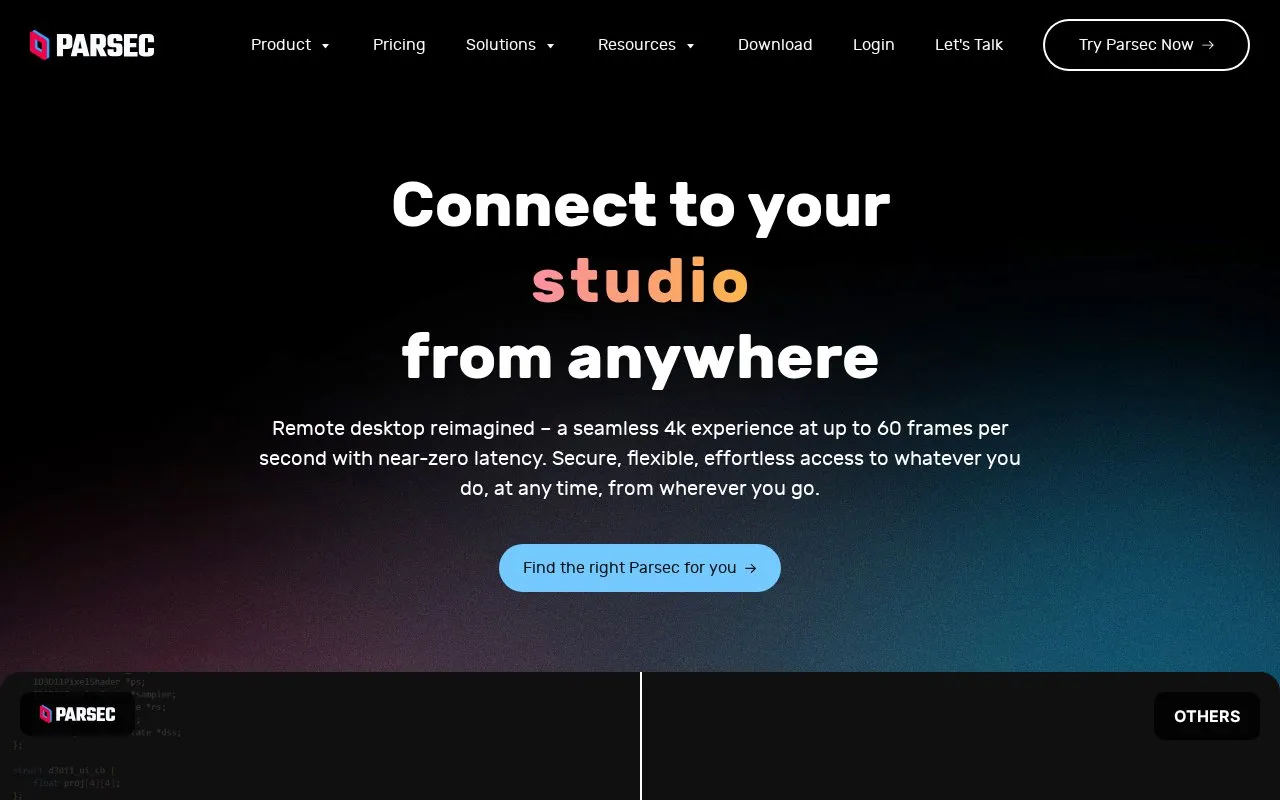
Parsec is a remote desktop application that lets users connect to work, games, or projects on another computer from a different location. The homepage describes high-resolution streaming of up to 4K with 4:4:4 color, frame rates up to 240 FPS (up to 60 FPS at 4K), and low latency. It also describes session sharing for co-op play or real-time review, and support for controllers, graphics tablets, and multiple monitors on the remote setup.
Several features depend on plan. Pressure-sensitive pen and Wacom tablet support, 4:4:4 color mode, and multi-monitor support are listed under Parsec Warp. Admin panel provisioning, SSO, API access, and a relay server are listed under Parsec for Teams and Enterprise. Security claims on the homepage, including SOC 2 Type 2 certification and peer-to-peer connections, are the vendor's own statements and are not independently verified here.
Key features
Streaming up to 4K resolution with 4:4:4 color
Frame rates up to 240 FPS, or up to 60 FPS at 4K
Direct peer-to-peer connections, which the homepage says avoid Parsec infrastructure
Session sharing for co-op play or real-time document or level review
Host controls over which apps connected guests can see and use
Multi-factor authentication for password and login protection
Best for: Individuals who need low-latency access to their own computer, games, or creative software from another location, and organizations that want admin-level control over remote access.
Good for
The homepage describes installation as taking seconds, with no training required.
The homepage describes peer-to-peer connections and host-side control over which apps guests can access.
Customer quotes on the homepage describe low latency and image quality for gaming and creative work.
Watch out for
Pen tablet support, 4:4:4 color, and multi-monitor support are listed under the Warp option rather than the base Parsec offering.
Admin provisioning, SSO, API access, and the relay server are listed under Teams or Enterprise upgrades.
The top frame rate of 240 FPS applies at lower resolutions; at 4K the homepage lists up to 60 FPS.
Do Parsec connections pass through Parsec's servers?
The homepage states that connections are peer-to-peer and never pass through Parsec's infrastructure. This is the vendor's stated design, and the homepage also states Parsec is SOC 2 Type 2 certified.
Does Parsec require training or a complex setup?
The homepage says Parsec installs in seconds, that teams can be running in less than a day, and that no software training is required.
Is something wrong or out of date?
Tell us and an editor will check it.
Own this website?
Claim the listing and suggest updates yourself. An editor checks every claim first.