

Screego provides screen sharing for developers and teams working remotely.
Open source
15 alternativesScreego offers screen sharing tools for developers collaborating remotely.
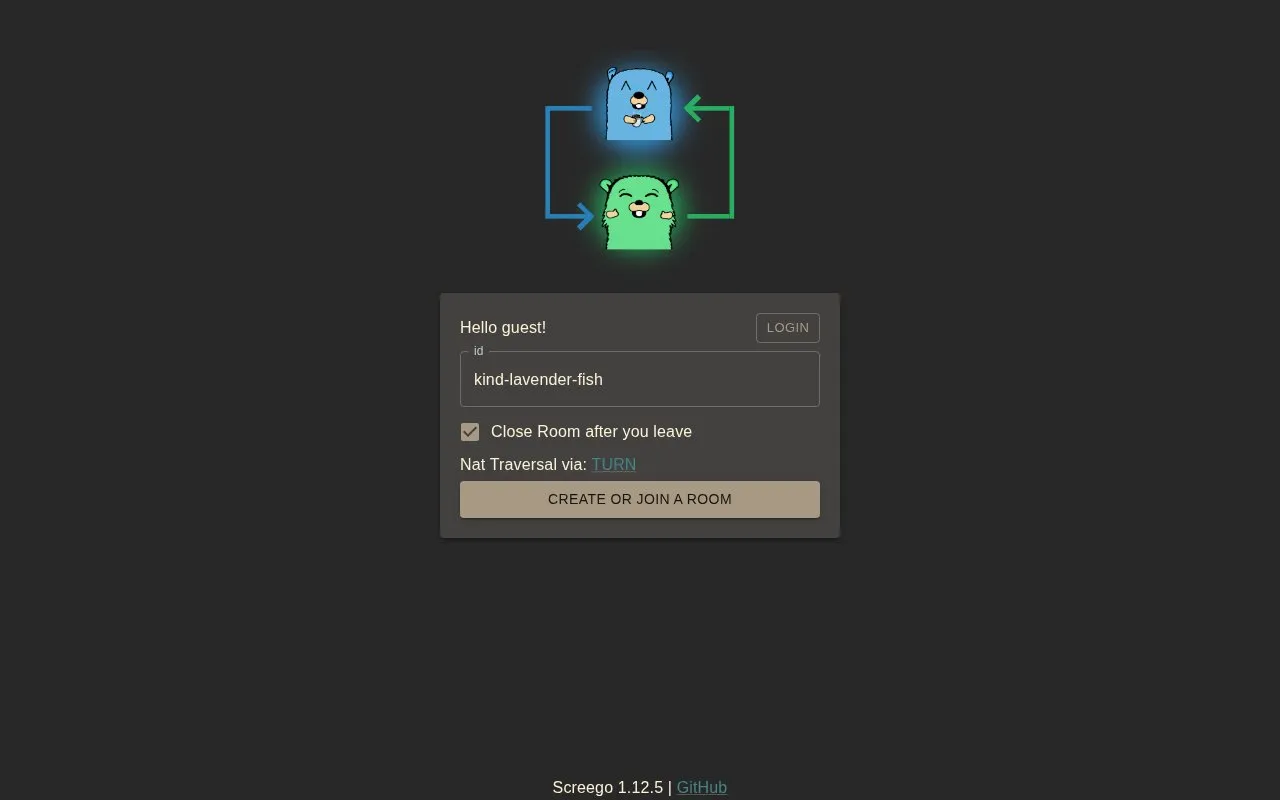
Screego offers screen sharing tools for developers collaborating remotely.
Screego is a website in our Remote Desktop collection, part of the Software & Utilities directory. It runs in your web browser, so there's nothing to install.
People usually find Screego when they’re looking for developers. It’s particularly handy for developers.
Not quite what you need? Close alternatives include Server, HopToDesk, and Screen-Sharing — compare them below.
Tools and sites you could use instead, ranked by how closely they match.
Screego provides screen sharing for developers and teams working remotely.
HopToDesk supports remote access, control, monitoring, screen sharing, file transfer, and chat across listed platforms.
Share a screen through a room code using this browser-based screen sharing service, with no download or signup required.
Remotly supports screen sharing, remote PC access, and remote game play from PCs or Android devices.
p2p.kiwi supports screen sharing between devices through a cross-platform peer-to-peer connection.
Screensy combines a server-side rendezvous component with a website for peer-to-peer screen sharing.
Well-known listings from the same topic.
Tell us and an editor will check it.
Claim the listing and suggest updates yourself. An editor checks every claim first.


