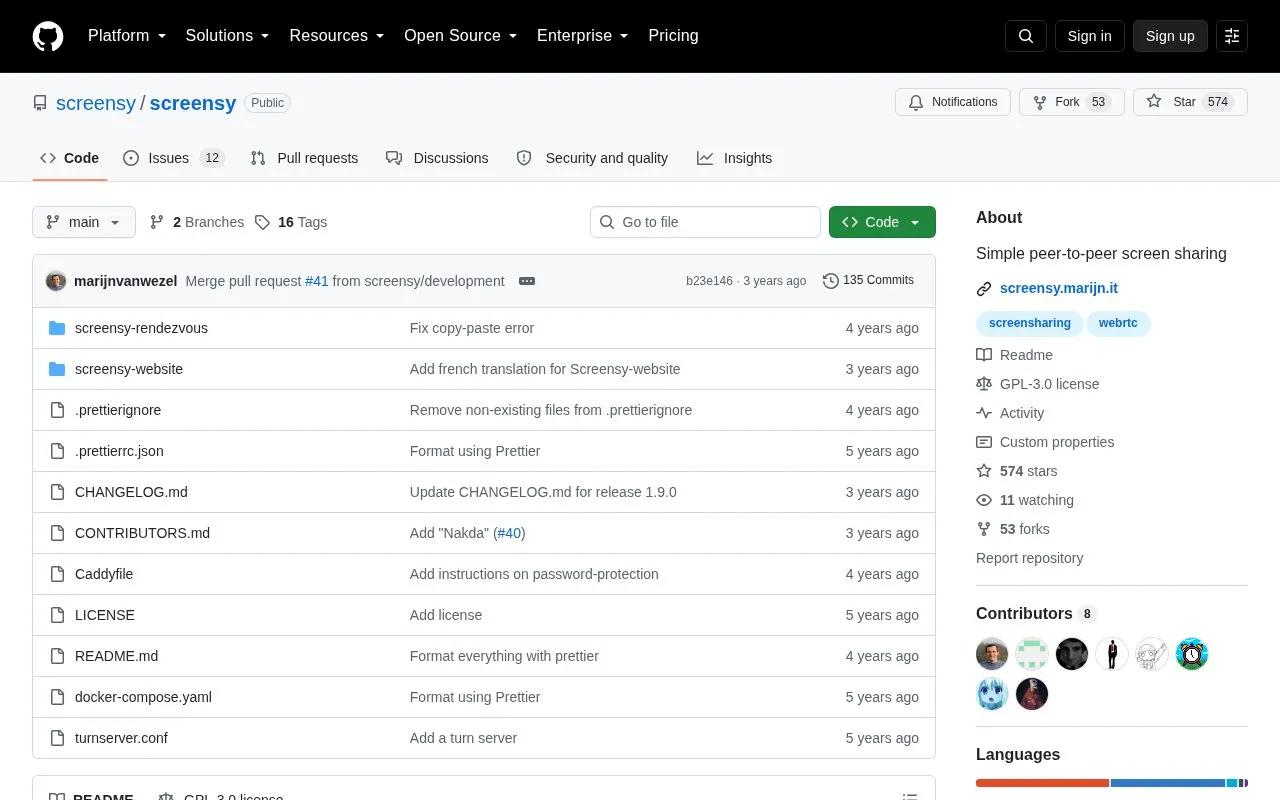
Screensy is an open source project for sharing a screen peer to peer. It has two parts. A rendezvous server runs on a server and handles protocol negotiation and discovery of viewers. A website component runs in the user's browser. The video stream is sent directly from the broadcaster's browser to each viewer's browser, so the rendezvous server is not used to carry the video. The project says all traffic between the rendezvous server and browsers, and between browsers, is encrypted by default.
Screensy is self-hosted. The repository describes two setup methods, and the authors recommend Docker. Setup requires a domain name, a reverse proxy that supports WebSocket, and STUN and TURN servers. Most web browsers require HTTPS for WebRTC, so the instance must be served over HTTPS for browser connections to work.
Key features
Peer-to-peer screen sharing, with video sent directly from broadcaster to each viewer
Rendezvous server for protocol negotiation and viewer discovery
Encrypted traffic between the rendezvous server, browsers and peers by default
Docker Compose setup using the included docker-compose.yaml file
Optional password protection for a self-hosted instance
Included TURN server configuration file for Coturn-style setup
Best for: Developers and system administrators who want to self-host a peer-to-peer screen sharing tool and are comfortable configuring a server, domain, reverse proxy and STUN/TURN services.
Good for
The video stream is sent directly between browsers rather than through the rendezvous server.
Traffic is encrypted by default, according to the project.
A Docker setup path is provided, with a Docker Compose file included in the repository.
Watch out for
Setup requires a domain, a WebSocket-capable reverse proxy, and STUN and TURN servers.
Most web browsers require HTTPS for WebRTC, so the instance must be served over HTTPS.
The example TURN configuration uses the username and password "screensy".
No. The repository states that the rendezvous server is used only for protocol negotiation and discovery of viewers, and that the video stream is sent directly from the broadcaster's browser to each viewer's browser.
Can Screensy be installed without Docker?
Yes. The repository describes a non-Docker setup that requires NodeJS, a TypeScript compiler, a Go compiler, a reverse proxy that supports WebSocket (Caddy is recommended), and a STUN and TURN server (Coturn is recommended).
Is something wrong or out of date?
Tell us and an editor will check it.
Own this website?
Claim the listing and suggest updates yourself. An editor checks every claim first.