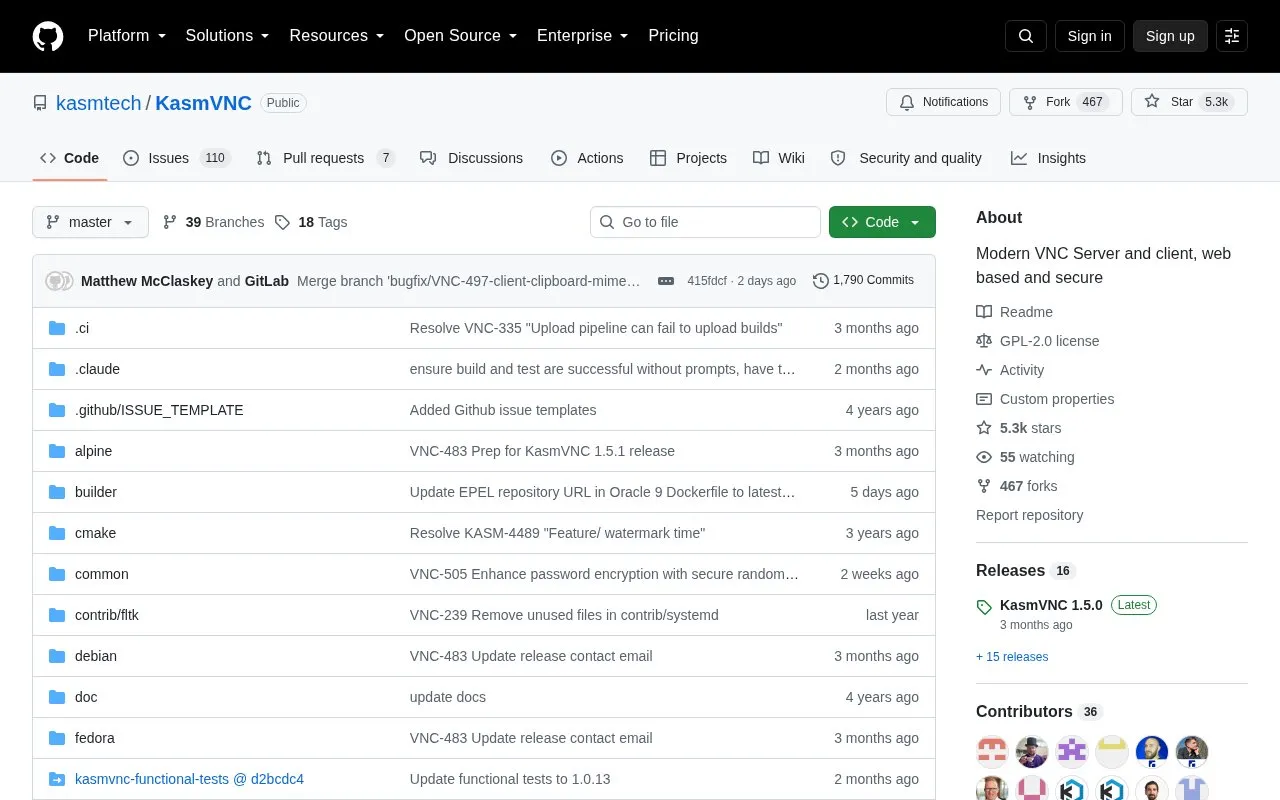
KasmVNC is an open-source server and client for remote access to a Linux desktop or application from a web browser. It uses YAML-based configuration at the server and user level, with server settings stored at /etc/kasmvnc/kasmvnc.yaml.
It has diverged from the RFB specification used by other VNC variants and does not support legacy VNC viewer applications. Packages are listed for Debian, Ubuntu, Kali and Oracle 8, with command-line tools for starting, listing and stopping sessions.
Key features
Remote access to Linux desktop or application via browser
YAML configuration at server and user level
Start sessions with selected desktop environment via command line
Add users with read and write permissions via vncpasswd
List current sessions and stop them by display ID
Auto-start multiple instances on boot via systemd
Best for: Linux users and administrators who need browser-based remote access to desktops or applications.
Good for
Accessed from any modern browser without a separate viewer application
Server and user level YAML configuration
Open-source code with containerized desktops and app images
Watch out for
Does not support legacy VNC viewer applications
Has broken from the RFB specification used by other VNC variants
Requires group membership change and reconnect after installation
No. It is accessed from a modern browser and does not support legacy VNC viewer applications.
How is KasmVNC configured?
Through YAML-based configurations. Server-level settings are at /etc/kasmvnc/kasmvnc.yaml and apply to all users, with additional user-level configuration.
How do I start or stop a session?
Use `vncserver` to start a session, `vncserver -list` to list sessions, and `vncserver -kill :2` to stop the session with that display ID.
Is something wrong or out of date?
Tell us and an editor will check it.
Own this website?
Claim the listing and suggest updates yourself. An editor checks every claim first.