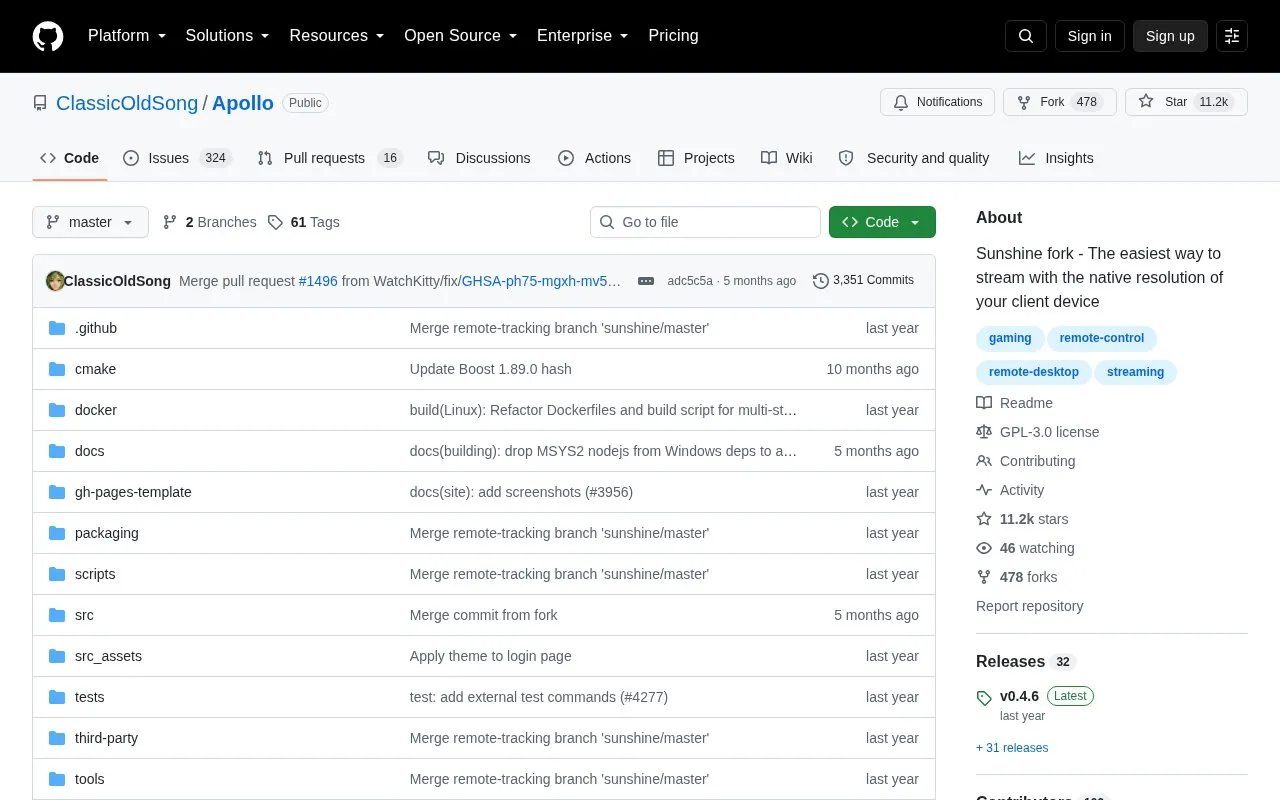
Apollo is a self-hosted desktop stream host for Artemis (Moonlight Noir) and is a fork of Sunshine. It streams games at the native resolution of the client device. It supports AMD, Intel, and Nvidia GPUs for hardware encoding, and software encoding is also available. A web UI allows configuration and client pairing from a web browser, including from mobile devices.
Apollo includes a built-in virtual display with HDR support that matches the resolution and framerate of the client. This virtual display is currently Windows only, and Linux support is planned but not yet available. The project recommends removing other virtual display solutions from the system and Apollo or Sunshine configuration to avoid conflicts. HDR is supported from Windows 11 23H2 and is generally supported on 24H2. Systems older than 23H2 do not offer an HDR option. Usage documentation is hosted by LizardByte on Read the Docs.
Key features
Built-in virtual display with HDR that matches client resolution and framerate
Permission management for paired clients
Clipboard sync between host and client
Commands for client connection and disconnection, such as auto pause and resume
Input-only mode
Hardware encoding on AMD, Intel, and Nvidia GPUs, with software encoding available
Best for: People who host their own game streaming server and want to stream to Artemis or Moonlight clients at the client's native resolution.
Good for
Assigns a fixed identity to each client, so Windows can remember its display configuration
Supports hardware encoding on AMD, Intel, and Nvidia GPUs, plus software encoding
Web UI allows configuration and pairing from a browser, including mobile devices
Watch out for
The virtual display feature is currently Windows only; Linux support is planned
HDR requires Windows 11 23H2 or later, and is generally supported on 24H2
The project advises removing other virtual display solutions to avoid compatibility issues
How are permissions assigned to newly paired clients?
The first client paired with Apollo receives full permissions. Other newly paired clients receive only View Streams and List Apps. Launch Apps, Mouse Input, and Keyboard Input must be granted per client in the permission settings when needed.
Can Apollo be used on a laptop with two GPUs?
Yes. Set the Adapter Name to the dedicated GPU and enable Headless mode in the Audio/Video tab, then save and restart the computer. The source states that no dummy plug is needed in this configuration.
Is something wrong or out of date?
Tell us and an editor will check it.
Own this website?
Claim the listing and suggest updates yourself. An editor checks every claim first.