
Instrument Editor
Po is an instrument creator for Petaporon, built to let users make custom instruments for the music tool.
About Instrument Editor
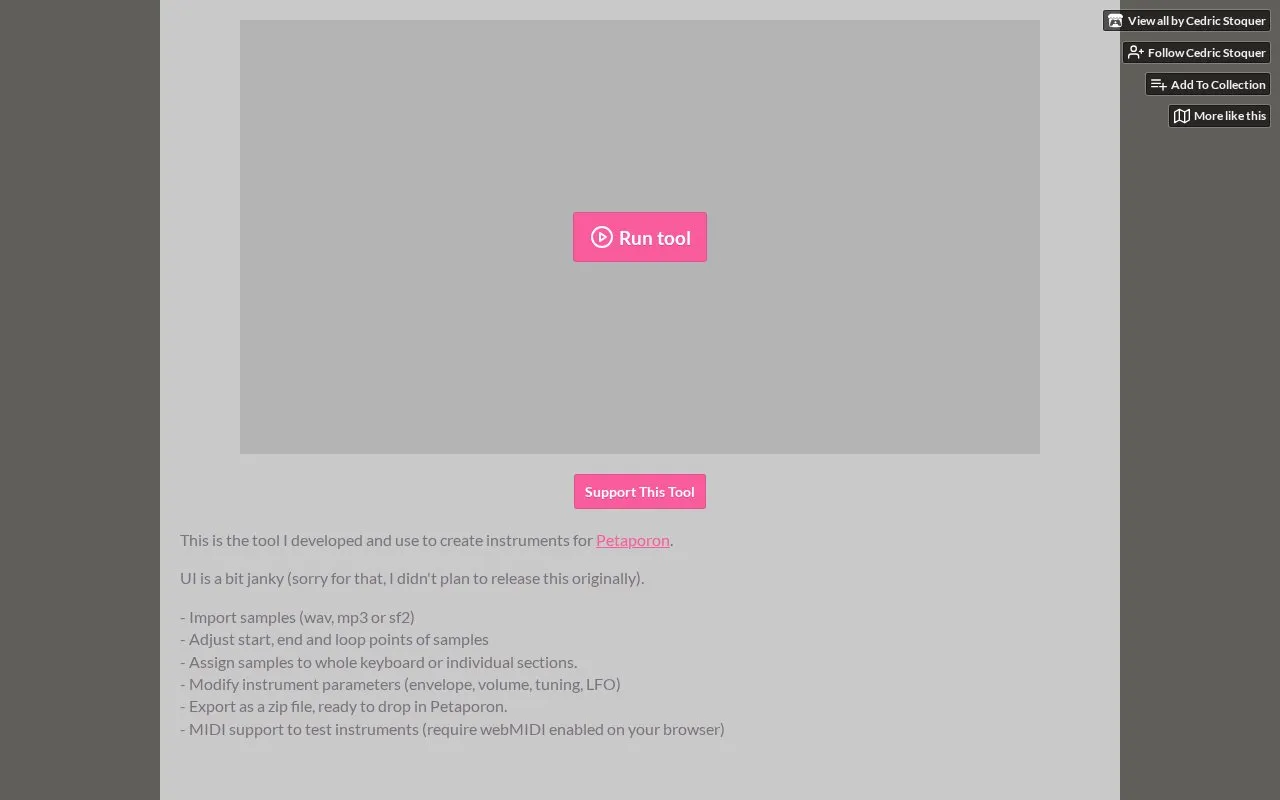
Instrument Editor is a web-based tool for creating custom instruments for Petaporon, a music tool. Users import audio samples, set their start, end, and loop points, assign them across the keyboard, adjust sound parameters, and export the result as a ZIP file that can be added to Petaporon.
The developer describes the user interface as "a bit janky" and says it was not originally planned for release. MIDI testing requires webMIDI to be enabled in the browser.
Key features
- Import WAV, MP3, or SF2 sample files
- Adjust start, end, and loop points for each sample
- Assign samples to the whole keyboard or to individual key sections
- Modify instrument envelope, volume, tuning, and LFO parameters
- Export the instrument as a ZIP file for use in Petaporon
- MIDI support for testing instruments, requiring webMIDI in the browser
Best for: Petaporon users who want to create their own custom instruments for the tool.
Good for
- Exports instruments as ZIP files formatted to be added to Petaporon
- Keyboard shortcuts allow samples to be assigned to and removed from notes
- The developer states it is the tool they use to create their own Petaporon instruments
Watch out for
- The developer describes the user interface as a bit janky
- MIDI testing requires webMIDI to be enabled in the browser
- A commenter reported a playback glitch with vocal samples in Petaporon; the developer asked for more detail and the source does not confirm a fix for this issue
Instrument Editor at a glance
- Category
- Music & Audio › Audio Editing & Production
- Type
- Website
- Pricing
- Not confirmed. Check the site
- Platforms
- Web
- Open source
- Not stated
- Language
- English
- Last checked
- Oct 6, 2026 · Online when checked
- Listed
- Oct 5, 2026
Guides for Audio Editing & Production
Popular in Audio Editing & Production
Well-known listings from the same topic.
Basic Pitchbasicpitch.spotify.comWebChuck IDEccrma.stanford.edu/~tzfeng/webchuck-ideVO Padsvo.odgn.netWebSynthswebsynths.comsamplv1samplv1.sourceforge.ioSoundboardGuyssoundboardguys.com


Instrument Editor FAQ
Which sample file formats can I import?
The tool accepts WAV, MP3, and SF2 files.
Do I need webMIDI to test instruments?
MIDI support for testing instruments requires webMIDI to be enabled in your browser.
What keyboard shortcuts are available?
The space bar assigns the sample to the current note, and the Delete key deassigns the current note.
Is something wrong or out of date?
Tell us and an editor will check it.
Own this website?
Claim this listing
Claim the listing and suggest updates yourself. An editor checks every claim first.