

The ChatPC macOS assistant automates apps for organizing documents, searching files, responding to email, and managing calendars.
Jace AI
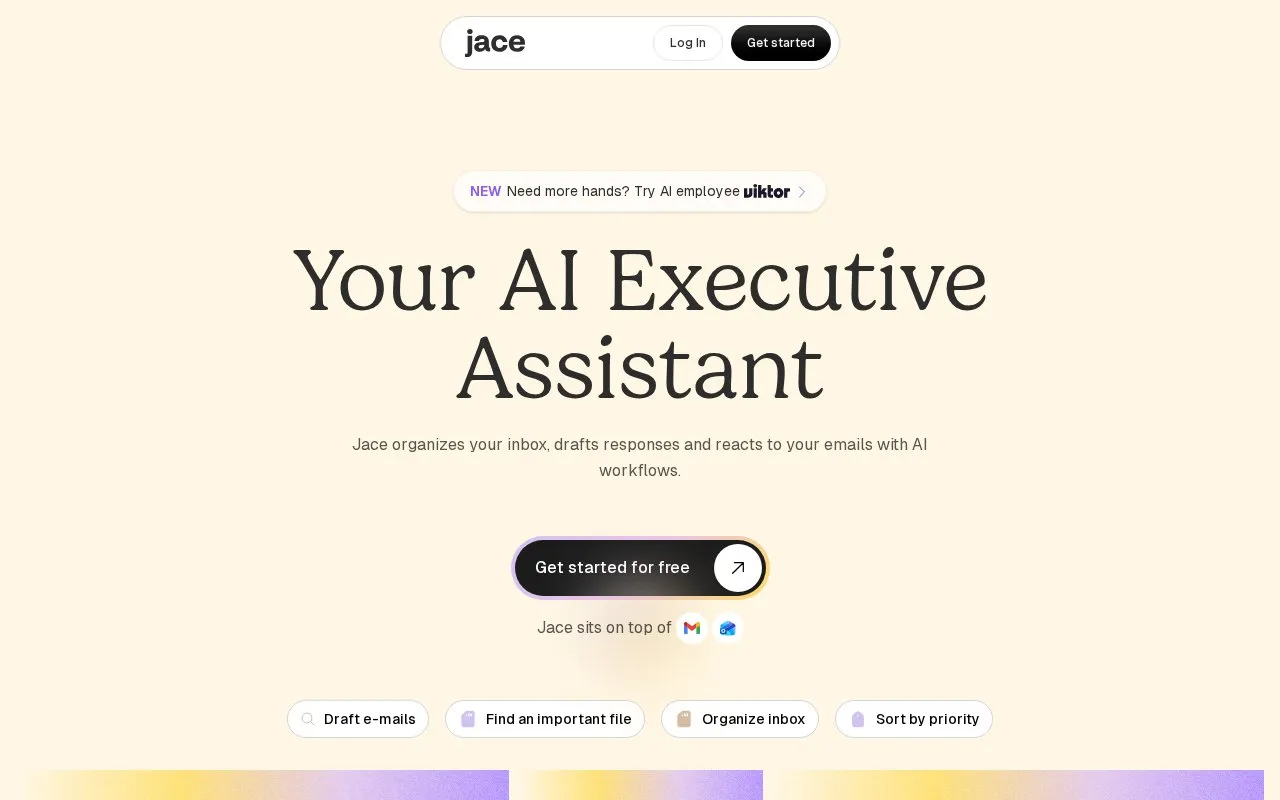
Jace organizes email, drafts replies, and uses AI workflows to respond to messages and help schedule meetings.
About Jace AI
Jace AI is an email assistant that organizes the inbox, drafts replies, and applies workflows to incoming messages. It labels mail by type and priority, applies custom rules for CCs and templates, schedules meetings, and can trigger actions such as creating tickets, sending Slack notifications, and saving documents. It can also answer questions using connected email history and business tools.
Use requires connecting an email inbox. Context-aware drafts and actions depend on access to attachments, calendars, and connected tools such as Slack.
Key features
- Drafts email replies using prior conversations, attachments, calendar
- Organizes inbox with AI labels by type and priority
- Applies custom rules for CCs, templates, calendar events
- Creates tickets and sends Slack notifications from email
- Schedules meetings and manages calendars
- Answers business questions via chat using email history
Best for: Professionals who manage high volumes of business email and scheduling.
Good for
- Learns writing style and company context without manual training
- Includes attachment, calendar, and prior conversation context in drafts
- Handles follow-on actions such as tickets and Slack updates from email
Watch out for
- Requires linking an email inbox to organize and draft
- Context features depend on access to calendar and connected work tools
Jace AI at a glance
- Website
- jace.ai
- Category
- AI & Machine Learning › AI Agents & Automation
- Type
- Website
- Pricing
- Not confirmed. Check the site
- Platforms
- Web
- Open source
- Not stated
- Language
- English
- Last checked
- Oct 5, 2026 · Online when checked
- Listed
- Oct 5, 2026
Jace AI alternatives
Tools and sites you could use instead, ranked by how closely they match.

MeetGeek records, transcribes, and summarizes meetings, then automates follow-up work through its meeting platform.

Feathery AI assistant Robin helps teams build and run operational workflows from natural language descriptions.

Maya AI supports sales, marketing, customer service, legal, and creative work through an assistant informed by business context.

Monobot CX builds voice, chat, and SMS agents with real-time analytics and management tools.

AnveVoice adds a website voice assistant that answers visitors, navigates pages, and fills forms.
Popular in AI Agents & Automation
Well-known listings from the same topic.
Simsim.aiMakeformsmakeforms.ioAgent Skillsagentskills.ioGenFuse AIgenfuseai.comBeambeam.aiLlamaIndexllamaindex.ai


Jace AI FAQ
How do I start using Jace?
Connect an email inbox, allow onboarding to style and company context, then review and send drafts.
What can happen automatically when an email arrives?
Tickets can be created, Slack notifications sent, and documents saved based on rules.
Is something wrong or out of date?
Tell us and an editor will check it.
Own this website?
Claim this listing
Claim the listing and suggest updates yourself. An editor checks every claim first.