

Composio connects AI agents with SaaS apps through MCP or direct APIs, offering access to more than 20,000 tools.
The Drive AI
The Drive AI organizes documents, searches file contents, and creates files through automated workflows.
About The Drive AI
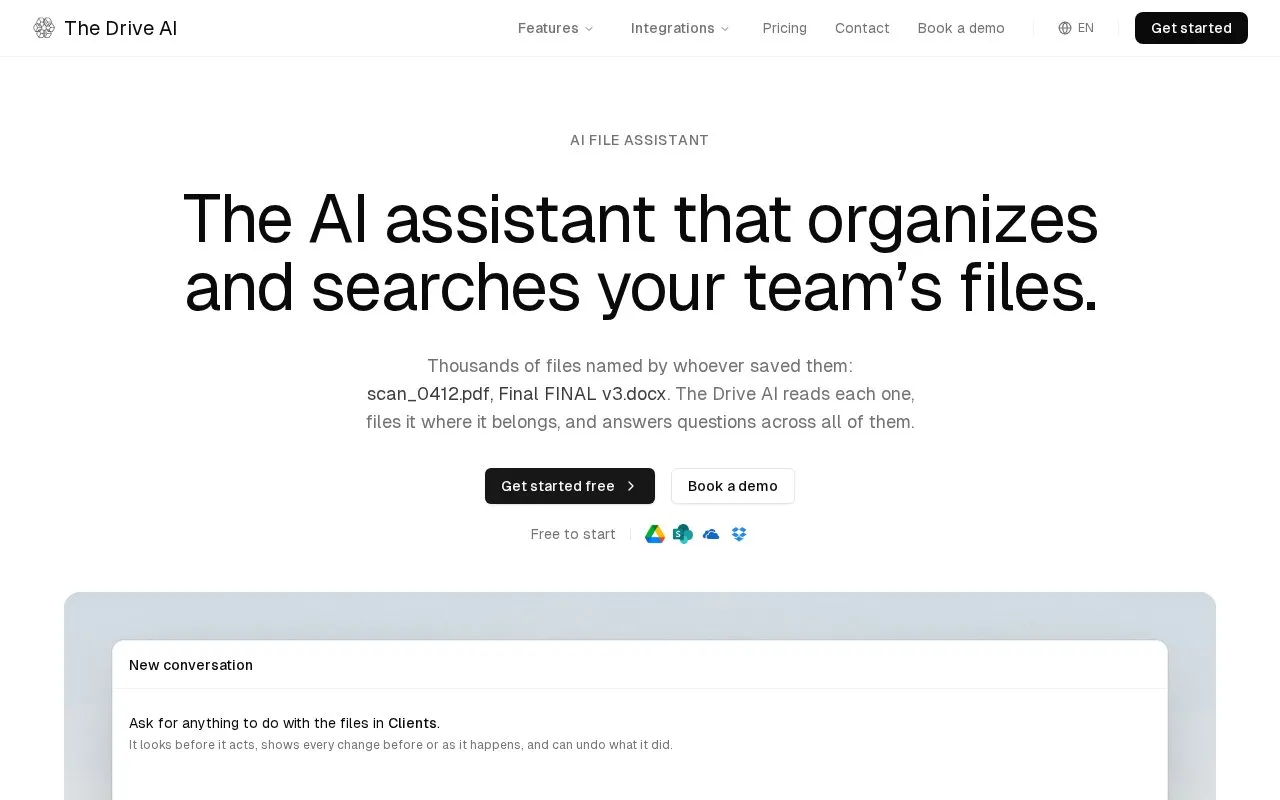
The Drive AI is an AI file assistant for organizing, searching, and creating documents. Users give it requests in plain English, such as sorting a folder, finding a clause, or sharing a report. It works on files in Google Drive, OneDrive, SharePoint, Dropbox, or its own built-in workspace. The assistant reads each file by its contents rather than its file name, proposes changes such as renaming, moving, or merging files, and answers questions across large sets of documents. Saved workflows can apply a described job to new files as they arrive from uploads, Gmail, Outlook, Slack, or Microsoft Teams.
Connected drives require the Max or Team plan, while the built-in workspace is included on every plan. The homepage states that files are encrypted, scanned for malware, and not used to train AI. These are the vendor's stated claims. Files stored in connected drives or sent through external services are also subject to those services' own handling.
Key features
- Reads file contents to organize and name documents, not only file names
- Organizes files in place in Google Drive, OneDrive, SharePoint, and Dropbox
- Answers questions across large sets of documents, such as invoice or vendor queries
- Runs saved workflows that file new documents as they arrive
- Built-in workspace with version history, file permissions, file requests, and e-signature
- Shows proposed changes for approval, and lets users undo applied changes
Best for: Teams in document-heavy fields such as law, accounting, real estate, property management, and human resources that need help filing and searching large document collections with approval steps.
Good for
- Changes are shown before or as they happen, and small changes can be undone
- Works in place in existing drives, so files do not have to be moved
- Homepage lists AES-256 encryption, malware scanning, and a no-AI-training policy
Watch out for
- Connected drives require the Max or Team plan
- Admins set the approval threshold for the whole workspace, so individual users cannot change it
- Pricing is not stated in the source
The Drive AI at a glance
- Website
- thedrive.ai
- Category
- AI & Machine Learning › AI Agents & Automation
- Type
- Website
- Pricing
- Not confirmed. Check the site
- Platforms
- Android, iOS, Web
- Open source
- Not stated
- Language
- English
- Last checked
- Oct 6, 2026 · Online when checked
- Listed
- Oct 5, 2026
The Drive AI alternatives
Tools and sites you could use instead, ranked by how closely they match.
Zapier connects ChatGPT with other applications to automate work across services.

SenseTask processes, validates, understands, and routes documents through automated AI workflows.

Jace organizes email, drafts replies, and uses AI workflows to respond to messages and help schedule meetings.

MakeForms provides no-code forms, automated workflows, OTP verification, and compliant data collection tools.

The ChatPC macOS assistant automates apps for organizing documents, searching files, responding to email, and managing calendars.
Popular in AI Agents & Automation
Well-known listings from the same topic.
Simsim.aiMaya AI.smartmaya.aiAgent Skillsagentskills.ioGenFuse AIgenfuseai.comMeetGeekmeetgeek.aiBeambeam.ai


The Drive AI FAQ
Does The Drive AI move my files?
It reads and organizes files in connected drives in place, so nothing has to move. Files in its own workspace are kept there.
Does the assistant make changes without asking?
Small changes apply at once and can be undone. Large changes, and anything sent to another person, wait for approval. Admins decide where that line sits for the workspace.
Which plan is needed for connected drives?
Connected drives need the Max or Team plan. The built-in workspace is included on every plan.
Is something wrong or out of date?
Tell us and an editor will check it.
Own this website?
Claim this listing
Claim the listing and suggest updates yourself. An editor checks every claim first.