

This site collects monitor utilities, including tools for custom resolutions, pixel clocks, and display configuration.
JScreenFix
JScreenFix runs a browser-based pixel exercise pattern intended to help repair stuck pixels on LCD and OLED displays.
About JScreenFix
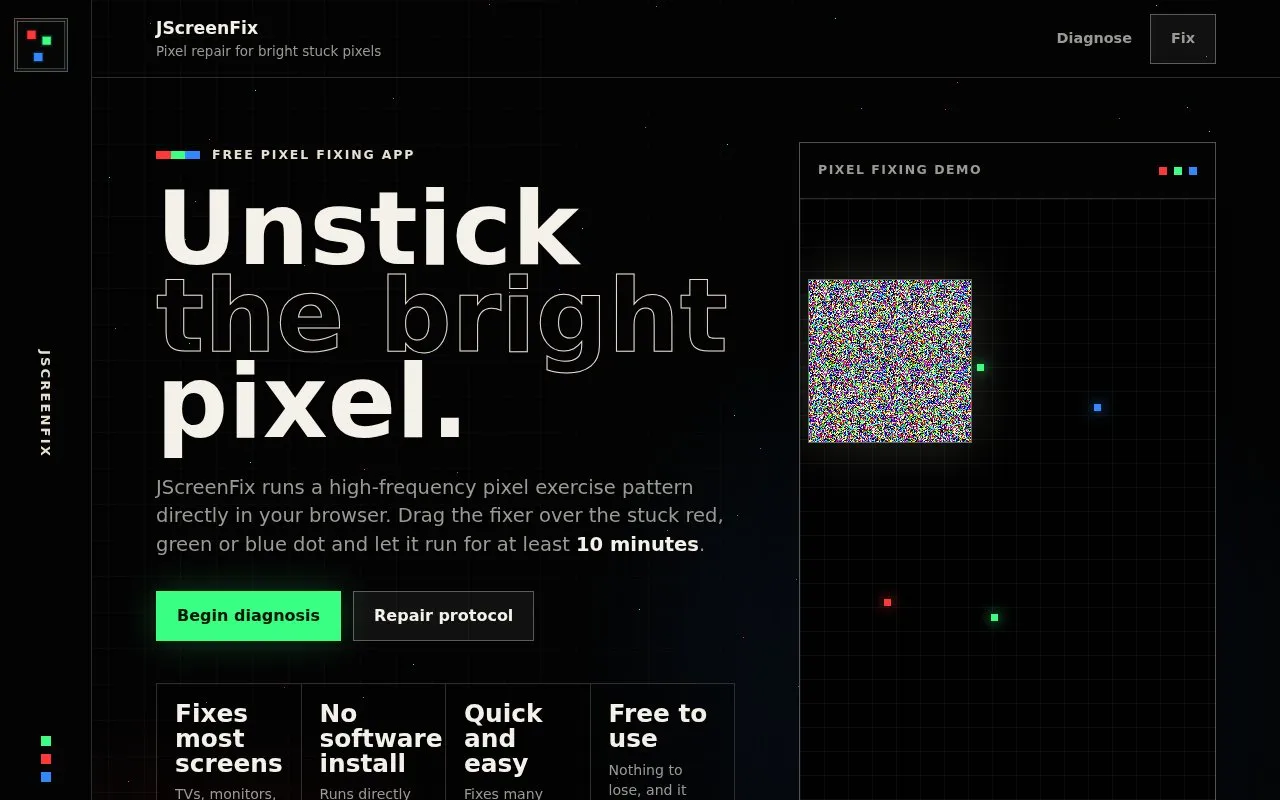
JScreenFix is a free web tool for attempting to repair bright stuck pixels on LCD and OLED displays. It runs a rapid pixel exercise pattern in the browser, so no software needs to be installed. The user places a draggable fixer over the stuck dot on a black background and leaves it running for at least 10 minutes, then checks the pixel and repeats if needed. The site says the tool works on TVs, monitors, laptops, tablets, phones and projectors.
The tool is designed only for bright stuck pixels, which are colored dots that stay on. A black pixel is usually a hardware fault, and the site states that software is much less likely to revive a truly dead pixel. The site also says that if a pixel is not fixed after one hour, it probably cannot be fixed by JScreenFix. In those cases, warranty or panel repair may be needed.
Key features
- Runs a pixel exercise pattern directly in the web browser using JavaScript
- Draggable fixer square placed over the stuck pixel
- Device type selection so the method suits the screen being repaired
- Fullscreen mode for fixing pixels near the screen edges
- Guided repair steps with a diagnosis check before running the fixer
- No software installation required
Best for: People who have a bright red, green, blue or other colored stuck pixel on an LCD or OLED screen and want to try a free, no-install repair before considering warranty or professional service.
Good for
- Free to use, according to the homepage
- No software installation; runs in a web browser
- Independent reference Lifewire lists it as a no-install option for many stuck pixels
Watch out for
- Only for bright stuck pixels; black dead pixels are usually hardware faults
- Software is much less likely to revive a truly dead pixel
- The site says the pixel probably cannot be fixed if it is not repaired after one hour
JScreenFix at a glance
- Website
- jscreenfix.com
- Category
- Software & Utilities › Hardware & Diagnostics
- Type
- Website
- Pricing
- Not confirmed. Check the site
- Platforms
- Web
- Open source
- Not stated
- Language
- English
- Last checked
- Oct 6, 2026 · Online when checked
- Listed
- Oct 5, 2026
JScreenFix alternatives
Tools and sites you could use instead, ranked by how closely they match.
Popular in Hardware & Diagnostics
Well-known listings from the same topic.
PC Managerpcmanager.microsoft.comDolby Accessapps.microsoft.com/detail/9n0866fs04w8RAMMaplearn.microsoft.com/en-us/sysinternals/downloa…UNIGINE Benchmarksbenchmark.unigine.comAppControlappcontrol.comVIAcaniusevia.com


JScreenFix FAQ
What is the difference between a stuck pixel and a dead pixel?
A stuck pixel is a bright colored dot that stays on when the surrounding pixels change. A dead pixel is black and does not emit or pass light. Dead pixels are usually caused by damaged circuitry and are much less likely to respond to software.
How long should the fixer run?
The site says to leave the fixer running for at least 10 minutes. After that, inspect the pixel on a black background. If it is still stuck, the site says to repeat the fixing process.
What should I do if the pixel is still stuck after one hour?
The site says that if a stuck pixel is not fixed after one hour, it probably cannot be fixed by JScreenFix. In that case, the homepage notes that warranty or panel repair may be required for hardware faults.
Is something wrong or out of date?
Tell us and an editor will check it.
Own this website?
Claim this listing
Claim the listing and suggest updates yourself. An editor checks every claim first.