

Quick-Tile-Settings adds configurable tiles to Android Quick Settings, providing shortcuts to controls through the system’s notification shade.
Open source
24 alternativesKeepScreenOn adds a Quick Settings tile for disabling screen timeout and restoring the previous setting.
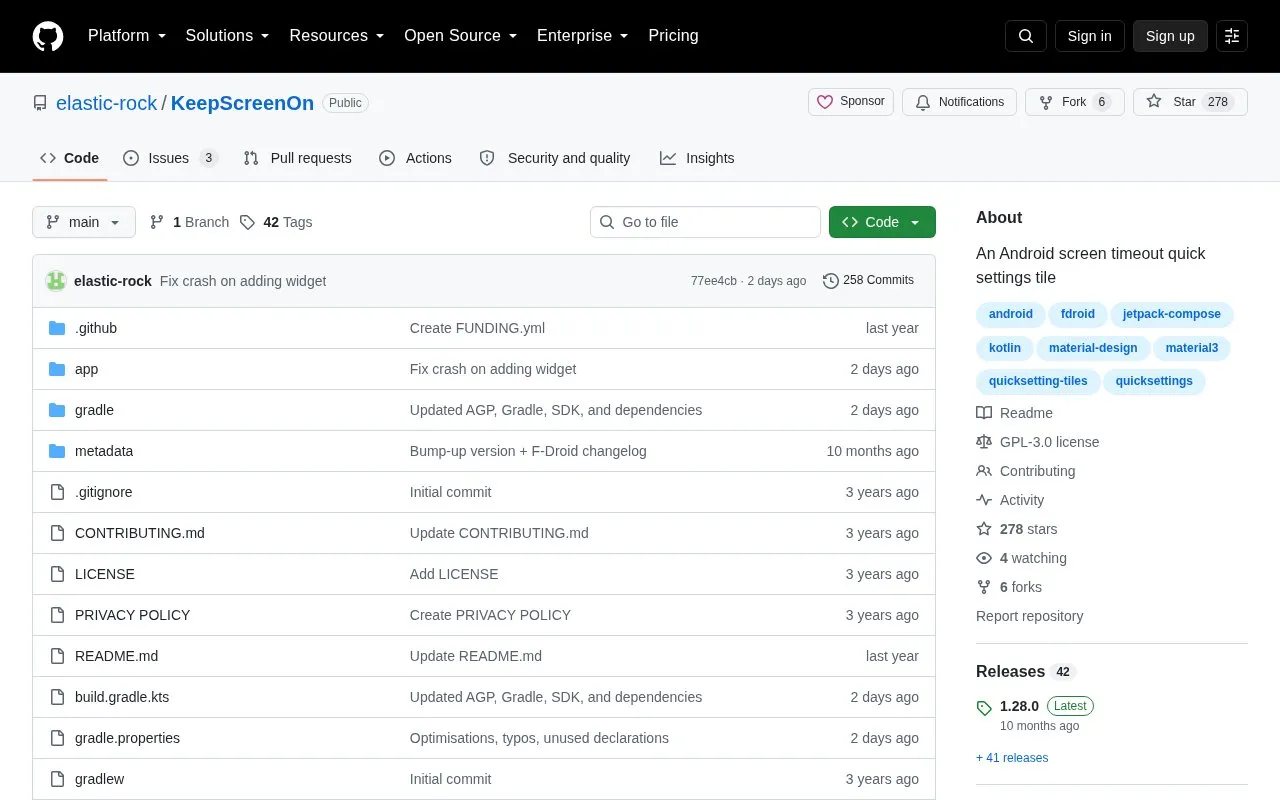
KeepScreenOn adds a Quick Settings tile for Android that disables screen timeout and later restores the previous value. It is useful for keeping the display on temporarily while viewing a website or document, or on devices without a never-timeout setting.
Pricing is not clearly stated.
Tools and sites you could use instead, ranked by how closely they match.
Quick-Tile-Settings adds configurable tiles to Android Quick Settings, providing shortcuts to controls through the system’s notification shade.
Caffeine adds a quick setting to keep an Android screen on without changing the system timeout each time.
Smartspacer adds customizable widgets to Android, with integrations that can surface contextual information on the home screen.
Tweaker exposes hidden Android SystemUI settings, letting users view and modify available interface options.
NotificationDictionary displays the meaning of selected words as Android notifications, giving users a quick way to consult definitions while using other apps.
Geto applies device settings to selected apps on Android, according to its project description.
Well-known listings from the same topic.
Tell us and an editor will check it.
Claim the listing and suggest updates yourself. An editor checks every claim first.


