

Klippy
Klippy provides browser video editing with AI captions, real-time effects, and quick export; its site says files stay on the user’s computer.
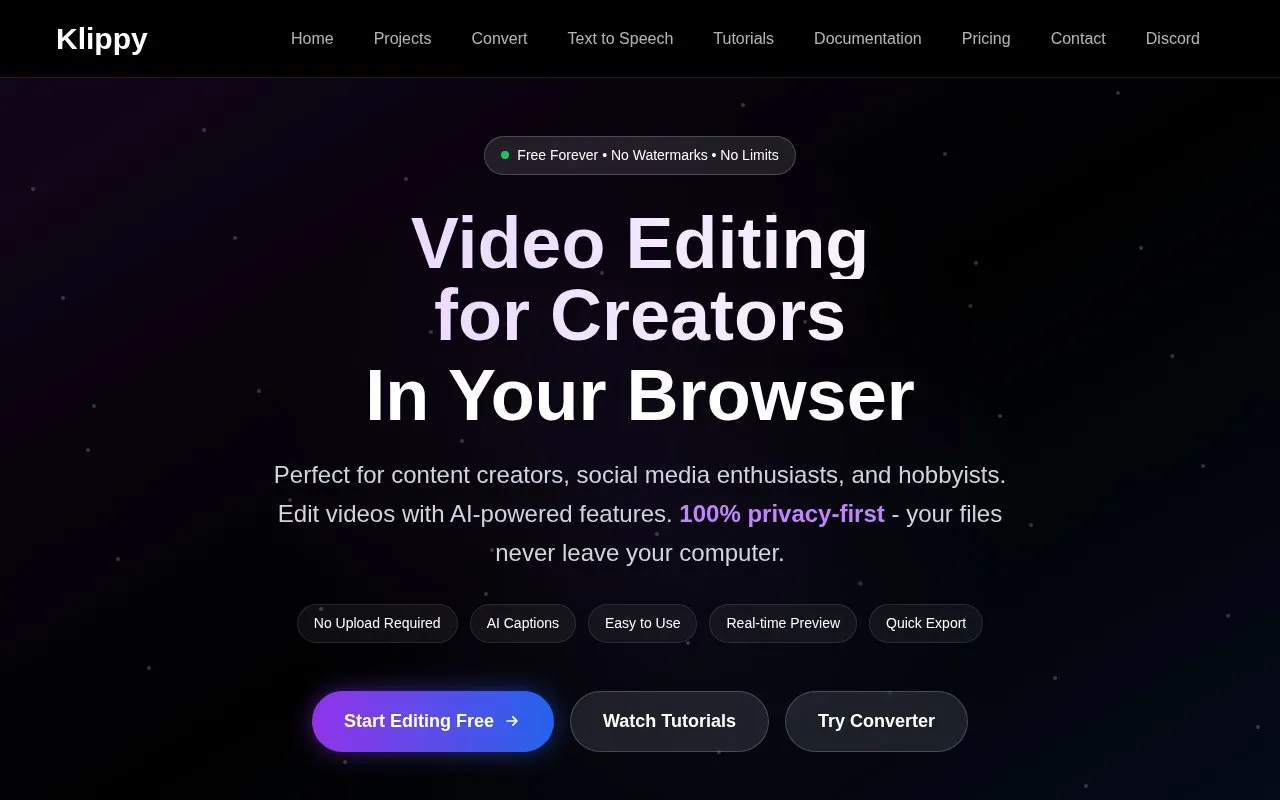
About Klippy
Klippy is a free, browser-based video editor for hobbyists and content creators. Its homepage describes a multi-track timeline with frame-by-frame editing, AI-generated captions, transitions and color grading, and export to MP4, WebM, or GIF with presets for social media platforms. The site says the editor is free, requires no sign-up, and adds no watermarks to exports.
According to the homepage, processing happens in the browser and files stay on the user's computer, and projects are saved locally in the browser. The site also says no upload is required. The homepage does not describe how AI transcription is performed. The editor is described as optimized for desktop browsers, with mobile support limited to viewing and basic edits.
Key features
- Multi-track timeline described as supporting unlimited video, audio, and text tracks
- Frame-by-frame editing with snap-to-grid alignment and zoom controls
- AI transcription that generates captions with word-level timing
- Caption styles and animation presets, exported as burned-in or separate files
- Transitions, filters, color grading, and motion graphics
- Export to MP4, WebM, or GIF with platform-specific presets
Best for: Hobbyists and content creators who want a free, browser-based editor for desktop video editing and captioning.
Good for
- The site states the editor is free, with no sign-up or account needed
- The site states exports have no watermarks
- Projects are saved locally in the browser, according to the homepage
Watch out for
- The editor is described as optimized for desktop browsers, with mobile support limited to viewing and basic edits
Klippy at a glance
- Website
- klippy.pro
- Category
- Design & Creative › Video Editing & Animation
- Type
- Online tool
- Pricing
- Free
- Platforms
- Web
- Open source
- Not stated
- Language
- English
- Good for
- Creators
- Last checked
- Oct 6, 2026 · Online when checked
- Listed
- Oct 5, 2026
Guides for Video Editing & Animation

Klippy alternatives
Tools and sites you could use instead, ranked by how closely they match.

Roll creates remote videos using a phone, then supports effects, editing, and publishing through its AI video studio.

FreeCut edits video in a browser with multi-track editing, keyframe animations, real-time preview, and export options.
Open source
24 alternatives
Tooscut offers browser video editing with GPU compositing, keyframe animation, and real-time preview, without installation.

Cavalry offers free 2D animation and motion graphics software for Mac and Windows, with real-time and data-driven workflows.
Free
14 alternativesBroadcast Box streams video in real time using video codecs and WebRTC, according to its product description.
Create real-time 3D visualizations with Twinmotion for presenting architectural and design spaces.
Popular in Video Editing & Animation
Well-known listings from the same topic.
Animakeranimaker.com8mb.video8mb.videoCuttrcuttr.inASM Lessonsgithub.com/FFmpeg/asm-lessonsVideo Cuttervideo-cutter-js.comMotionPlacesmotionplaces.com


Klippy FAQ
Does Klippy require an account?
No. The homepage says no account is needed and projects are saved locally in the browser.
Are my video files uploaded?
The homepage says no upload is required and that all processing happens in the browser, with files staying on the user's computer. The site does not describe how AI transcription is performed.
Does Klippy work on mobile devices?
The homepage says Klippy is optimized for desktop browsers and that mobile support is available for viewing and basic edits.
Is something wrong or out of date?
Tell us and an editor will check it.
Own this website?
Claim this listing
Claim the listing and suggest updates yourself. An editor checks every claim first.