

Freecut
FreeCut edits video in a browser with multi-track editing, keyframe animations, real-time preview, and export options.
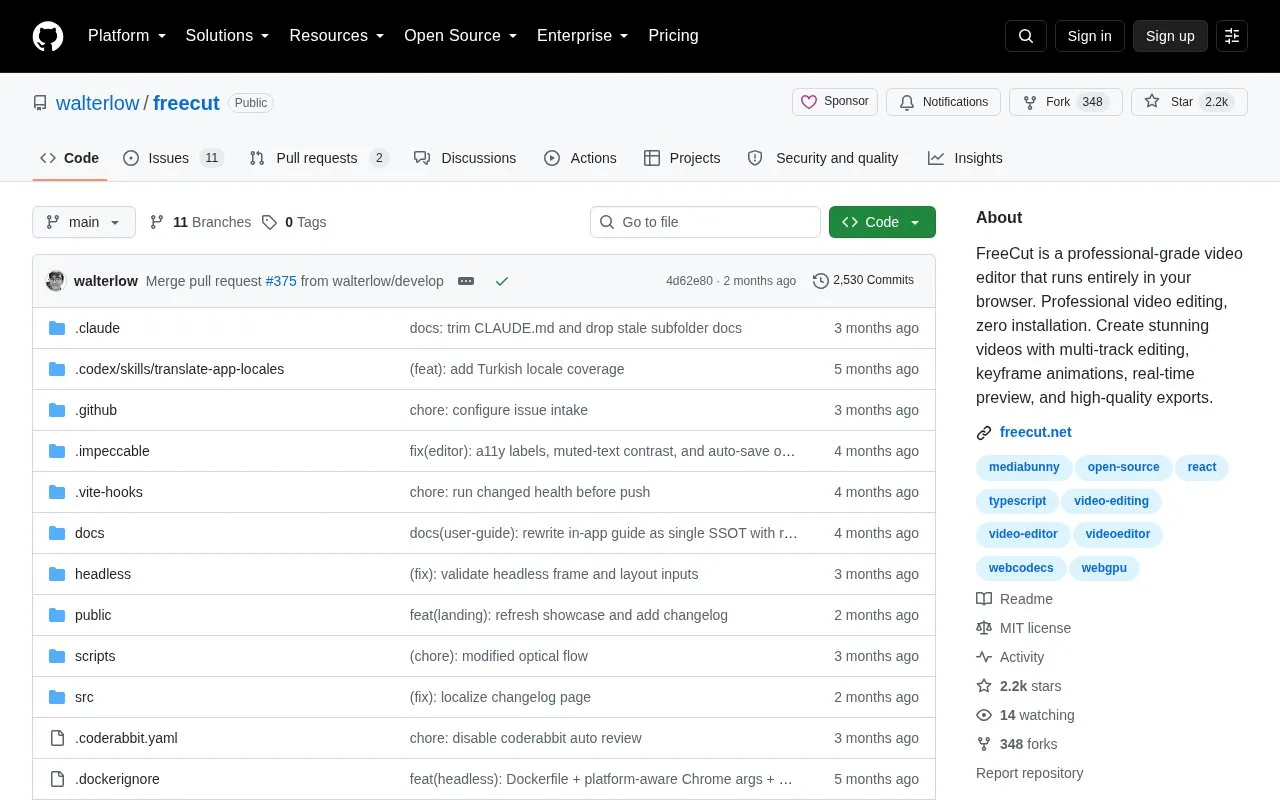
About Freecut
FreeCut is a browser-based, multi-track video editor that runs without installation. Editing, preview, analysis, transcription, AI generation and export run in the browser using WebGPU, WebCodecs, Web Workers, OPFS and the File System Access API.
There are no uploads; projects and media stay local. Projects, media metadata, thumbnails, waveforms, transcripts, scene cuts and caches are written as plain files to a workspace folder chosen by the user.
Key features
- Multi-track timeline with video, audio, text, image, shape, mask and Lottie items
- Multiple tabbed sequences per project linked to compound clips
- Linked audio-video tools for split, join, ripple, slip, slide and rate-stretch
- Real-time preview with transform, crop, corner-pin and mask gizmos
- GPU color scopes for waveform, vectorscope and histogram
- Chroma key with tolerance, softness and spill suppression
Best for: People who want to edit multi-track video in a browser while keeping project files local.
Good for
- No installation and no uploads; projects and media stay local
- Project data, transcripts, thumbnails and caches stored as plain files in a user-chosen folder
- Open-source repository with timeline, audio and effects code available
Freecut at a glance
- Website
- github.com/walterlow/freecut
- Category
- Design & Creative › Video Editing & Animation
- Type
- Open-source project
- Pricing
- Not confirmed. Check the site
- Open source
- Yes · Source code
- Language
- English
- Last checked
- Oct 5, 2026 · Online when checked
- Listed
- Oct 5, 2026
Guides for Video Editing & Animation

Freecut alternatives
Tools and sites you could use instead, ranked by how closely they match.

Tooscut offers browser video editing with GPU compositing, keyframe animation, and real-time preview, without installation.

Real-time motion graphics can be created using TiXL, an open-source software project.
Open source
24 alternatives
TiXL creates real-time motion graphics, with its repository describing open-source software for motion design.
Open source
24 alternatives
vidcutter cuts and joins video files in a multi-platform desktop application.
Open source
24 alternatives
MKV Muxing Batch GUI combines video, audio, subtitles, chapters, and attachments in MKV files with configurable options.
Open source
24 alternatives
Klippy provides browser video editing with AI captions, real-time effects, and quick export; its site says files stay on the user’s computer.
Free
11 alternativesPopular in Video Editing & Animation
Well-known listings from the same topic.
Animakeranimaker.com8mb.video8mb.videoCuttrcuttr.inASM Lessonsgithub.com/FFmpeg/asm-lessonsVideo Cuttervideo-cutter-js.comMotionPlacesmotionplaces.com


Is something wrong or out of date?
Tell us and an editor will check it.
Own this website?
Claim this listing
Claim the listing and suggest updates yourself. An editor checks every claim first.