

AnimeEffects
Create 2D animations with AnimeEffects, available for Windows, macOS and Linux.
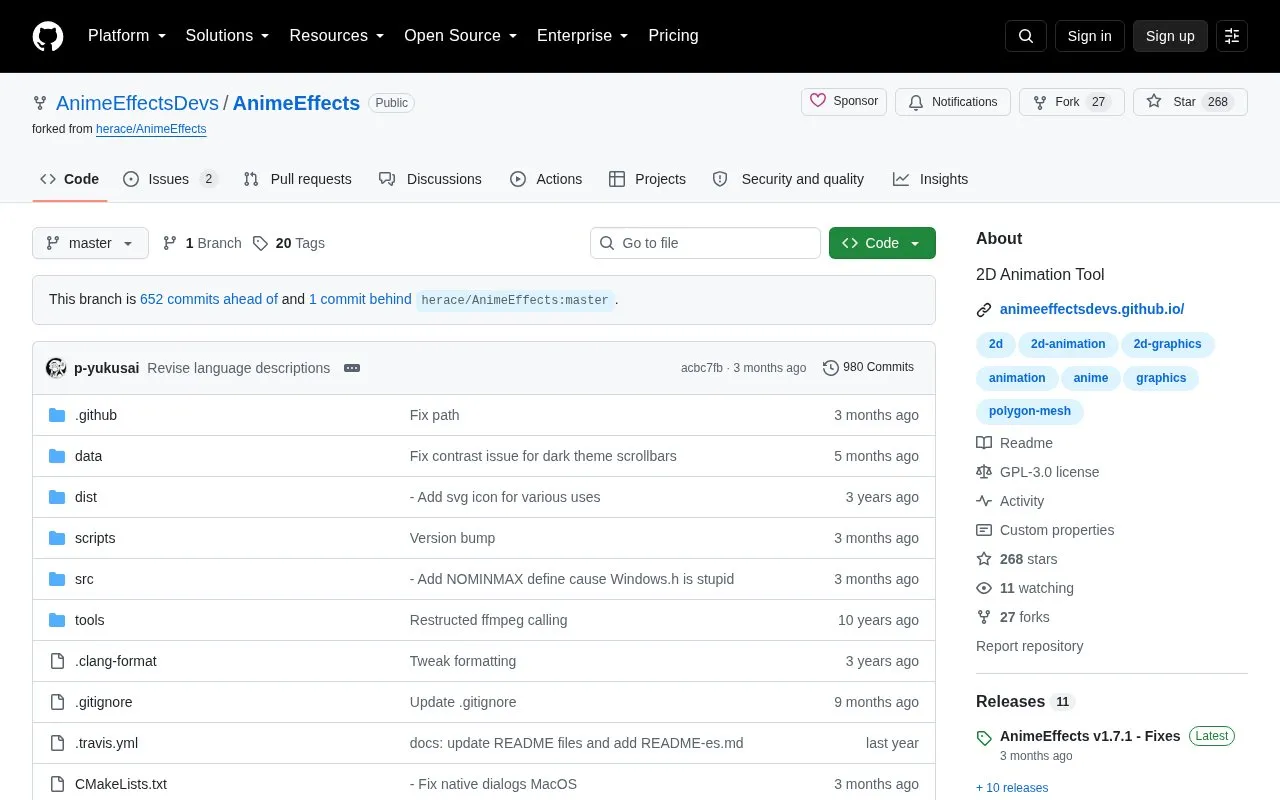
About AnimeEffects
AnimeEffects is an open-source 2D animation tool that uses functions based on the deformation of polygon meshes. It is developed and maintained by its community and provides stable, unstable, and nightly builds for Windows, macOS, and Linux, with in-app notification of new stable releases.
It requires a 64-bit CPU, 4 GB RAM, and a GPU with OpenGL 4.0 or higher support, plus a separate FFmpeg installation for video exporting. Tested targets are Windows 11 or newer, Ubuntu LTS or comparable distributions, and macOS 15 or newer, and future releases may include incompatible changes.
Key features
- Create 2D animation with polygon mesh deformation tools
- Export video when FFmpeg is installed separately
- Download stable, unstable, and nightly builds
- Notifies users when new stable releases are available
- Works on Windows 11+, Ubuntu LTS, and macOS 15+
- Community-maintained open-source codebase
Best for: Best for creators who want to make 2D animations with polygon mesh deformation on desktop.
Good for
- Available for Windows, macOS, and Linux
- Open-source and community-maintained
- Offers stable, unstable, and nightly builds
Watch out for
- Video exporting requires separate FFmpeg setup
- Requires 64-bit CPU, 4 GB RAM, and OpenGL 4.0 support
- Future releases may include incompatible changes
AnimeEffects at a glance
- Category
- Design & Creative › Video Editing & Animation
- Type
- Open-source project
- Pricing
- Not confirmed. Check the site
- Platforms
- Linux, macOS, Windows
- Open source
- Yes · Source code
- Language
- English
- Last checked
- Oct 6, 2026 · Online when checked
- Listed
- Oct 5, 2026
Guides for Video Editing & Animation

AnimeEffects alternatives
Tools and sites you could use instead, ranked by how closely they match.

Create pixel graphics and sprite animations in Poxil, a desktop-focused web editor.
Open source
24 alternatives
Kdenlive's source repository contains a free, open-source video editor with multitrack editing, effects and transitions. The app is available for Linux, Windows and macOS.
FreeOpen source
24 alternatives
Create pixel art and sprite animations with Fizzy, an open-source editor for desktop platforms.
Open source
24 alternatives
Motion design for the web is supported by Theatre, an editor for creating animations.
Open source
24 alternatives
FreeCut edits video in a browser with multi-track editing, keyframe animations, real-time preview, and export options.
Open source
24 alternatives
PureMPV copies a playing video’s file path, timestamps, and crop coordinates for FFmpeg, with Linux and macOS support noted.
Open source
24 alternativesPopular in Video Editing & Animation
Well-known listings from the same topic.
Animakeranimaker.com8mb.video8mb.videoCuttrcuttr.inASM Lessonsgithub.com/FFmpeg/asm-lessonsVideo Cuttervideo-cutter-js.comMotionPlacesmotionplaces.com


AnimeEffects FAQ
What is needed to export video?
FFmpeg is necessary for video exporting. It can be placed on the system path or copied to a "/tools" folder alongside the executable.
What are the system requirements?
A 64-bit CPU, 4 GB RAM, and a GPU or iGPU with support for OpenGL 4.0 or higher.
Which OS versions are tested and released?
Windows 11 or newer, Ubuntu LTS or comparable distributions, and macOS 15 or newer. Older versions may work but are not supported.
Is something wrong or out of date?
Tell us and an editor will check it.
Own this website?
Claim this listing
Claim the listing and suggest updates yourself. An editor checks every claim first.