

PureMPV
PureMPV copies a playing video’s file path, timestamps, and crop coordinates for FFmpeg, with Linux and macOS support noted.
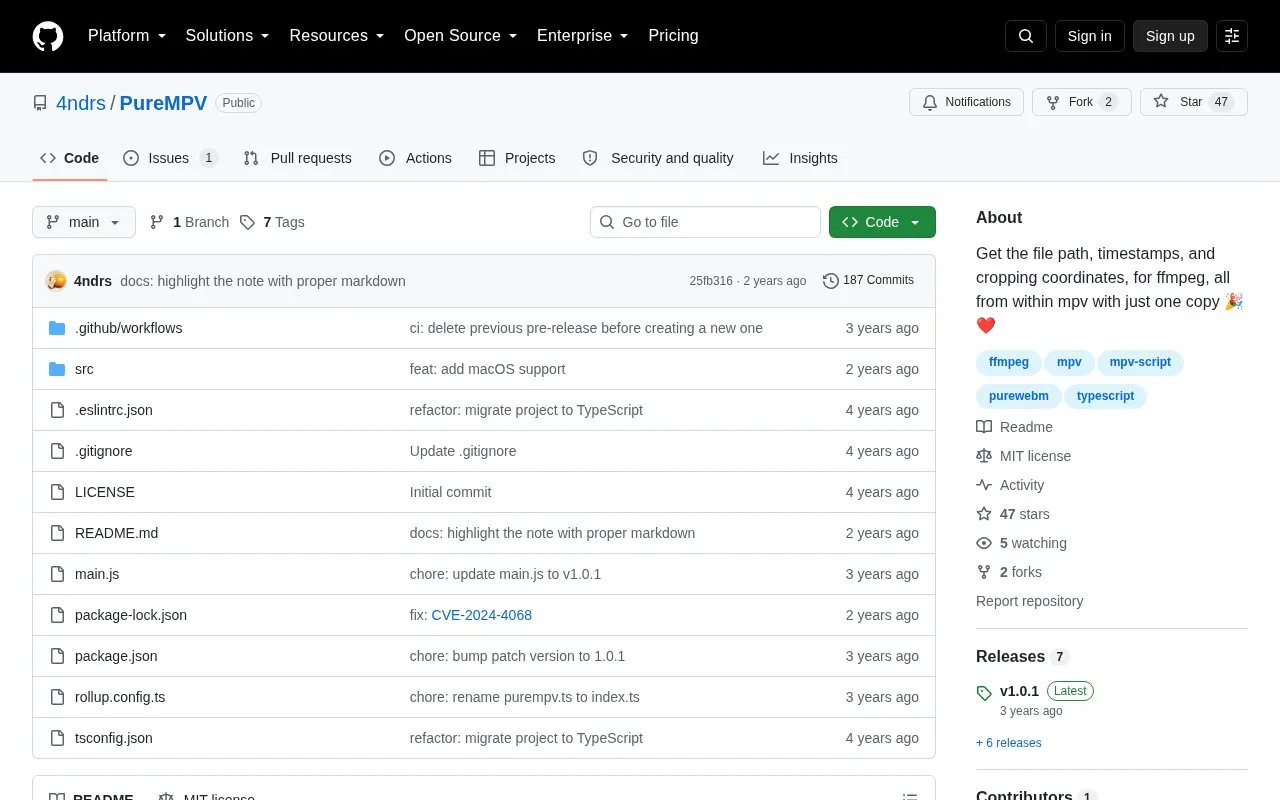
About PureMPV
PureMPV is an mpv script that copies the file path, timestamps, and cropping coordinates of the playing video formatted for use with FFmpeg. In its default PureMode it combines selected values into a command string when the file-path key is pressed, or copies each value immediately when PureMode is turned off. It supports Linux and macOS and depends on xclip or wl-clipboard on Linux and pbcopy on macOS. Installation requires placing the files in the mpv scripts folder, with optional settings in PureMPV.conf.
Key features
- Copy start and end timestamps with Ctrl+E
- Copy end-only timestamp with Ctrl+Shift+E
- Generate crop coordinates with mouse and C key
- Output FFmpeg-formatted command string on Ctrl+W
- Preview selected parameters with Ctrl+Shift+W in PureMode
- Share timestamps and cropbox via mpv user-data property
Best for: People who use mpv on Linux or macOS and build FFmpeg commands from playing videos.
Good for
- Outputs file path, timestamps and crop values formatted for FFmpeg
- Supports copying values individually or as a combined command
- Exposes timestamps and cropbox to other mpv scripts
Watch out for
- Supports only Linux and macOS
- Requires xclip or wl-clipboard on Linux or pbcopy on macOS
- Requires manual installation into the mpv scripts folder
PureMPV at a glance
- Website
- github.com/4ndrs/PureMPV
- Category
- Design & Creative › Video Editing & Animation
- Type
- Open-source project
- Pricing
- Not confirmed. Check the site
- Platforms
- Linux, macOS
- Open source
- Yes · Source code
- Language
- English
- Last checked
- Oct 6, 2026 · Online when checked
- Listed
- Oct 5, 2026
Guides for Video Editing & Animation

PureMPV alternatives
Tools and sites you could use instead, ranked by how closely they match.

For broken MP4 files, MP4Recover provides a web recovery tool using FFmpeg, MP4Box, and other utilities.
Open source
24 alternatives
FFmpeg Static Auto-Builds provides Windows and Linux builds of FFmpeg, with target platform and runtime requirements listed in its repository.
Open source
24 alternatives
ffmpeg-web provides web and desktop interfaces for converting video, audio, and images with FFmpeg or ffmpeg.wasm.
Open source
24 alternatives
ffmpeg.wasm runs FFmpeg inside browsers through WebAssembly and JavaScript for video and audio recording, conversion, and streaming.
Open source
24 alternatives
This tutorial explains FFmpeg libav and media workflows including codecs, transmuxing, and transcoding, with several translations available.
Open source
24 alternatives
StaxRip provides a Windows encoding interface for video and audio tools including FFmpeg, x265, and MKVToolNix.
FreeOpen source
24 alternativesPopular in Video Editing & Animation
Well-known listings from the same topic.
Animakeranimaker.com8mb.video8mb.videoASM Lessonsgithub.com/FFmpeg/asm-lessonsCuttrcuttr.inVideo Cuttervideo-cutter-js.comFreeMoCapfreemocap.org


PureMPV FAQ
How do I install PureMPV?
Clone the repository into ~/.config/mpv/scripts, or place the main.js file in that folder.
How do I copy an FFmpeg command?
Press Ctrl+E for start and end times and C for crop coordinates, then press Ctrl+W to copy the formatted string.
How do I copy values without FFmpeg formatting?
Create PureMPV.conf with pure_mode=no to copy each value immediately when its key is pressed.
Is something wrong or out of date?
Tell us and an editor will check it.
Own this website?
Claim this listing
Claim the listing and suggest updates yourself. An editor checks every claim first.