

Kdenlive
Kdenlive's source repository contains a free, open-source video editor with multitrack editing, effects and transitions. The app is available for Linux, Windows and macOS.
About Kdenlive
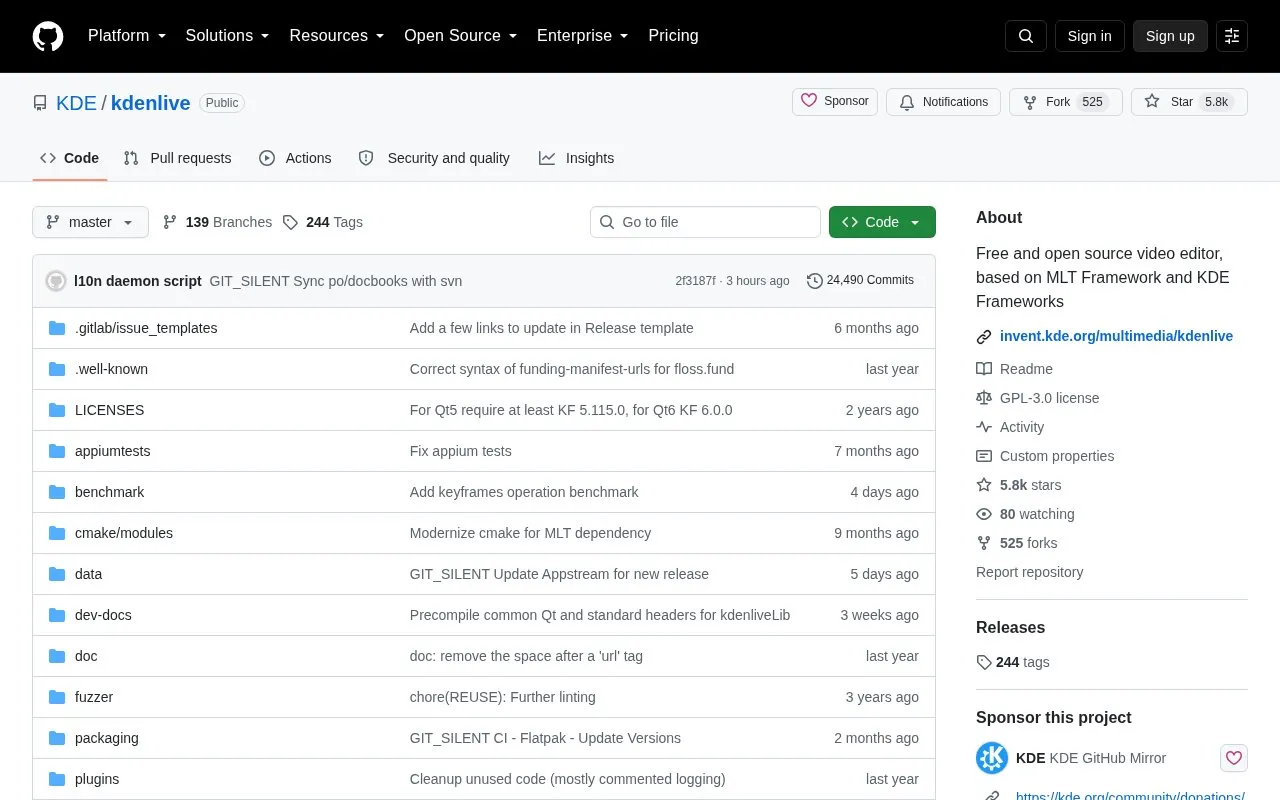
This listing opens KDE's GitHub mirror of Kdenlive, a free, open-source video editor available for Linux, Windows and macOS. The repository is useful for inspecting the code and finding developer guidance. Kdenlive's main development takes place on KDE Invent, where code contributions belong. People who want the editor can download a stable build from the official Kdenlive website; building the repository is a separate route for development.
The app provides a non-linear timeline for arranging video and audio, with bins for organising footage, titles, subtitles and transitions. Audio and video effects can be applied to individual clips or, where supported, across tracks and the final output. Keyframes change effect settings over time. For demanding footage, optional proxy clips let you edit reduced copies while Kdenlive uses the originals for the final render. Keep those originals available: a proxy is an editing aid rather than a replacement source. This combination suits projects that need several layers of footage and sound, with control over the edit.
Key features
- Arrange video and audio in a non-linear timeline
- Organise footage in project bins and nested sequences
- Apply effect stacks and animate settings with keyframes
- Add titles, subtitles and transitions
- Edit reduced proxy clips and render from the original footage
- Inspect source code through the official GitHub mirror
Best for: People assembling videos with multiple layers, titles and sound, plus developers who want to inspect Kdenlive's source.
Good for
- Free, open-source editor with desktop builds for several operating systems
- Proxy editing can reduce the load of working with large source clips
- Clip, track and output effects offer control at different levels of a project
Watch out for
- The GitHub destination is a mirror; code contributions go to KDE Invent
- Proxy editing still needs the original footage for a full-resolution render
Kdenlive at a glance
- Website
- github.com/KDE/kdenlive
- Category
- Design & Creative › Video Editing & Animation
- Type
- Open-source project
- Pricing
- Free
- Platforms
- Linux, macOS, Windows
- Details verified
- Oct 20, 2026 · Official source
- Open source
- Yes · Source code
- Language
- English
- Last checked
- Oct 5, 2026 · Online when checked
- Listed
- Oct 5, 2026
Guides for Video Editing & Animation

Kdenlive alternatives
Tools and sites you could use instead, ranked by how closely they match.

FFmpeg Static Auto-Builds provides Windows and Linux builds of FFmpeg, with target platform and runtime requirements listed in its repository.
Open source
24 alternatives
Edit and generate video clips with MoviePy, a Python library documented in its GitHub repository.
Open source
24 alternatives
TiXL creates real-time motion graphics, with its repository describing open-source software for motion design.
Open source
24 alternatives
VVCEasy provides prebuilt VVC encoder and player binaries for encoding and decoding video, according to its repository description.
Open source
24 alternatives
video-compare is a split-screen tool for comparing videos, with FFmpeg and SDL2 listed in its repository description.
Open source
24 alternatives
Video Duplicate Finder searches collections for duplicate videos, with a cross-platform project listed in its repository.
Open source
24 alternativesPopular in Video Editing & Animation
Well-known listings from the same topic.
Animakeranimaker.com8mb.video8mb.videoCuttrcuttr.inASM Lessonsgithub.com/FFmpeg/asm-lessonsVideo Cuttervideo-cutter-js.comMotionPlacesmotionplaces.com


Kdenlive FAQ
Should I download the GitHub repository to use Kdenlive?
Use the stable app downloads on Kdenlive's official website for normal editing. The repository provides source code and developer information.
Do proxy clips reduce the final video resolution?
Kdenlive uses reduced clips for editing and substitutes the original footage during rendering. Keep the originals available for the final output.
Where should I submit a Kdenlive code contribution?
Submit it through KDE Invent. The project maintains this GitHub repository as a mirror.
Is something wrong or out of date?
Tell us and an editor will check it.
Own this website?
Claim this listing
Claim the listing and suggest updates yourself. An editor checks every claim first.