

Broadcast Box
Broadcast Box provides a self-hostable broadcast application, according to its repository description.
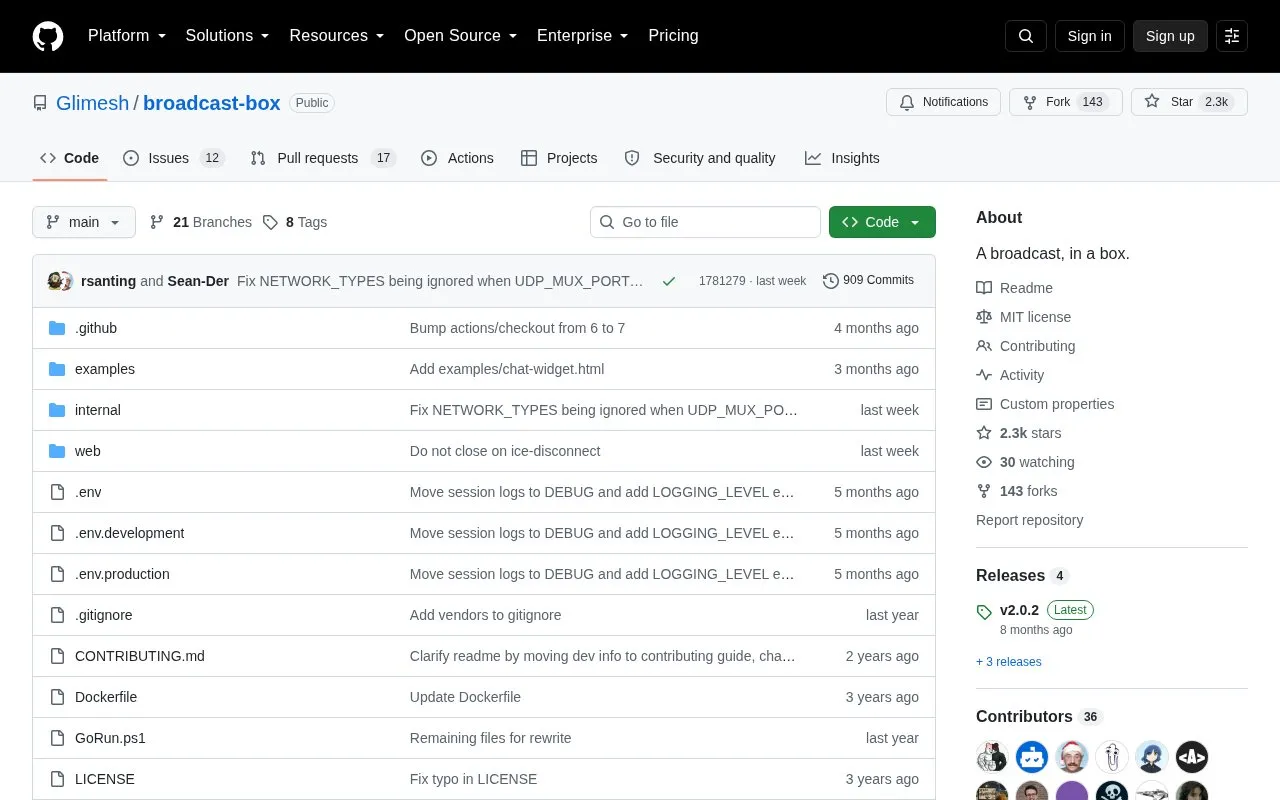
About Broadcast Box
Broadcast Box is a self-hostable application for broadcasting and screen-sharing over WebRTC in sub-second time. It accepts input from OBS via WHIP, from a browser page that captures screen or webcam, and from FFmpeg and GStreamer, using the same stream key for publishing and playback.
A public instance is hosted at b.siobud.com, and it can also be run locally. Playback is by stream-key URL with multi-view and cinema-mode options. FFmpeg WHIP input is limited to H.264 video and Opus audio, and OBS defaults to about 2 seconds of latency unless configured for low latency.
Key features
- Stream from OBS using WHIP with a custom stream key
- Publish screen or webcam directly from browser publish page
- Watch by stream-key URL with multi-stream viewing support
- Open player in chrome-free layout with cinemaMode parameter
- Broadcast with FFmpeg using H.264 video and Opus audio
- Run locally using Docker, Docker Compose or source build
Best for: People who want to self-host low-latency WebRTC broadcasts or screen-shares for friends.
Good for
- Open-source repository that can be run locally
- Supports OBS, browser, FFmpeg and GStreamer publishing methods
- Observed 120 millisecond latency example for OBS to player playback
Watch out for
- OBS defaults to about 2 seconds of latency without x264 zerolatency configuration
- FFmpeg WHIP input only supports H.264 video and Opus audio
- GStreamer use expects gstreamer-1.0 with good, bad, ugly plugins and gst-plugins-rs
Broadcast Box at a glance
- Category
- Design & Creative › Video Editing & Animation
- Type
- Open-source project
- Pricing
- Not confirmed. Check the site
- Open source
- Yes · Source code
- Language
- English
- Last checked
- Oct 6, 2026 · Online when checked
- Listed
- Oct 5, 2026
Guides for Video Editing & Animation

Broadcast Box alternatives
Tools and sites you could use instead, ranked by how closely they match.

VVCEasy provides prebuilt VVC encoder and player binaries for encoding and decoding video, according to its repository description.
Open source
24 alternatives
video-compare is a split-screen tool for comparing videos, with FFmpeg and SDL2 listed in its repository description.
Open source
24 alternatives
Kdenlive's source repository contains a free, open-source video editor with multitrack editing, effects and transitions. The app is available for Linux, Windows and macOS.
FreeOpen source
24 alternatives
FFmpeg Static Auto-Builds provides Windows and Linux builds of FFmpeg, with target platform and runtime requirements listed in its repository.
Open source
24 alternatives
Edit and generate video clips with MoviePy, a Python library documented in its GitHub repository.
Open source
24 alternatives
Video Duplicate Finder searches collections for duplicate videos, with a cross-platform project listed in its repository.
Open source
24 alternativesPopular in Video Editing & Animation
Well-known listings from the same topic.
Animakeranimaker.com8mb.video8mb.videoCuttrcuttr.inASM Lessonsgithub.com/FFmpeg/asm-lessonsVideo Cuttervideo-cutter-js.comMotionPlacesmotionplaces.com


Broadcast Box FAQ
How do I broadcast with OBS?
Set Service to WHIP, Server to https://b.siobud.com/api/whip, and Stream Key to any key you like, then press Start Streaming. The same key is used for playback.
How do I publish from a browser?
Open /publish/, for example https://b.siobud.com/publish/StreamTest. You can capture screen or webcam, and the same stream key is used for playback.
How do I watch a stream?
Open https://b.siobud.com/, such as https://b.siobud.com/StreamTest, or enter the key on the home page. Use the Add Stream button for multi-view and ?cinemaMode=true for a chrome-free layout.
Is something wrong or out of date?
Tell us and an editor will check it.
Own this website?
Claim this listing
Claim the listing and suggest updates yourself. An editor checks every claim first.