

Video Compare
video-compare is a split-screen tool for comparing videos, with FFmpeg and SDL2 listed in its repository description.
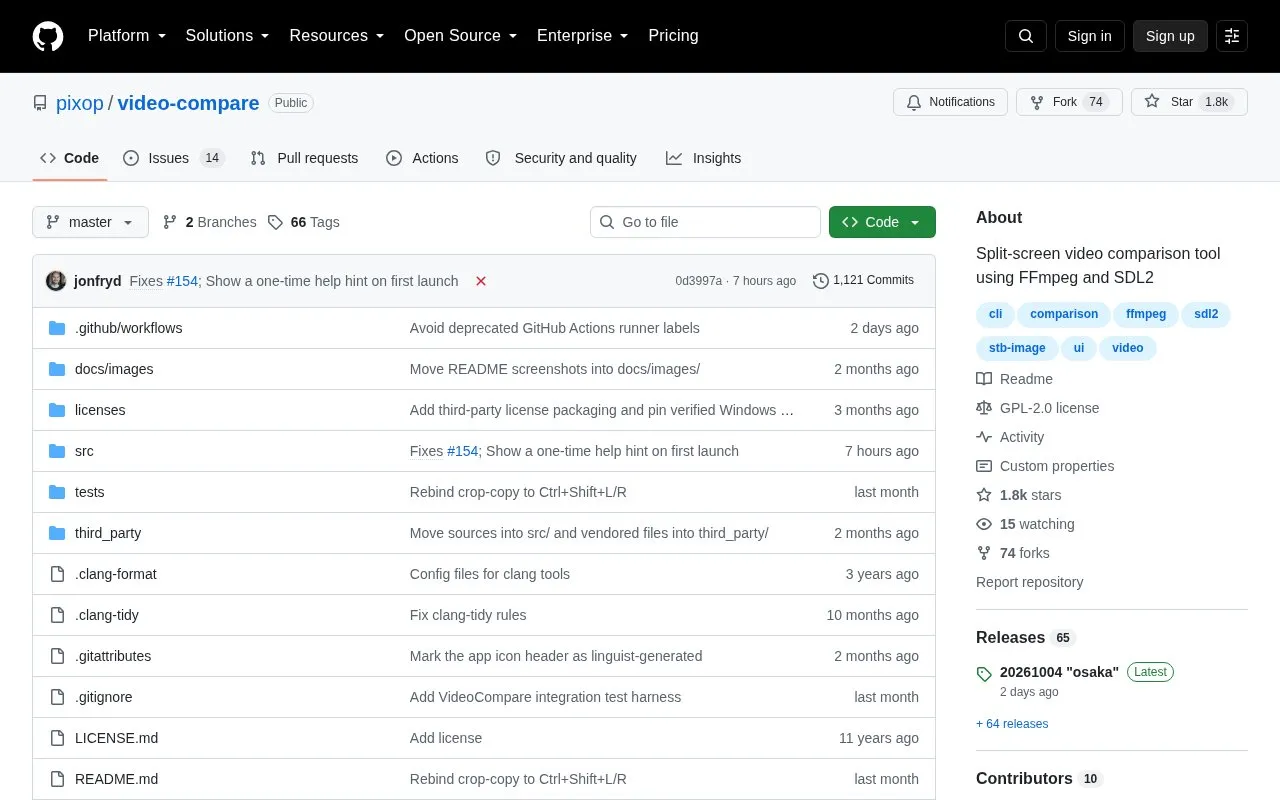
About Video Compare
Video Compare is a split-screen tool written in C++14 using FFmpeg libraries and SDL2. It plays two video files in sync to show the effect of codecs, resizing algorithms, and other modifications, and it can also compare images or image sequences. It accepts inputs with different resolutions, frame rates, scanning methods, color formats, dynamic ranges, input protocols, container formats, codecs, or durations. It provides interactive navigation and playback controls, analysis modes such as subtraction view, and options for stacking, timing offset, zoom, window size, and color depth.
Key features
- Play two videos in sync in split-screen view
- Handle inputs with differing resolution, frame rate, codec, and duration
- Compare images or image sequences through FFmpeg
- Show subtraction mode with time-shift, zoom, and magnification
- Stack videos vertically or horizontally without slider
- Offset timestamps and loop playback for analysis
Best for: People comparing two videos or image sets to check processing, codec, or resizing differences.
Good for
- Open-source repository that can be built from source
- Supports many mismatched input properties in one comparison
- Available through AUR and Homebrew plus Windows prebuilt binaries
Watch out for
- Standard Homebrew FFmpeg is minimal; broader support needs ffmpeg-full
- 10-bit color mode increases fidelity but reduces performance
Video Compare at a glance
- Category
- Design & Creative › Video Editing & Animation
- Type
- Open-source project
- Pricing
- Not confirmed. Check the site
- Open source
- Yes · Source code
- Language
- English
- Last checked
- Oct 6, 2026 · Online when checked
- Listed
- Oct 5, 2026
Guides for Video Editing & Animation

Video Compare alternatives
Tools and sites you could use instead, ranked by how closely they match.

FFmpeg Static Auto-Builds provides Windows and Linux builds of FFmpeg, with target platform and runtime requirements listed in its repository.
Open source
24 alternatives
Video Duplicate Finder searches collections for duplicate videos, with a cross-platform project listed in its repository.
Open source
24 alternatives
NVIDIA ICAT compares images and videos in single or split-screen layouts, with a user guide available for download.

This hands-on guide introduces digital video concepts, codecs such as AV1 and H.265, and FFmpeg encoding, with translations listed.
Open source
24 alternatives
VVCEasy provides prebuilt VVC encoder and player binaries for encoding and decoding video, according to its repository description.
Open source
24 alternatives
Kdenlive's source repository contains a free, open-source video editor with multitrack editing, effects and transitions. The app is available for Linux, Windows and macOS.
FreeOpen source
24 alternativesPopular in Video Editing & Animation
Well-known listings from the same topic.
Animakeranimaker.com8mb.video8mb.videoCuttrcuttr.inASM Lessonsgithub.com/FFmpeg/asm-lessonsVideo Cuttervideo-cutter-js.comMotionPlacesmotionplaces.com


Video Compare FAQ
Can it compare videos that do not match?
Yes, it allows differing resolutions, frame rates, scanning methods, color formats, dynamic ranges, input protocols, container formats, codecs, or durations.
Can it compare images?
Yes, through FFmpeg support it can compare images or image sequences.
How can the same video be compared with itself?
Use double underscore __ as the second input placeholder to test time shift or filters without typing the path twice.
Is something wrong or out of date?
Tell us and an editor will check it.
Own this website?
Claim this listing
Claim the listing and suggest updates yourself. An editor checks every claim first.