

ICAT
NVIDIA ICAT compares images and videos in single or split-screen layouts, with a user guide available for download.
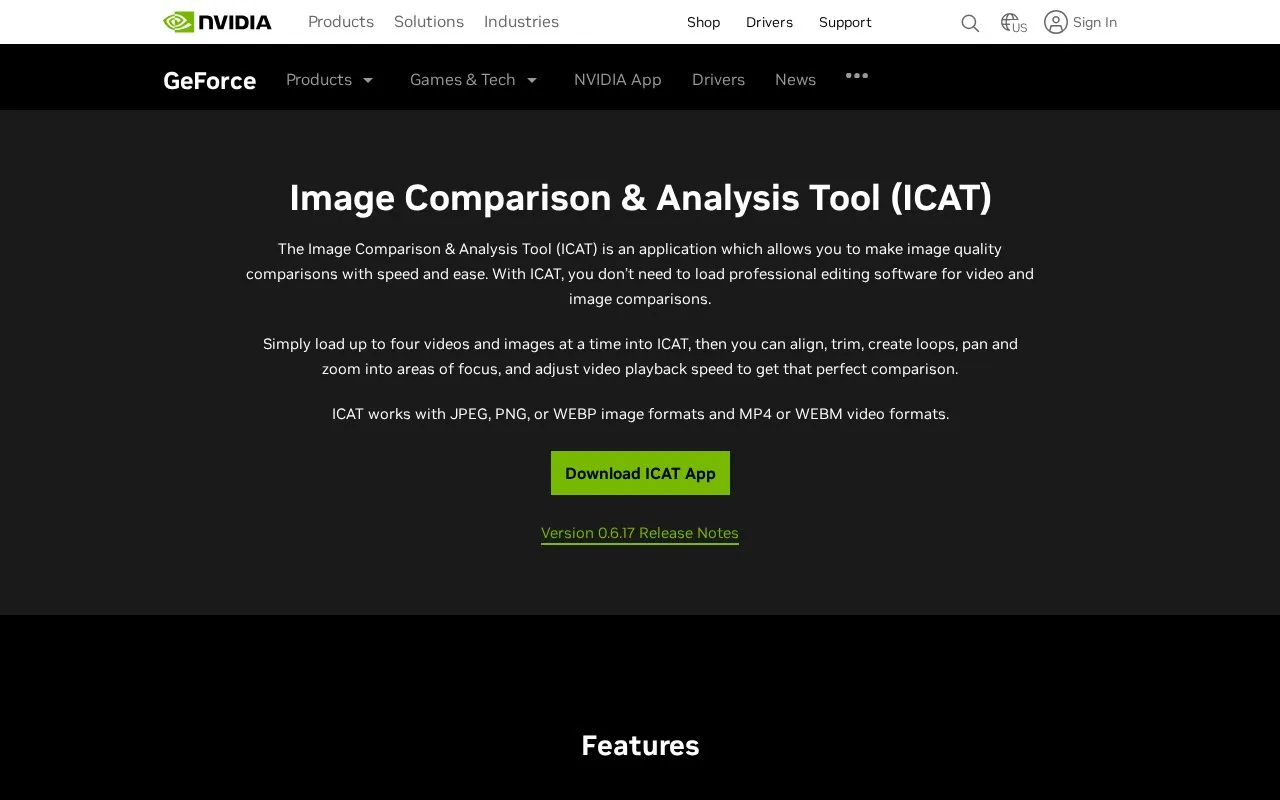
About ICAT
The NVIDIA Image Comparison & Analysis Tool (ICAT) is a web-based application designed for fast, easy visual media comparisons without requiring professional editing software. It is built for users who need to evaluate differences between image or video versions, such as quality testers, content creators, and video editors.
ICAT lets users load up to four images or videos at once, with tools to align, trim, create loops, adjust playback speed, and zoom or pan to focus on specific details. It offers two core viewing modes: split-screen for synchronized side-by-side comparison of multiple files, and single-screen overlay for direct A/B comparisons with an adjustable reveal slider. A downloadable user guide is available for new users.
Key features
- Supports simultaneous comparison of up to 4 images or videos
- Split-screen mode for synchronized side-by-side viewing of media
- Single-screen overlay mode with adjustable slider for A/B comparisons
- Built-in tools for zooming, panning, trimming, and looping content
- Compatible with JPEG, PNG, WEBP, MP4, and WEBM file formats
Best for: ICAT is best suited for video editors, content creators, and quality assurance professionals who need to compare visual media versions efficiently.
Good for
- No professional editing software required for comparisons
- Supports both image and video file comparisons
- Offers flexible viewing modes for different comparison needs
- Web-based for convenient access without heavy installation
Watch out for
- Limited support for only common image and video file formats
- Currently in early release (version 0.6.17) with potential stability gaps
ICAT at a glance
- Category
- Design & Creative › Video Editing & Animation
- Type
- Online tool
- Pricing
- Not confirmed. Check the site
- Platforms
- Web
- Open source
- Not stated
- Language
- English
- Last checked
- Oct 5, 2026 · Online when checked
- Listed
- Oct 5, 2026
Guides for Video Editing & Animation

ICAT alternatives
Tools and sites you could use instead, ranked by how closely they match.

video-compare is a split-screen tool for comparing videos, with FFmpeg and SDL2 listed in its repository description.
Open source
24 alternativesPopular in Video Editing & Animation
Well-known listings from the same topic.
Animakeranimaker.com8mb.video8mb.videoASM Lessonsgithub.com/FFmpeg/asm-lessonsCuttrcuttr.inVideo Cuttervideo-cutter-js.comMotionPlacesmotionplaces.com


ICAT FAQ
What file formats does ICAT support?
ICAT supports JPEG, PNG, and WEBP image files, as well as MP4 and WEBM video files.
Do I need professional editing software to use ICAT?
No, ICAT is designed to let you make image and video comparisons without loading professional editing software.
What comparison modes does ICAT offer?
ICAT has a split-screen mode for side-by-side viewing of up to four files, and a single-screen overlay mode for A/B comparisons of up to two files.
Is something wrong or out of date?
Tell us and an editor will check it.
Own this website?
Claim this listing
Claim the listing and suggest updates yourself. An editor checks every claim first.