

MKV Muxing Batch GUI
MKV Muxing Batch GUI combines video, audio, subtitles, chapters, and attachments in MKV files with configurable options.
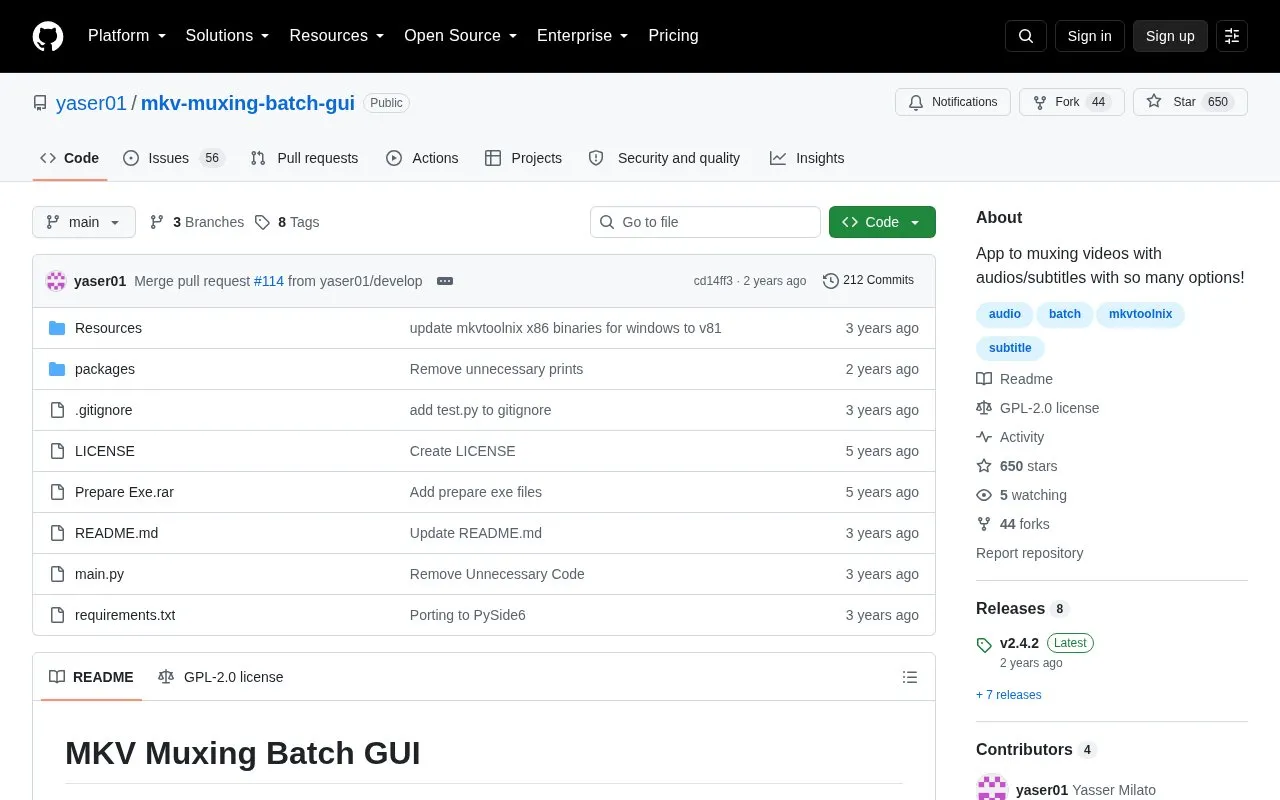
About MKV Muxing Batch GUI
MKV Muxing Batch GUI is an open-source application for muxing video files with audio, subtitles, chapters, and attachments into MKV files. It is available as a code repository on GitHub and is listed for Linux with Python requirements.
With the app, you can add multiple audio or subtitle files to each video, set track language, delay, name, and default or forced flags, and choose the position of new tracks. You can also add chapters and attachments, keep or discard existing audio and subtitle tracks by language or track ID, modify existing track properties and order, view media info for video files, and save a log file. Supported inputs include common video, audio, and subtitle formats such as MKV, MP4, MP3, FLAC, SRT, and ASS.
It suits Linux users who regularly combine separate video, audio, and subtitle files and want per-file and per-track settings for batch work.
Key features
- Add multiple audio and subtitle files to each video
- Set track language, delay, name, default and forced flags
- Reorder new audio, subtitle, and chapter files per video
- Keep or discard existing tracks by language or ID
- Add chapters and attachments to video files
- View media info and save muxing log file
Best for: Linux users who need to batch mux MKV files with separate audio, subtitles, chapters, and attachments.
Good for
- Open source with batch muxing options
- Individual settings for each audio and subtitle file
- Supports multiple video, audio, and subtitle extensions
Watch out for
- Listed for Linux and Python-based setup
- Empty destination folder can overwrite source videos
MKV Muxing Batch GUI at a glance
- Category
- Design & Creative › Video Editing & Animation
- Type
- Open-source project
- Pricing
- Not confirmed. Check the site
- Platforms
- Linux
- Open source
- Yes · Source code
- Language
- English
- Last checked
- Oct 5, 2026 · Online when checked
- Listed
- Oct 5, 2026
Guides for Video Editing & Animation

MKV Muxing Batch GUI alternatives
Tools and sites you could use instead, ranked by how closely they match.

Add configurable motion blur to video clips with Smoothie, a rewrite of the smoothie-rs video effect.
Open source
24 alternatives
Edit and generate video clips with MoviePy, a Python library documented in its GitHub repository.
Open source
24 alternatives
WebmGenerator cuts, filters, and joins WebM, MP4, and GIF files through a user interface and automation.
Open source
24 alternatives
sickbeard_mp4_automator converts video files to a standard format and adds metadata tags for a consistent media library.
Open source
24 alternatives
ComfyUI Video Stabilizer is a custom node package for stabilizing video, with several stabilization functions.
Open source
24 alternatives
TheAnimeScripter provides open-source tools for anime upscaling, frame interpolation, and restoration via CLI, standalone, or After Effects.
FreeOpen source
24 alternativesPopular in Video Editing & Animation
Well-known listings from the same topic.
Animakeranimaker.com8mb.video8mb.videoASM Lessonsgithub.com/FFmpeg/asm-lessonsCuttrcuttr.inVideo Cuttervideo-cutter-js.comMotionPlacesmotionplaces.com


MKV Muxing Batch GUI FAQ
What does MKV Muxing Batch GUI do?
It merges video files with audio, subtitles, chapters, and attachments into MKV files with per-track settings.
What platforms does it support?
The listing specifies Linux, with use via Python code and project files on GitHub.
What file formats are supported?
It lists video formats such as MKV, MP4 and MOV, audio formats such as MP3, FLAC and AAC, and subtitle formats such as SRT, ASS and VTT.
Is something wrong or out of date?
Tell us and an editor will check it.
Own this website?
Claim this listing
Claim the listing and suggest updates yourself. An editor checks every claim first.