

GUI
Run CorridorKey through a desktop interface with a live viewer, job queue and export options for EXR, ProRes and transparent PNG files.
About GUI
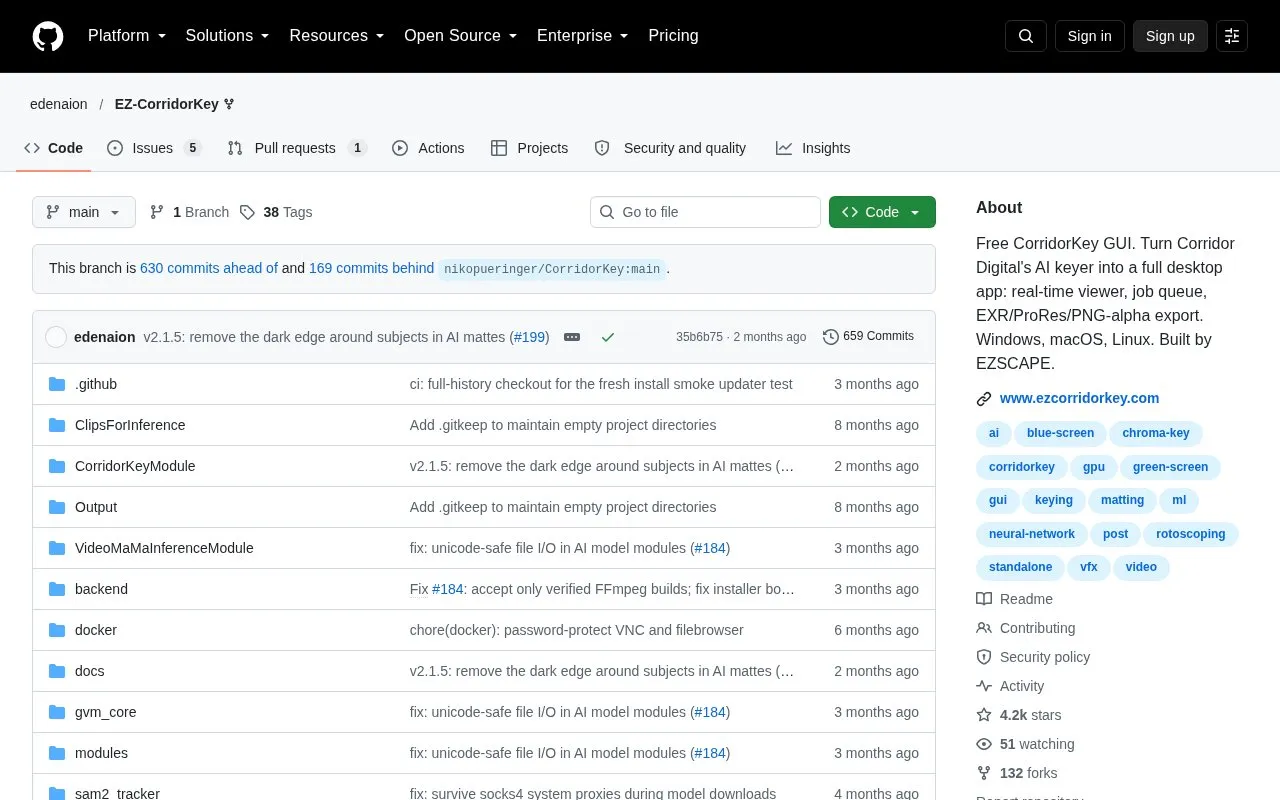
EZ-CorridorKey is a desktop graphical interface for CorridorKey, an AI chroma keyer created by Niko Pueringer and Corridor Digital that separates foreground from background. It replaces the original command-line drag-and-drop workflow with a desktop application that provides a real-time viewer showing input and output side by side, a job queue with batch processing, and export to EXR, ProRes and transparent PNG files. The project lists Windows, macOS and Linux as supported platforms.
The interface also includes a built-in brush for masks and chroma key holdout, several alpha generators (GVM, BiRefNet, VideoMaMa, MatAnyone2, Chroma Key, and Apple Vision on macOS), and a live VRAM meter. The original command-line workflow remains available through python main.py --cli. Hardware requirements such as VRAM and GPU are documented separately, and the homepage does not give specific figures.
Key features
- Real-time dual viewer showing input and output side by side
- Job queue with batch processing and a full pipeline mode
- Export to EXR, ProRes and transparent PNG files
- Built-in brush for masks and chroma key holdout
- Selectable alpha generators including GVM, BiRefNet and VideoMaMa
- Live VRAM meter and progress display with frame counter and ETA
Best for: People who want to run CorridorKey keying through a graphical desktop interface rather than the command line.
Good for
- Adds a graphical interface and job queue to the original command-line CorridorKey workflow
- Windows installer and portable exe bundle the Python runtime and models, so manual Python setup is not required
- Keeps the original command-line wizard available through python main.py --cli
Watch out for
- The native Mac app is still in production, and macOS users are directed to a v2.0.0 .pkg in the meantime
- Apple Vision and MLX acceleration apply only to macOS
- Specific hardware requirements such as VRAM and GPU are not stated on the homepage
GUI at a glance
- Category
- Design & Creative › Video Editing & Animation
- Type
- Open-source project
- Pricing
- Not confirmed. Check the site
- Platforms
- Linux, macOS, Windows
- Open source
- Not stated
- Language
- English
- Last checked
- Oct 6, 2026 · Online when checked
- Listed
- Oct 5, 2026
Guides for Video Editing & Animation

GUI alternatives
Tools and sites you could use instead, ranked by how closely they match.

MKV Muxing Batch GUI combines video, audio, subtitles, chapters, and attachments in MKV files with configurable options.
Open source
24 alternatives
WebmGenerator cuts, filters, and joins WebM, MP4, and GIF files through a user interface and automation.
Open source
24 alternatives
Use CorridorKey to create green screen keys for removing solid color backgrounds from video footage.

FastFlix provides a graphical interface for hardware and software encoding with H.264, HEVC, and AV1 codecs.
FreeOpen source
24 alternatives
Edit and generate video clips with MoviePy, a Python library documented in its GitHub repository.
Open source
24 alternatives
Apply an open-source VHS and NTSC video effect in a standalone app or plugins for After Effects, Premiere and OpenFX.
Popular in Video Editing & Animation
Well-known listings from the same topic.
Animakeranimaker.com8mb.video8mb.videoCuttrcuttr.inASM Lessonsgithub.com/FFmpeg/asm-lessonsVideo Cuttervideo-cutter-js.comMotionPlacesmotionplaces.com


GUI FAQ
Can I still use the original command-line workflow?
Yes. The project states that python main.py --cli still runs the original wizard.
Do I need to install Python myself?
For the Windows desktop installer, no. The installer includes the Python runtime, AI models and GPU libraries. The command-line install uses managed Python 3.11 when using the one-click path.
Where are the official downloads and install guide?
The project lists ezcorridorkey.com as the official site for the install guide and downloads.
Is something wrong or out of date?
Tell us and an editor will check it.
Own this website?
Claim this listing
Claim the listing and suggest updates yourself. An editor checks every claim first.