

CorridorKey
Use CorridorKey to create green screen keys for removing solid color backgrounds from video footage.
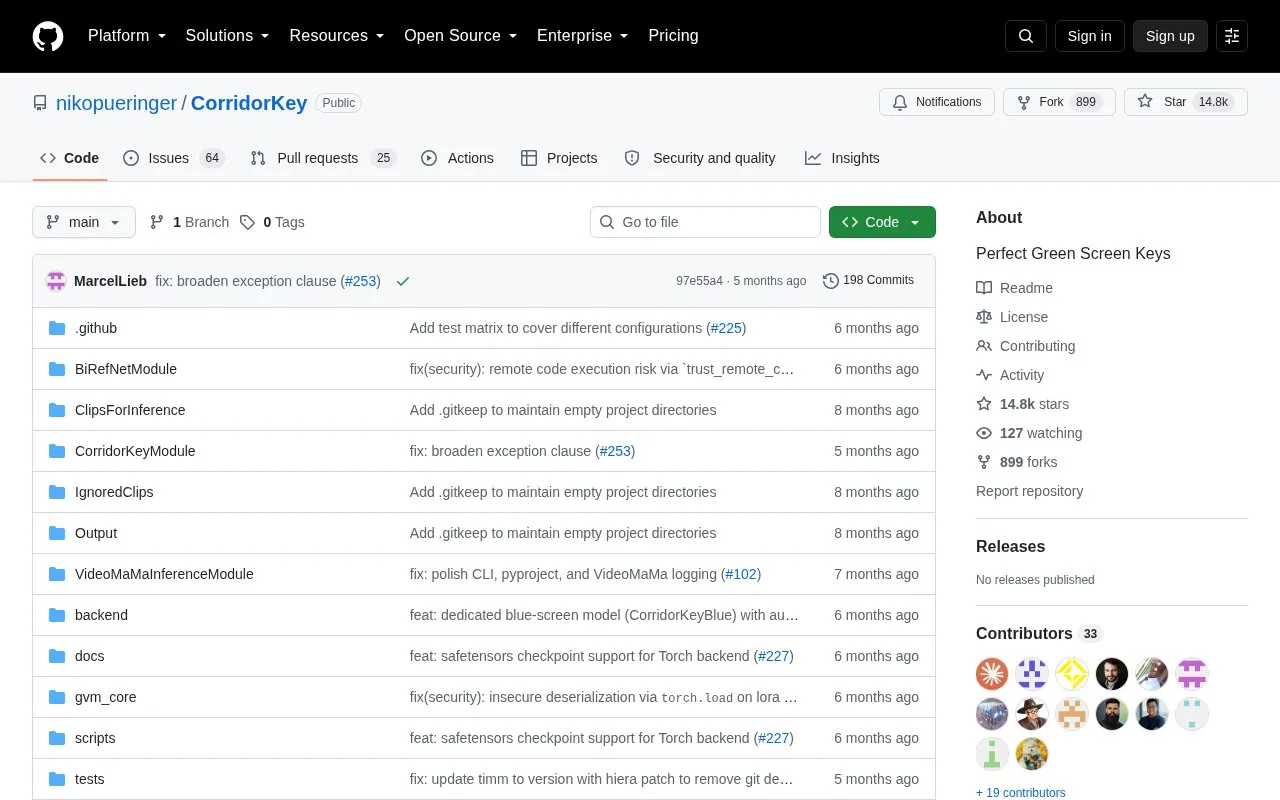
About CorridorKey
CorridorKey is a green screen keying tool distributed as a GitHub repository. It uses a neural network to separate a foreground subject from a solid color background, predicting the un-multiplied straight color of the foreground element and a clean linear alpha channel for every pixel, including semi-transparent areas such as motion blur and out-of-focus edges. It supports both green and blue screen plates.
Output is written as 16-bit and 32-bit linear float EXR files. Inference is resolution independent, scaling to handle 4K plates while predicting with a native 2048x2048 backbone. Install scripts are provided for Windows, Linux and macOS, and dependencies are managed with uv. The project is described by its author as a brand new release that has not been fully tested.
Key features
- Neural unmixing predicts un-multiplied straight foreground color plus linear alpha per pixel
- Dedicated checkpoints for green and blue screen plates, with despill for the shooting color
- Resolution-independent inference handles 4K plates using a native 2048x2048 backbone
- Reads and writes 16-bit and 32-bit linear float EXR files
- Automatic screen color detection from the first frame, or forced with a CLI flag
- Install scripts for Windows, Linux and macOS; dependencies managed with uv
Best for: Compositors and VFX developers working with green or blue screen footage who need refined edge mattes and true-color foreground extraction.
Good for
- Reconstructs the straight, un-multiplied foreground color rather than only producing a binary mask
- Preserves fine detail such as hair, motion blur and translucency in the alpha channel
- Native support for 16-bit and 32-bit linear float EXR output
Watch out for
- Described as a brand new release that the author has not tested exhaustively
- Blue screen support is limited to the Torch backend; the MLX path remains green-screen until a blue checkpoint ships
- Requires running install scripts and a Python environment, rather than a packaged application
CorridorKey at a glance
- Category
- Design & Creative › Video Editing & Animation
- Type
- Open-source project
- Pricing
- Not confirmed. Check the site
- Open source
- Not stated
- Language
- English
- Last checked
- Oct 6, 2026 · Online when checked
- Listed
- Oct 5, 2026
Guides for Video Editing & Animation

CorridorKey alternatives
Tools and sites you could use instead, ranked by how closely they match.

Run CorridorKey through a desktop interface with a live viewer, job queue and export options for EXR, ProRes and transparent PNG files.

OpenColorIO provides an open-source color management solution designed for motion picture production and visual effects.

MKV Muxing Batch GUI combines video, audio, subtitles, chapters, and attachments in MKV files with configurable options.
Open source
24 alternatives
sickbeard_mp4_automator converts video files to a standard format and adds metadata tags for a consistent media library.
Open source
24 alternatives
Apply an open-source VHS and NTSC video effect in a standalone app or plugins for After Effects, Premiere and OpenFX.

Edit and generate video clips with MoviePy, a Python library documented in its GitHub repository.
Open source
24 alternativesPopular in Video Editing & Animation
Well-known listings from the same topic.
Animakeranimaker.com8mb.video8mb.videoASM Lessonsgithub.com/FFmpeg/asm-lessonsCuttrcuttr.inVideo Cuttervideo-cutter-js.comMotionPlacesmotionplaces.com


CorridorKey FAQ
How does CorridorKey choose between green and blue screen?
By default it samples the first frame of the first clip in the batch and picks the dominant background color. You can pass --screen-color green or --screen-color blue to skip that heuristic and force the choice.
What output formats does it produce?
It natively reads and writes 16-bit and 32-bit linear float EXR files.
How is CorridorKey installed?
Run the install script for your operating system (Windows, Linux or macOS). The project uses uv to handle Python installation, virtual environments and packages.
Is something wrong or out of date?
Tell us and an editor will check it.
Own this website?
Claim this listing
Claim the listing and suggest updates yourself. An editor checks every claim first.