
poorcoder provides Bash scripts that connect web-based AI interfaces with a terminal coding workflow.
Open source
24 alternativesllama.cpp runs open models locally on a computer through the llama.cpp project.
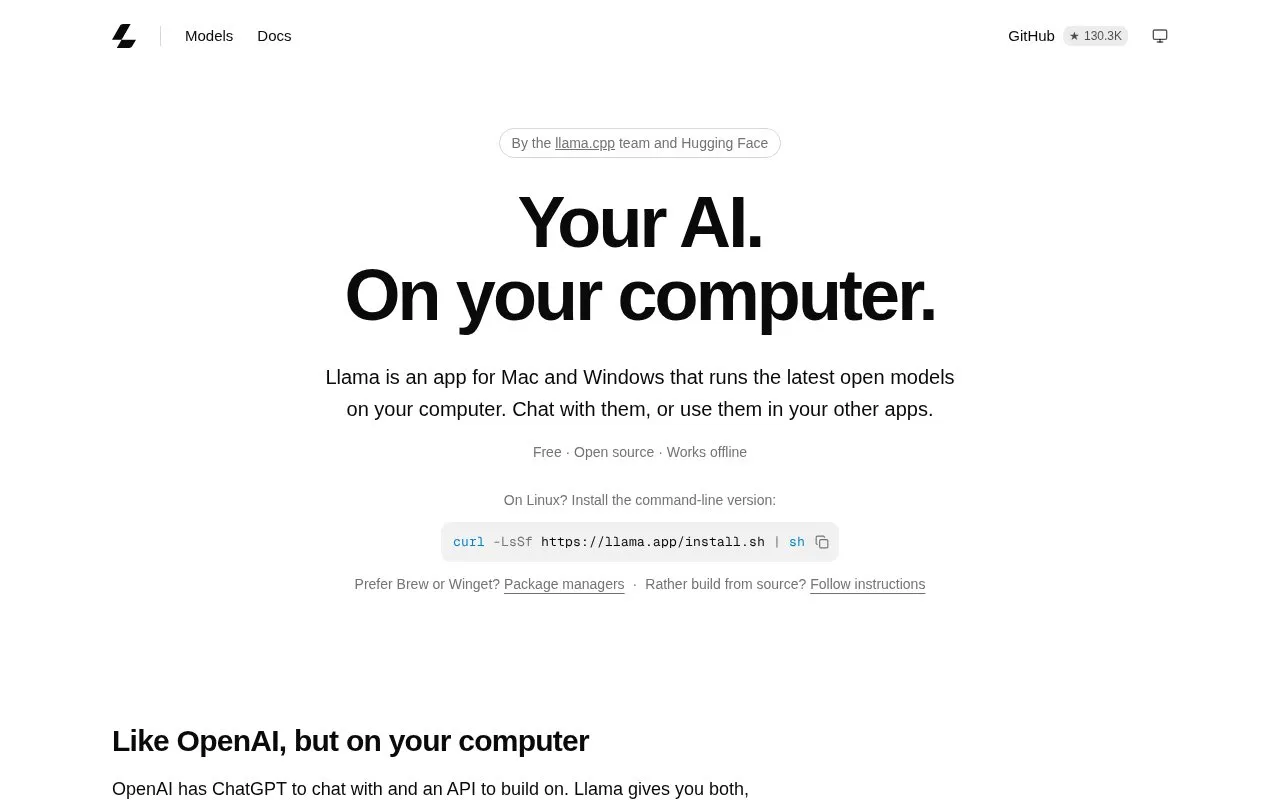
llama.cpp provides an app for Mac and Windows that runs open models on the computer. Users can chat with models in a browser through Open chat, or connect coding agents, editors, and scripts to a local API at localhost:9931/v1 that works with OpenAI-compatible tools. The app selects model settings based on the computer, stores each model once in the Hugging Face cache, and works offline. Linux is supported through a command-line install, and models load on request and unload after 5 minutes idle.
Tools and sites you could use instead, ranked by how closely they match.
poorcoder provides Bash scripts that connect web-based AI interfaces with a terminal coding workflow.
OpenAgent supports personal AI tasks involving retrieval, browser and computer use, and coding assistance.
The Mamba-Chat model supports chat and uses a state space model architecture.
GPT4All runs language models locally on a range of devices through open-source software.
Petals runs large language models across distributed computers and supports fine-tuning and inference.
GitLoop lets developers search codebases in natural language, generate documentation and tests, and review pull requests.
Well-known listings from the same topic.
Tell us and an editor will check it.
Claim the listing and suggest updates yourself. An editor checks every claim first.


