

LogFox reads and exports Android system logs, with filters and crash notifications.
Open source
24 alternativesLogger lets users view and export Android call logs as CSV or JSON and analyze them on-device.
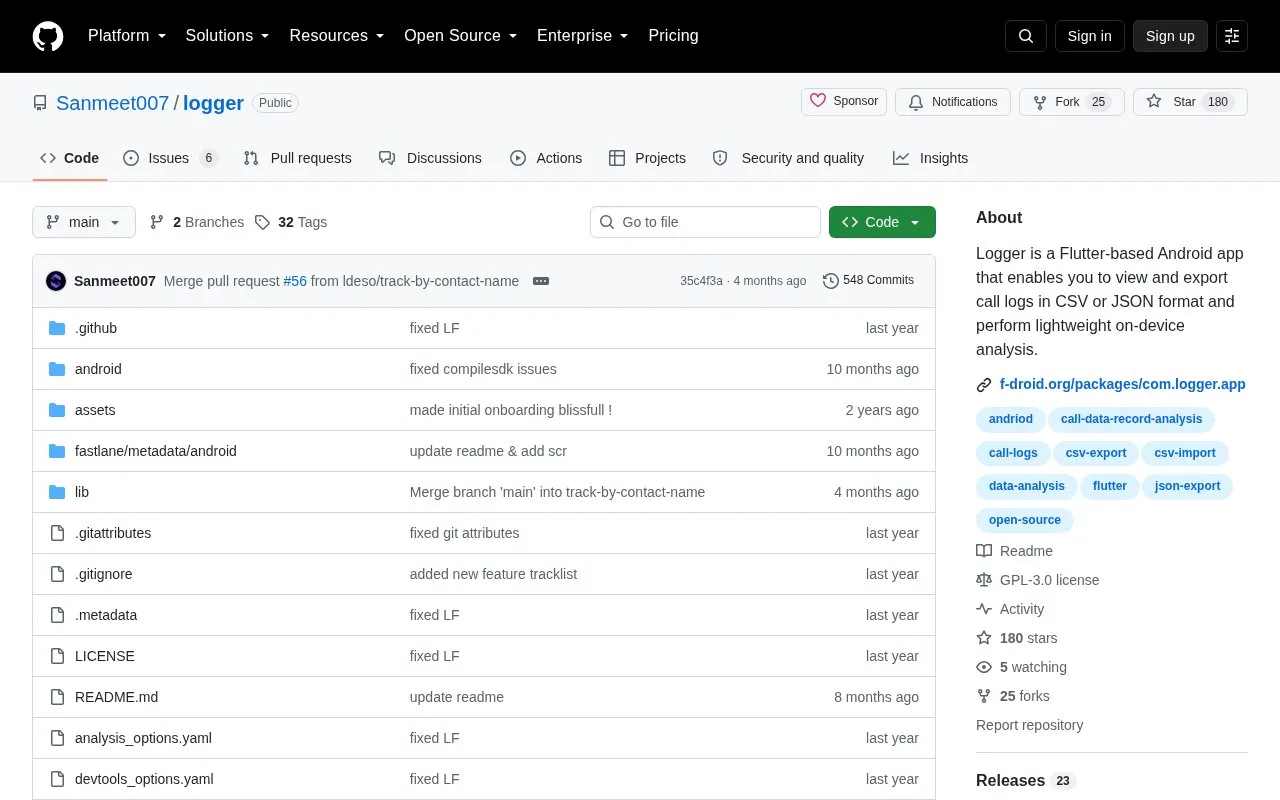
Logger is an open-source Android app built with Flutter. It lets users view their call logs inside the app and export them as CSV or JSON files for analysis or record-keeping. It also offers light analysis of call records, including basic call statistics, call direction, and call duration, performed on the device.
The repository page states that Logger does not store call log data on the developer's servers. This is the project's own statement and is not an independent audit. The app can also import CSV files that it generated, which can help restore call history after a device reset or switch. The analysis is described as lightweight, so it is not intended as a full analytics tool.
Tools and sites you could use instead, ranked by how closely they match.
LogFox reads and exports Android system logs, with filters and crash notifications.
SysLog records Android system and kernel logs, collecting diagnostic information from a device for troubleshooting.
Traffic Light tracks network and data usage on Android, providing an open source view of device traffic with privacy in mind.
SMS-IE imports and exports text messages on Android, providing a simple utility for transferring SMS data.
The IRCCloud Android app provides mobile access to IRC chats, synchronized logs, and message notifications.
ShizuCallRecorder uses Shizuku and ADB to record calls on Android 11 and later without requiring root access.
Well-known listings from the same topic.
Tell us and an editor will check it.
Claim the listing and suggest updates yourself. An editor checks every claim first.


