lsix

github.com/hackerb9/lsix Linux & Mac Apps Open-source projectOpen source

lsix displays thumbnails of image files in a terminal using Sixel graphics.

github.com/hackerb9/lsix
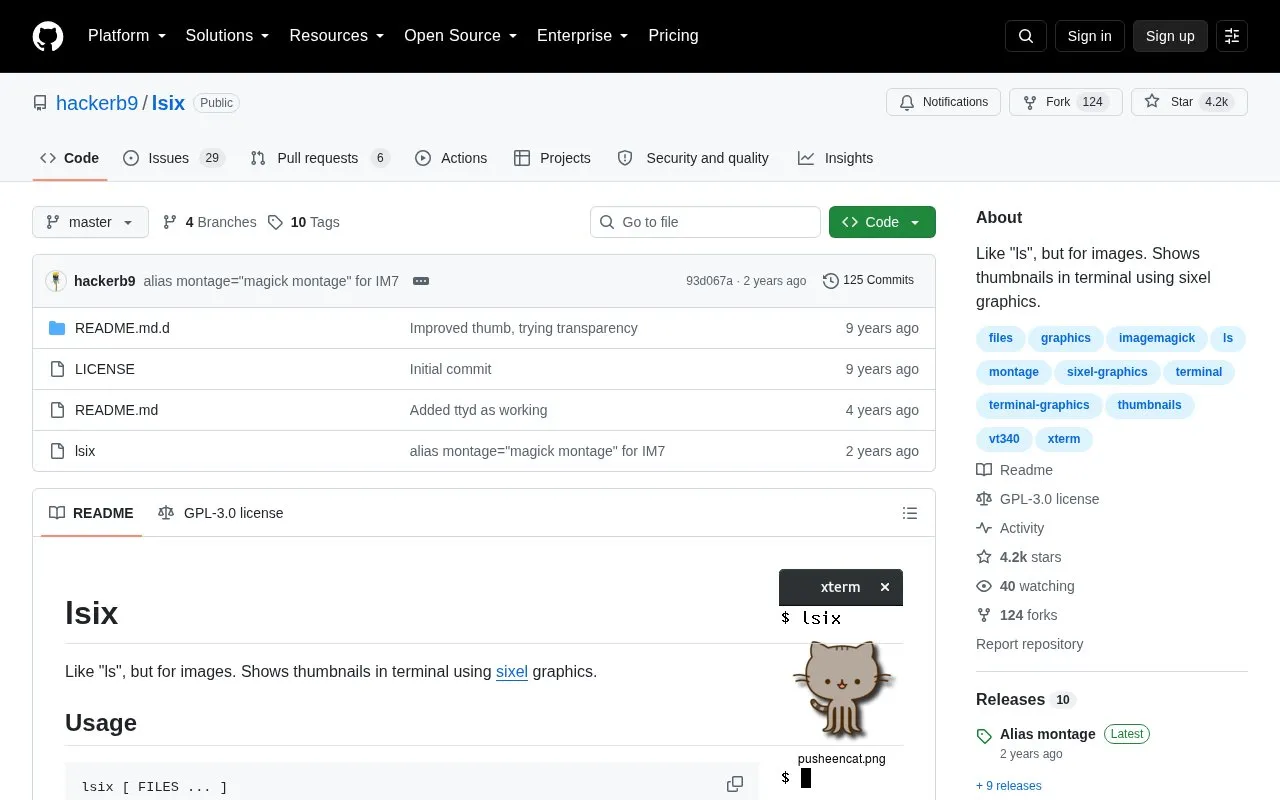
lsix homepage screenshot

About lsix

lsix is a Bash script that lists image thumbnails in a terminal using Sixel graphics. Run without arguments it shows images in the current directory, and it accepts filenames and shell wildcards. It uses ImageMagick for conversion, which supports many formats, including SVG, EPS, PDF, and XCF.

Files with multiple images, such as GIFs, are expanded into frame montages when specified on the command line. Use requires ImageMagick and a Sixel-capable terminal; xterm needs vt340 mode, and slow-to-render formats such as PDF are omitted unless explicitly requested.

Key features

  • Shows image thumbnails in terminal using Sixel graphics
  • Lists current directory by default; accepts filenames and shell wildcards
  • Expands specified GIF or multi-image files into frame montages
  • Detects terminal foreground and background colors for rendering
  • Displays directories with more than 21 images one row at a time
  • Wraps long filenames and supports Unicode filenames with font glyphs
Best for: Terminal users who need to preview local or remote image files without leaving the command line.
Good for
  • Single Bash script with ImageMagick as the only stated prerequisite
  • Functions over ssh connections for remote directories
  • Detects Sixel support, color registers, and terminal colors automatically
Watch out for
  • Requires a terminal with Sixel graphics support
  • xterm requires vt340 mode, and some builds lack Sixel support
  • Slow-to-render formats such as PDF are hidden unless explicitly requested

lsix at a glance

Type
Open-source project
Pricing
Not confirmed. Check the site
Open source
Yes · Source code
Language
English
Last checked
Oct 5, 2026 · Online when checked
Listed
Oct 5, 2026

lsix alternatives

Tools and sites you could use instead, ranked by how closely they match.

All 24 alternatives

walk

github.com/antonmedv/walk

walk navigates files in a terminal interface as an alternative to cd and ls, with keyboard controls for moving through folders.

Open source
24 alternatives

Popular in Linux & Mac Apps

Well-known listings from the same topic.

All 196

lsix FAQ

What is needed to install lsix?
Place the lsix Bash script in PATH and install ImageMagick. On macOS, brew install lsix installs ImageMagick if necessary.
Why are some files like PDFs not shown?
Some formats are slow to render, so lsix omits them unless requested. Specify the filenames or use a wildcard such as *.pdf.
How do I enable Sixel graphics in xterm?
Run xterm -ti vt340, or set xterm*decTerminalID : vt340 in .Xresources and run xrdb -merge .Xresources.
Is something wrong or out of date?

Tell us and an editor will check it.

Own this website?

Claim the listing and suggest updates yourself. An editor checks every claim first.

Claim this listing