

tmux provides terminal multiplexing, with source code and project information on its repository page.
Open source
24 alternativesCodexBar displays usage statistics for OpenAI Codex and Claude Code without requiring login, according to its repository.
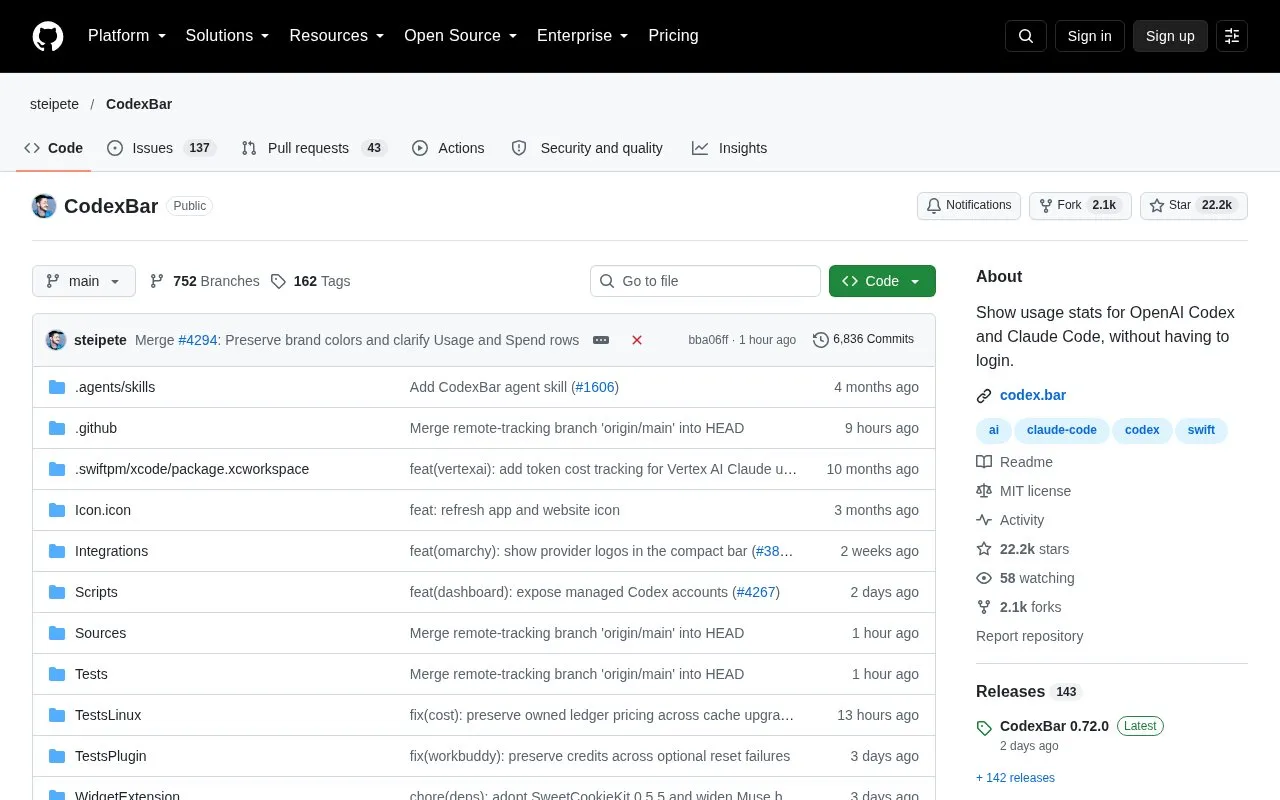
CodexBar is an open source utility for macOS 14+ and Linux that displays usage statistics for AI coding providers including OpenAI Codex and Claude Code directly in the system menu bar or desktop, without requiring a separate app login. It tracks per-provider session, weekly, and monthly usage limits with countdowns to resets, along with credit balances, spend data, and live provider status indicators. The tool reuses existing provider authentication sessions such as OAuth, API keys, browser cookies, or local app files, so no passwords are stored by CodexBar. It is available via Homebrew, release tarballs, and an AUR package for Linux, with an optional Omarchy desktop widget.
Tools and sites you could use instead, ranked by how closely they match.
tmux provides terminal multiplexing, with source code and project information on its repository page.
Hyfetch displays system information in a terminal with LGBTQ+ pride-flag themes, according to its repository description.
typer runs typing tests in the terminal, with installation and usage commands listed in its project page.
Protontricks wraps Winetricks operations for Proton-enabled games and requires Winetricks.
btop displays CPU, memory, and other system resource information in a terminal interface.
Liquidprompt adds an adaptive prompt to Bash and Zsh that displays contextual information in the terminal.
Well-known listings from the same topic.
Tell us and an editor will check it.
Claim the listing and suggest updates yourself. An editor checks every claim first.


