Loop

github.com/MrKai77/Loop Linux & Mac Apps Open-source projectOpen source

Loop manages windows on macOS, according to its repository description.

github.com/MrKai77/Loop
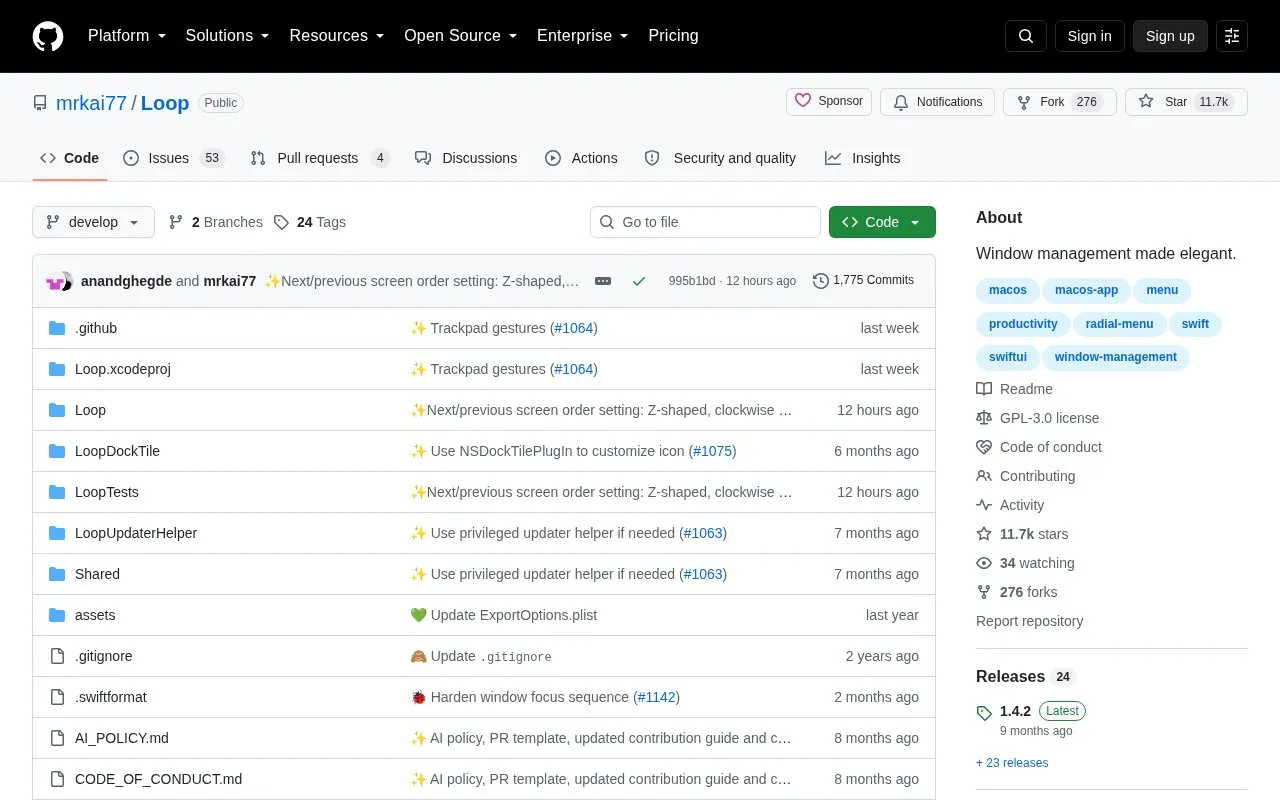
Loop homepage screenshot

About Loop

Loop is a macOS app for moving, resizing and arranging windows. It provides a radial menu activated by holding a trigger key while moving the cursor, keyboard shortcuts used with the trigger key, a preview of resize actions, repeated-action cycles, and a stash area at the screen edge.

It requires macOS 13 or later and can be installed with Homebrew or by downloading a release file. The trigger key is set in Settings, and the app can also receive commands through shell or AppleScript URL schemes.

Key features

  • Radial menu operated by holding trigger key and moving cursor
  • Preview window shows resize action before committing
  • Custom keyboard shortcuts paired with trigger key
  • Cycles repeat window actions on repeated key presses
  • Stash hides windows at screen edge for later access
  • Customizable radial menu width, shape and color
Best for: Mac users who want to arrange windows with a trigger key, cursor gestures and shortcuts.
Good for
  • Supports radial menu, keyboard shortcuts, and shell or AppleScript commands
  • Radial menu and preview window can be adjusted or turned off
  • Installable with Homebrew or manual download
Watch out for
  • Requires macOS 13 or later
  • Core features require holding or pressing a configured trigger key

Loop at a glance

Type
Open-source project
Pricing
Not confirmed. Check the site
Open source
Yes · Source code
Language
English
Last checked
Oct 5, 2026 · Online when checked
Listed
Oct 5, 2026

Loop alternatives

Tools and sites you could use instead, ranked by how closely they match.

All 24 alternatives

Popular in Linux & Mac Apps

Well-known listings from the same topic.

All 196

Loop FAQ

How do I install Loop?
Run `brew install loop` or download the latest .zip file from the release page.
How do I open the radial menu?
Hold down the configured trigger key and move the cursor in the direction you want the window to move or resize.
Can I control Loop with scripts?
Yes, through shell commands or AppleScript using the loop:// URL scheme, such as loop://direction/right or loop://action/maximize.
Is something wrong or out of date?

Tell us and an editor will check it.

Own this website?

Claim the listing and suggest updates yourself. An editor checks every claim first.

Claim this listing