

AgentsMesh coordinates AI coding agents running across users’ own machines from one console.
Maestro
Maestro provides a command center for orchestrating and coordinating AI agents.
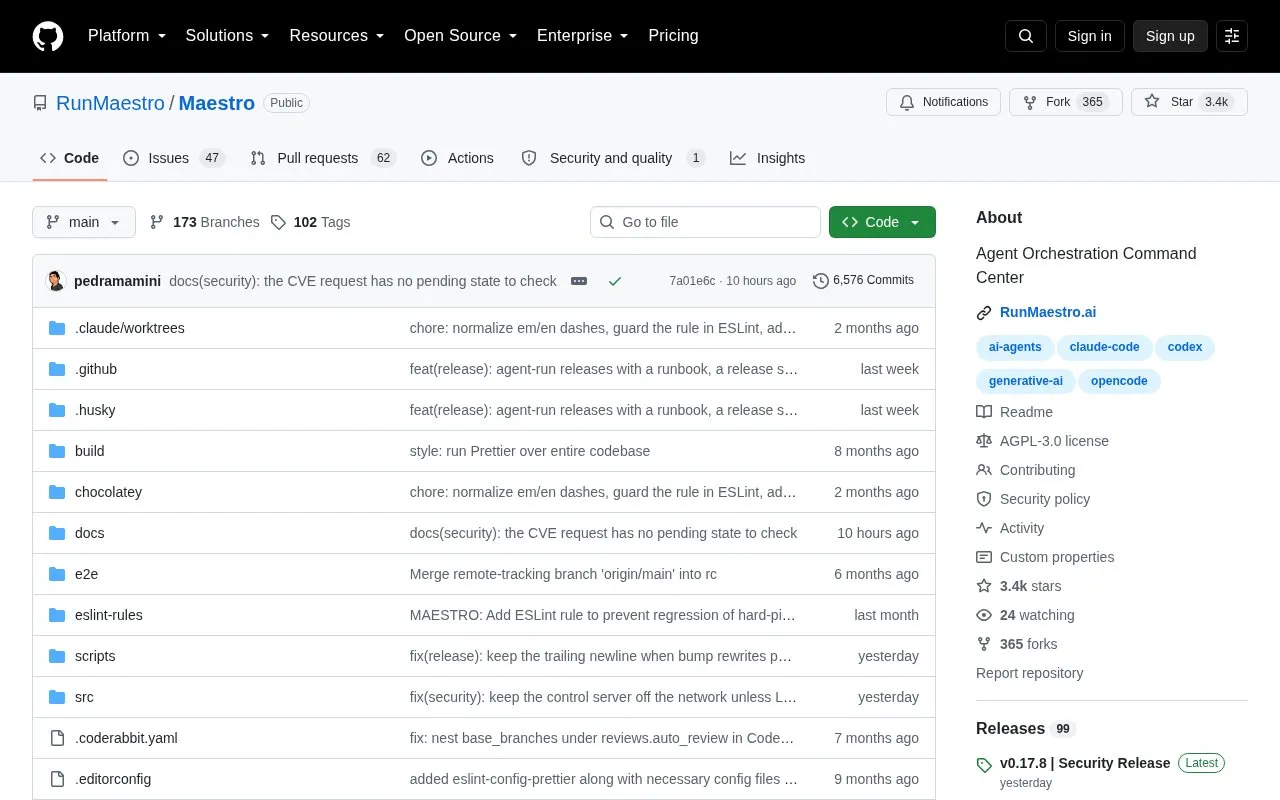
About Maestro
Maestro is a cross-platform desktop app for orchestrating AI coding agents and projects. It runs multiple agents in parallel and acts as a pass-through to the user's AI provider, reusing configured MCP tools, skills, permissions and authentication, with each task handled as a prompt and response in a new or resumed session.
It includes isolated Git worktrees for parallel branch work, file-based playbooks for batch processing markdown checklists, multi-agent group chat with a moderator, and phone monitoring through a built-in web server with QR code access. It currently supports Claude Code, OpenAI Codex, OpenCode, Factory Droid and Copilot-CLI in beta.
Key features
- Run multiple AI coding agents in parallel from one desktop app
- Run agents in isolated Git worktrees on separate branches
- Batch-process markdown checklists via Auto Run playbooks
- Coordinate multiple agents in one chat with moderator AI
- Monitor and control agents from phone via QR code access
- Reuse existing provider authentication, MCP tools and permissions
Best for: People managing multiple coding projects in parallel with keyboard-driven AI agent workflows.
Good for
- Reuses existing provider tools, permissions and authentication
- Supports parallel work in isolated Git branches
- Open-source codebase available on GitHub
Watch out for
- Copilot-CLI support is listed as beta
- Gemini CLI support is planned but not currently available
Maestro at a glance
- Category
- AI & Machine Learning › AI Agents & Automation
- Type
- Open-source project
- Pricing
- Not confirmed. Check the site
- Open source
- Yes · Source code
- Language
- English
- Last checked
- Oct 5, 2026 · Online when checked
- Listed
- Oct 5, 2026
Maestro alternatives
Tools and sites you could use instead, ranked by how closely they match.

Mindflow automates and orchestrates workflows for enterprise IT and cybersecurity teams through a no-code agent platform.

Gooey.AI orchestrates low-code AI workflows, with multilingual tools for agriculture, health guidance, and other critical sectors.

ClevAgent provides a workspace for running and guiding AI agents with background efficiency and safety controls.

Gain control with LangGraph to design agents that reliably handle complex tasks.

BabyCommandAGI explores combining command-line interfaces with language model agents for task execution.
Open source
24 alternativesPopular in AI Agents & Automation
Well-known listings from the same topic.
Simsim.aiMaya AI.smartmaya.aiMakeformsmakeforms.ioAgent Skillsagentskills.ioGenFuse AIgenfuseai.comBeambeam.ai


Maestro FAQ
How does Maestro work with AI providers?
It acts as a pass-through to the provider. Configured MCP tools, skills, permissions and authentication work identically, with each task sent as a prompt in a new or resumed session.
Which coding agents does Maestro support?
Claude Code, OpenAI Codex, OpenCode, Factory Droid, and Copilot-CLI in beta, with Gemini CLI planned based on user demand.
What do Auto Run and playbooks do?
They batch-process markdown checklists through AI agents for repeatable workflows, with each task in its own session and progress tracked with history.
Is something wrong or out of date?
Tell us and an editor will check it.
Own this website?
Claim this listing
Claim the listing and suggest updates yourself. An editor checks every claim first.