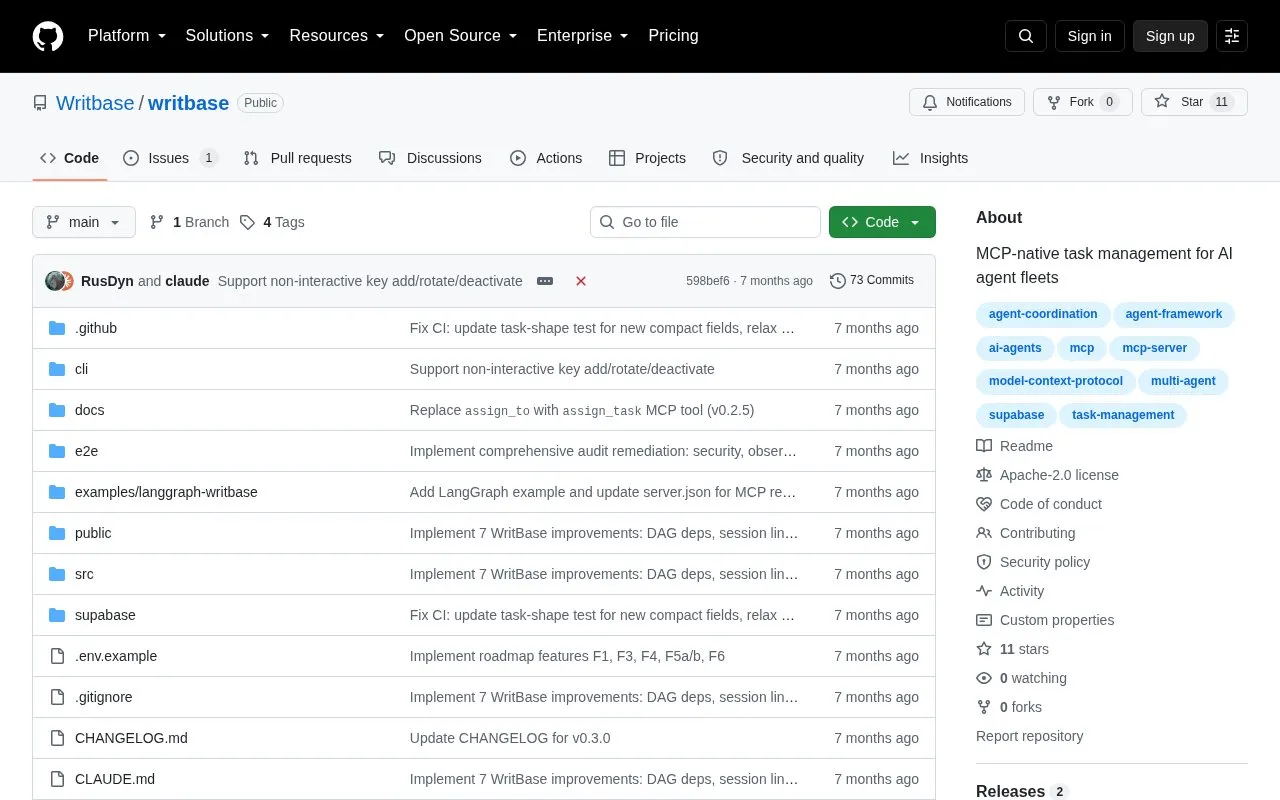
WritBase is an open source task registry for coordinating AI agents and human supervisors. Tasks are stored in Postgres and accessed through a Model Context Protocol endpoint, with scoped permissions, recorded change history of who, what, when and why, and agent-to-agent delegation with depth limits and cycle detection. Setup uses a CLI to configure Supabase credentials, apply the database schema, and create agent keys. It requires Node 18+, the Supabase CLI, a Supabase project, and deployment of an Edge Function.
Key features
Persistent task registry stored in Postgres
Scoped permissions per agent and project
Change history recording who, what, when, and why
Inter-agent delegation with depth limits and cycle detection
Agent access via Model Context Protocol endpoint
CLI to configure Supabase, migrate schema, and create agent keys
Best for: Developers coordinating fleets of AI agents and human supervisors through a shared task registry.
Good for
Open source repository with CLI-based setup
Connects with existing MCP clients including Claude Code, Cursor, and VS Code
Stores tasks in Postgres rather than ephemeral in-memory state
Watch out for
Requires Node 18+, Supabase CLI, and a Supabase project
Requires deploying an Edge Function and configuring agent keys
Run npx writbase init to configure Supabase credentials, npx writbase migrate to apply the schema, npx writbase key create for an agent key, then deploy the Edge Function with npx supabase functions deploy mcp-server --no-verify-jwt.
How do agents connect to WritBase?
Agents connect to https://.supabase.co/functions/v1/mcp-server/mcp using MCP over HTTP with an Authorization header containing the agent key in the form Bearer wb__.
How are projects and permissions created?
Create a project and an agent key via the CLI, dashboard, or manager agent, then grant permissions such as can-read, can-create, and can-update for a specific project.
Is something wrong or out of date?
Tell us and an editor will check it.
Own this website?
Claim the listing and suggest updates yourself. An editor checks every claim first.