

LocalTube Manager supports a YouTube viewing workflow without a Google account through a browser extension.
Magic Actions
Magic Actions provides browser extensions and desktop apps for customizing Google Chrome and other web experiences.
About Magic Actions
Magic Actions, distributed via chromeactions.com, provides browser extensions and desktop and web apps, including Magic Actions for YouTube for adjusting YouTube playback and page appearance. Listed functions include mouse-wheel volume control, cinema and night viewing modes, autoplay resolution options, video repeat and fragment looping, frame capture, and video filters and transform effects.
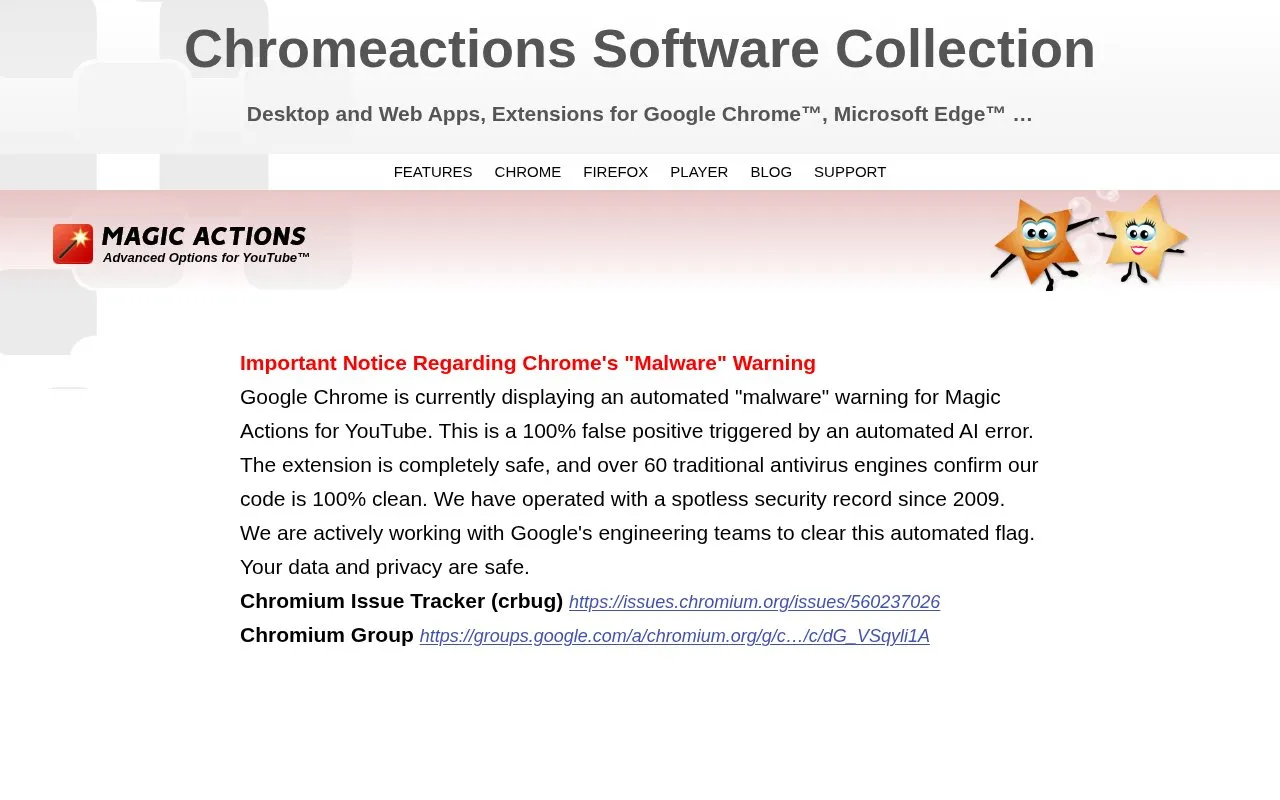
Google Chrome currently displays a malware warning for Magic Actions for YouTube, and the site notes that store availability can change due to factors beyond its control.
Key features
- Control sound level with the mouse wheel
- Cinema mode with 40 color presets
- Autoplay videos in HD, 4K or low resolution
- Auto-expand videos to window size
- Capture video frames with one click
- Repeat video fragments with multi-range looper
Best for: People who watch YouTube in a browser and want additional playback and viewing controls.
Good for
- Listed package size is about 500Kb.
- Designed to unload from memory after about 15 seconds of inactivity.
- Lists downloads for Chrome, Firefox, and Opera.
Watch out for
- Google Chrome currently shows a malware warning for Magic Actions for YouTube.
- Site states store listings may become unavailable due to factors beyond its control.
Magic Actions at a glance
- Website
- chromeactions.com
- Category
- Social & Communities › YouTube Tools
- Type
- Website
- Pricing
- Not confirmed. Check the site
- Platforms
- Browser extension, Web
- Open source
- Not stated
- Language
- English
- Last checked
- Oct 5, 2026 · Online when checked
- Listed
- Oct 5, 2026
Magic Actions alternatives
Tools and sites you could use instead, ranked by how closely they match.

Add external SRT subtitles to YouTube videos with this Chrome extension, including files dragged into the page.

See a likes-to-dislikes ratio bar on YouTube video thumbnails with this Chrome and Firefox extension.
Open source
24 alternatives
The YouTube No Translation extension changes translation display so videos stay in their original language when viewed in a browser.

DeArrow replaces YouTube titles and thumbnails through a browser extension, with community guidelines and an API for submitted changes.
vidIQ provides a browser extension for YouTube, with tools for channel and video creators.
Popular in YouTube Tools
Well-known listings from the same topic.
Youtube Multiplieryoutubemultiplier.comFilmotfilmot.comRecoverMy.Videorecovermy.videoYT Comment Viewercommentviewer.complaylist.toolsplaylist.toolsInvidiousinvidious.io


Magic Actions FAQ
Why does Chrome show a warning for Magic Actions for YouTube?
The site states Chrome is showing an automated malware warning and that it is working with Google to address it, and links to Chromium issue and group reports.
How large is the extension and how does it use memory?
The site lists the size as about 500Kb and states it unloads from memory after completing its task or after about 15 seconds of inactivity.
Is something wrong or out of date?
Tell us and an editor will check it.
Own this website?
Claim this listing
Claim the listing and suggest updates yourself. An editor checks every claim first.