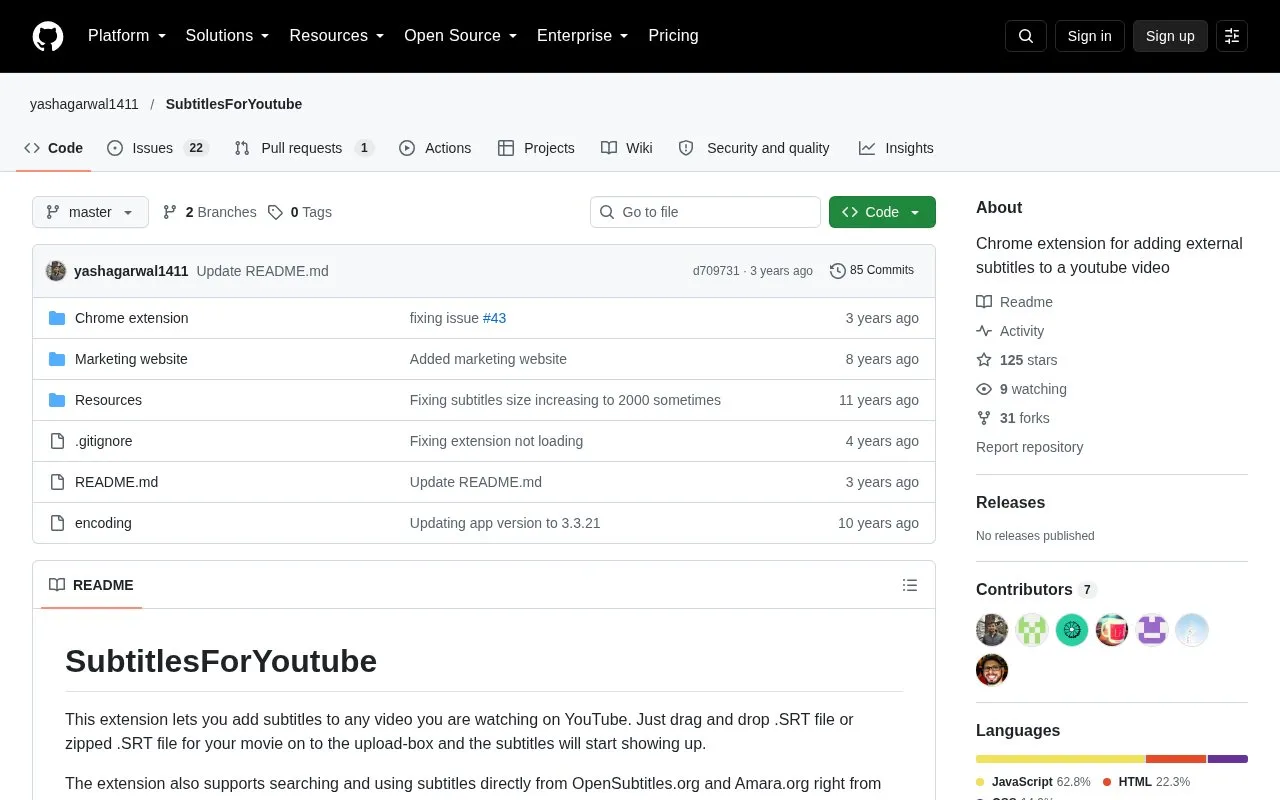
SubtitlesForYoutube is a Chrome extension that displays external subtitles on YouTube videos. Users can drag and drop an SRT file or a zipped SRT file onto the upload box on a YouTube video page, and the subtitles appear over the video.
The extension can also search for subtitles on OpenSubtitles.org and Amara.org from the video page and load them. The source notes that only about 5-10% of YouTube videos have matching subtitles on those sites, so search may not find subtitles for every video. Searches send requests to those external services.
Key features
Load local SRT or zipped SRT subtitle files by dragging them onto a YouTube page
Search for and load subtitles from OpenSubtitles.org and Amara.org on the video page
Keyboard shortcuts to toggle subtitles, adjust timing, and change subtitle size
Search within subtitle text
Download subtitle option
Setting to automatically search and load subtitles
Best for: YouTube viewers who already have an SRT subtitle file for a video and want to display it on the video page.
Good for
Adds subtitle files that the user supplies to a YouTube video without changes to the video itself
Supports searching subtitles in multiple languages, according to the changelog
Watch out for
Only about 5-10% of YouTube videos have matching subtitles on OpenSubtitles.org and Amara.org, so many videos will have no search results
Pages opened before installation do not load the extension until the page is refreshed
The changelog lists several fixes after YouTube interface updates, so the extension has needed maintenance when YouTube changed