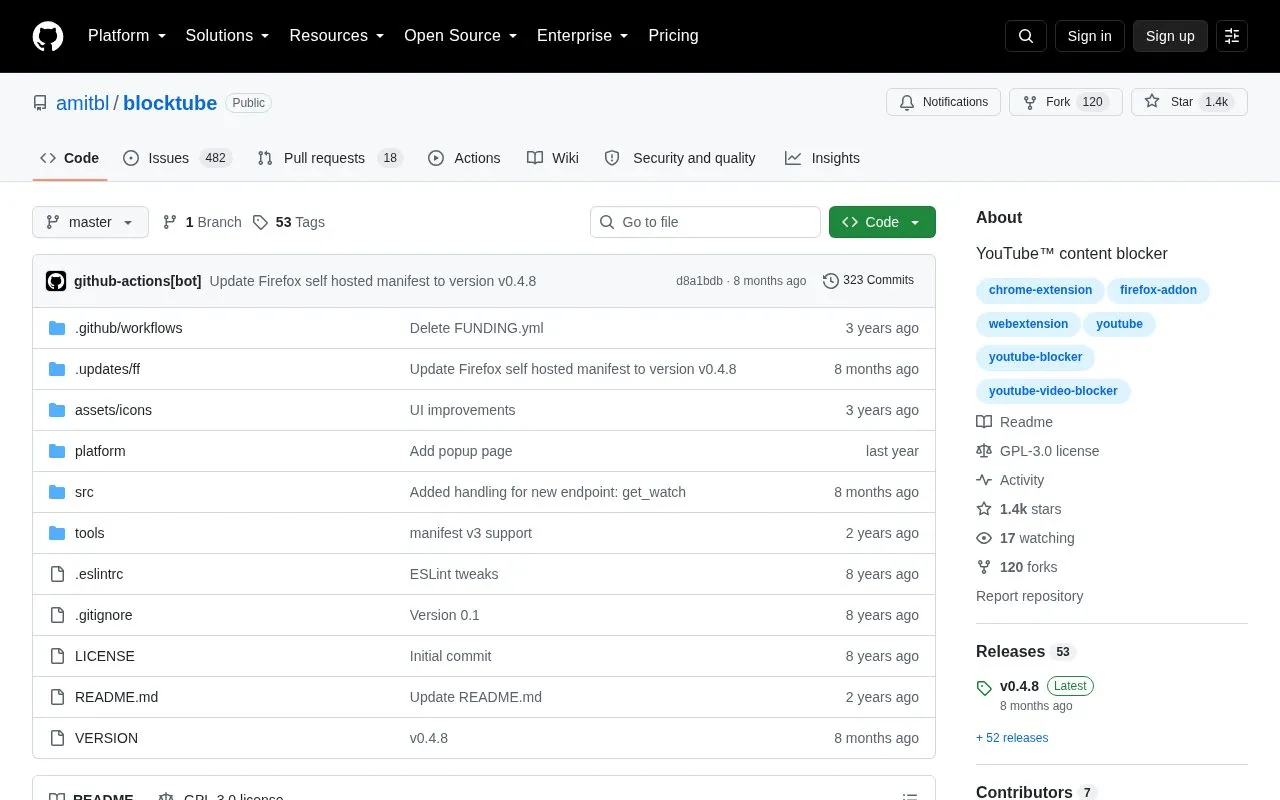
BlockTube is a browser extension for Chrome and Firefox that filters unwanted videos, channels, and comments on YouTube. The project is open source under GPLv3 and also supports m.youtube.com in Firefox for Android and Kiwi Browser.
Pricing is not clearly stated.
Key features
Block videos by title, channel name, channel ID, or video ID
Block entire channels
Block comments by user or comment text
Supports keywords and raw regular expressions
Block videos from YouTube context menus
Hide and block the Trending section
Password-protect extension options
Apply filters before any DOM rendering
Best for: People who want to block specific videos, channels, or commenters on YouTube.
Watch out for
Bypass prevention is listed as a TODO item.
A user-friendly options UI is listed as future work.
How do I choose between a channel name and a channel ID?
Channel names are not unique and can change. A channel ID is unique and stays the same, so use the ID to block one specific channel. Use a channel name to block multiple channels with similar names.
What happens when I open a blocked channel?
BlockTube redirects you to the YouTube homepage.
What happens when I open a blocked video?
You can choose to block the entire page with a custom message or automatically redirect to the next video.
Is something wrong or out of date?
Tell us and an editor will check it.
Own this website?
Claim the listing and suggest updates yourself. An editor checks every claim first.