

Magic Eraser removes selected objects, people, text, and other distractions from uploaded photos.
Magic Eraser
Magic Eraser removes selected objects, people, text, blemishes, and patterns from photos.
About Magic Eraser
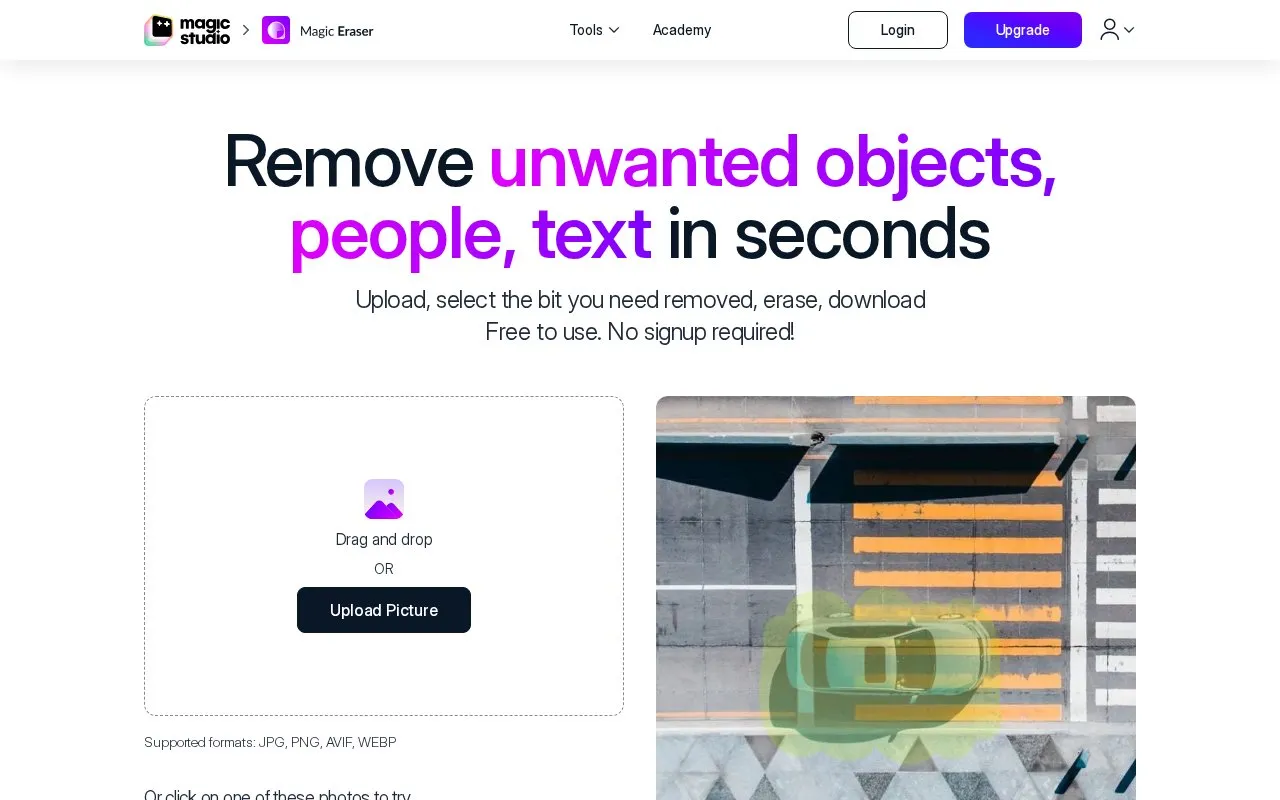
Magic Eraser is a web-based image editor that removes selected objects, people, text, blemishes, and patterns from photos. The user uploads a picture, uses a brush to select the area to remove, clicks erase, and downloads the result. The homepage describes the process as taking seconds, and it notes that repeated erasing of the same area can improve the result.
The homepage lists uses in real estate, photography, fashion, auto listings, e-commerce, social media, and comics. It states that the free version requires no signup. Its free tier, as listed on the page, includes ads, a Magic Studio logo on downloads, low-resolution downloads, and editing one picture at a time. The homepage also describes a paid PRO upgrade, but it does not list plan prices, so pricing is unknown from this source.
Key features
- Brush-based selection of objects, people, text, blemishes, and patterns
- Adjustable brush size and zoom for precise area selection
- Undo and reselect options, plus repeated erasing of the same area
- No resolution limit on uploaded images, per the homepage
- Downloads in a format suited to the edit, convertible to JPG, PNG, HEIC, or WEBP
- Bulk editing of multiple pictures, advertised as up to 50 at once
Best for: People who need to remove unwanted items from photos quickly and without creating an account, such as sellers preparing property or product listings.
Good for
- No signup is required to use the tool, according to the homepage.
- Brush size and zoom controls allow the user to choose the selection area.
- The homepage states that uploaded images have no resolution limit.
Watch out for
- The free version, as listed, adds ads and a Magic Studio logo to downloads.
- The free version, as listed, limits downloads to low resolution and editing to one picture at a time.
- Results may need several erase attempts, and long, thin objects may need multiple steps.
Magic Eraser at a glance
- Website
- magicstudio.com/magiceraser
- Category
- AI & Machine Learning › AI Image Generators
- Type
- Website
- Pricing
- Not confirmed. Check the site
- Platforms
- Web
- Open source
- Not stated
- Language
- English
- Last checked
- Oct 6, 2026 · Online when checked
- Listed
- Oct 5, 2026
Magic Eraser alternatives
Tools and sites you could use instead, ranked by how closely they match.

ObjectRemover removes unwanted objects, people, text, logos, and wires from photos online using AI.

Cleanup.pictures removes unwanted objects, people, text, and defects from images through an online editing tool.
Popular in AI Image Generators
Well-known listings from the same topic.
FigureLabsfigurelabs.aiImagePromptGuruimagepromptguru.netAI SVGaisvg.artCGDreamcgdream.aiFlux.1 AIflux1.aiHairstyle AIhairstyleai.com


Magic Eraser FAQ
Do I need an account to use Magic Eraser?
The homepage states that the tool is free to use and that no signup is required.
Is there a limit on the size of the photo I can upload?
The homepage states that there is no resolution limit on uploaded images. It lists supported formats as JPG, PNG, AVIF, and WEBP, and the how-to section also mentions JPEG, HEIC, and TIFF.
Is something wrong or out of date?
Tell us and an editor will check it.
Own this website?
Claim this listing
Claim the listing and suggest updates yourself. An editor checks every claim first.