

Cleanup.pictures removes unwanted objects, people, text, and defects from images through an online editing tool.
ObjectRemover
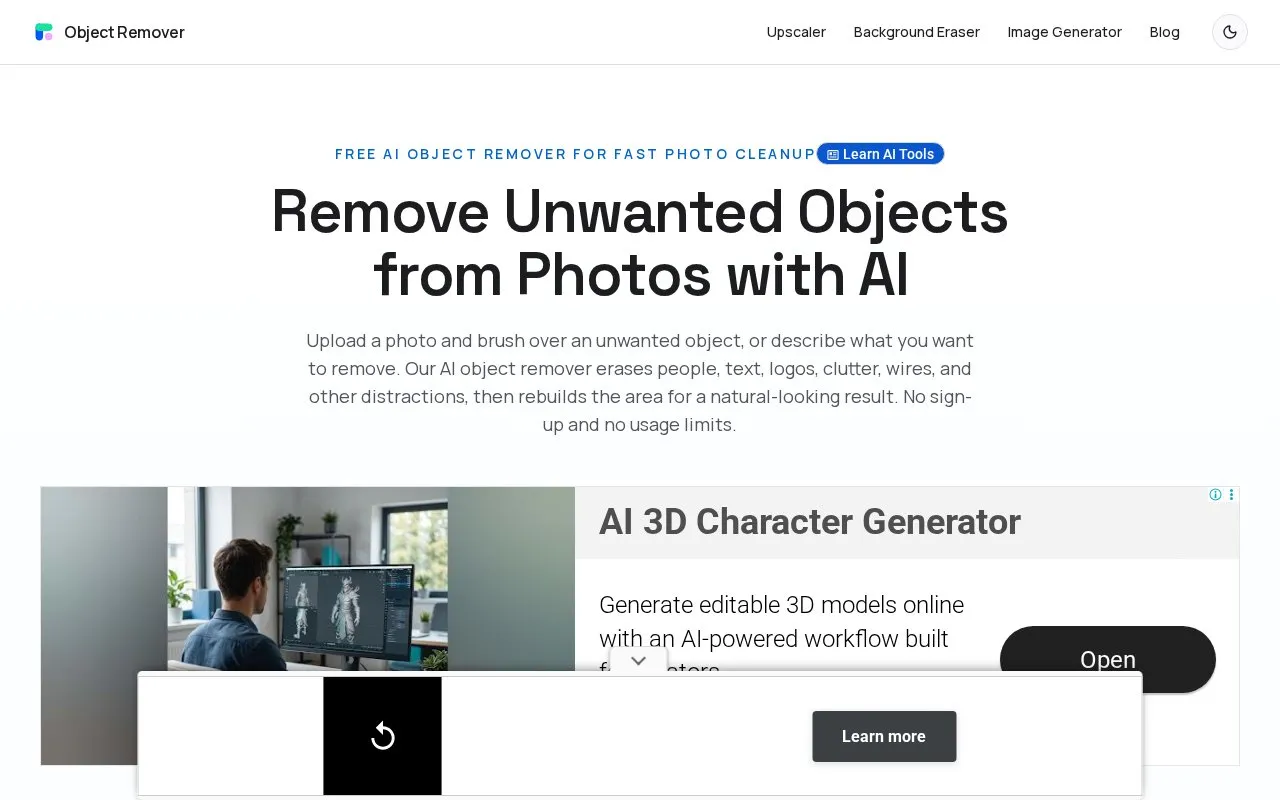
ObjectRemover removes unwanted objects, people, text, logos, and wires from photos online using AI.
About ObjectRemover
ObjectRemover is a web-based tool that removes unwanted objects from photos using AI. Users upload a JPG, PNG, or WebP image, then either brush over an object or describe it in a text prompt. The AI inpainting model fills the selected area using the surrounding texture, color, lighting, shadows, and scene structure. The homepage describes the removal targets as people, text, logos, clutter, wires, and similar distractions. It also says the tool keeps the rest of the photo and only changes the brushed area, so it is not the same as a background remover.
The homepage states that the service is free, requires no sign-up or login, and has no usage limits. It says uploaded images and generated results are automatically removed within 2 hours. Results depend on the background: the homepage says the strongest results come from repeatable textures such as walls, sky, grass, fabric, or simple surfaces. For commercial images, the homepage says users need the rights to edit and use the original photo.
Key features
- Brush tool to mark objects, with mask adjustment before generating
- Text prompt option to describe what should be removed
- AI inpainting that fills areas using nearby texture, color, and shadows
- Accepts JPG, PNG, and WebP image uploads
- Removes people, text, logos, cables, and background clutter
- Browser-based editing without creating an account
Best for: People who need to remove a distracting object or detail from an ordinary photo quickly, without editing software experience, such as sellers preparing listing photos or users preparing social media images.
Good for
- The homepage describes the tool as free, with no sign-up and no stated usage limits.
- The three-step workflow of upload, brush, and download requires no layers or editing experience.
- Brush control lets users choose the exact area to remove and adjust the mask before generating.
Watch out for
- Only JPG, PNG, and WebP images are listed as supported formats.
- The homepage says results are strongest on simple, repeatable backgrounds, and complex details may need a tighter mask or another pass.
- The tool removes brushed areas only and does not separate a subject from its background.
ObjectRemover at a glance
- Website
- objectremover.com
- Category
- AI & Machine Learning › AI Image Generators
- Type
- Website
- Pricing
- Not confirmed. Check the site
- Platforms
- Web
- Open source
- Not stated
- Language
- English
- Last checked
- Oct 6, 2026 · Online when checked
- Listed
- Oct 5, 2026
ObjectRemover alternatives
Tools and sites you could use instead, ranked by how closely they match.

Magic Eraser removes selected objects, people, text, blemishes, and patterns from photos.

Hama erases unwanted people, objects, or text from photos by letting users brush over areas to remove.
Free

Magic Eraser removes selected objects, people, text, and other distractions from uploaded photos.
Popular in AI Image Generators
Well-known listings from the same topic.
FigureLabsfigurelabs.aiImagePromptGuruimagepromptguru.netAI SVGaisvg.artCGDreamcgdream.aiFlux.1 AIflux1.aiHairstyle AIhairstyleai.com


ObjectRemover FAQ
Can I remove people and text from photos?
The homepage says you can remove people, text, logos, captions, signs, cables, clutter, and other unwanted details from a photo.
How long are uploaded photos kept?
The homepage states that uploaded images and generated results are automatically removed within 2 hours.
Can I use edited photos for commercial purposes?
The homepage says commercial images such as product photos and marketing visuals can be edited, as long as you have the rights to edit and use the original image.
Is something wrong or out of date?
Tell us and an editor will check it.
Own this website?
Claim this listing
Claim the listing and suggest updates yourself. An editor checks every claim first.