

massCode
Code snippets, notes, API requests, diagrams, and calculations can be organized in massCode.
About massCode
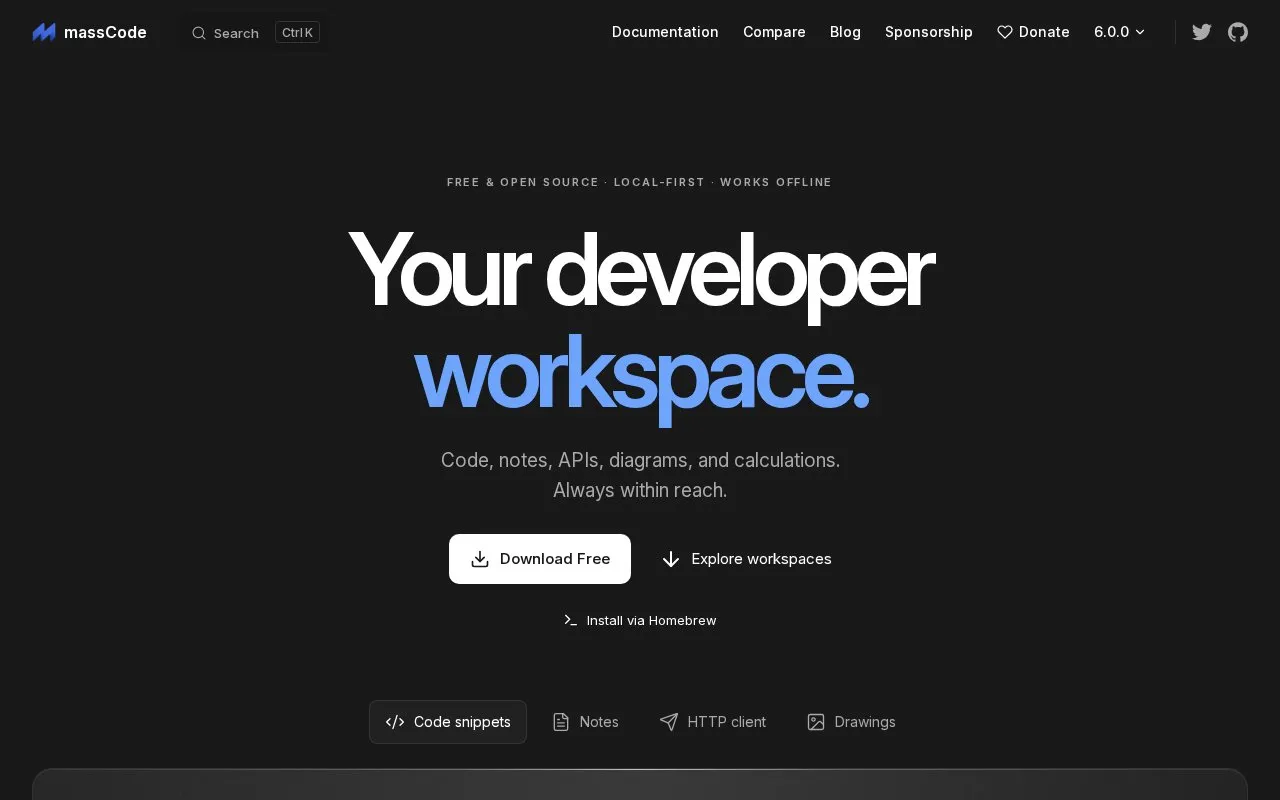
massCode is a developer workspace for organizing code snippets, Markdown notes, HTTP API requests, diagrams, and calculations in one place. Snippets are kept in folders with tags. Notes can be linked in a graph, and tasks can be tracked with status, priority, and due dates. The HTTP client can run saved requests in sequence, pass values between steps, and show test results. A math notebook supports variables and unit and currency conversion. The homepage also lists a command palette for keyboard search and commands, and tools for comparing JSON, along with encoders, converters, and generators.
The app stores its vault locally and is described as working offline. Code, notes, and requests are saved as Markdown files, and drawings use Excalidraw, so files can be opened outside the app. The vault can stay on one computer or be synced through iCloud, Dropbox, other cloud storage, Syncthing, or Git. The optional built-in AI assistant can use your own API key for providers such as OpenAI or Anthropic, or a local model through Ollama or LM Studio. Cloud API usage is billed by the provider. The homepage describes the app as free and open source, but the directory record lists open source as false, so that status is not confirmed here. Pricing is also not confirmed in the source.
Key features
- Code snippets organized in folders with tags
- Markdown notes with a graph view of linked notes
- Tasks with status, priority, and due dates
- HTTP client that runs saved requests in sequence and shows test results
- Math notebook with variables and unit and currency conversion
- Built-in AI assistant using your own API key or a local model
Best for: Developers who want to keep code snippets, notes, API requests, and calculations together in one local workspace.
Good for
- Vault is stored locally and the homepage describes it as working offline
- Code, notes, and requests are saved as Markdown files that can be opened outside the app
- Sync is optional and can use several existing storage services
Watch out for
- Cloud AI models are billed by the chosen provider, not by massCode
- Syncing through iCloud, Dropbox, or other services depends on those external services
massCode at a glance
- Website
- masscode.io
- Category
- Development › Developer Tools
- Type
- Online tool
- Pricing
- Not confirmed. Check the site
- Platforms
- Linux, macOS, Web, Windows
- Open source
- Not stated
- Language
- English
- Good for
- Developers
- Last checked
- Oct 6, 2026 · Online when checked
- Listed
- Oct 5, 2026
Guides for Developer Tools


massCode alternatives
Tools and sites you could use instead, ranked by how closely they match.

Regular expressions can be tested and shared in iHateRegex, a playground with diagrams and notes.

ToDiagram turns JSON, YAML, XML, CSV, and Mermaid into interactive diagrams and supports building custom node diagrams.

Create and edit database diagrams with ChartDB, which can visualize schemas from a database query.
Open source
24 alternatives
Generate C# syntax trees from code snippets with RoslynQuoter, using its online controls for parsing and syntax options.

CodeImage helps developers organize code snippets and create shareable screenshots of source code.
HandyAI offers developer utilities for token counting, prompt analysis, JSON tool use conversion, and cost calculation.
Free
24 alternativesPopular in Developer Tools
Well-known listings from the same topic.
AppDevToolsappdevtools.comCommand Not Foundcommand-not-found.comTestFlighttestflight.apple.com/join/A8GwCnq8Sourcegraphabout.sourcegraph.comProject Wallaceprojectwallace.comCarbon Calculatorwebsitecarbon.com


massCode FAQ
Can I use massCode without an internet connection?
The homepage describes massCode as local-first and working offline. Syncing the vault and using cloud AI providers require an external connection.
Can I open my saved files outside massCode?
Yes. Code, notes, and requests are stored as Markdown, and drawings use Excalidraw, so the files can be opened with other tools.
Does the AI assistant change files without asking?
The assistant can make edits directly or show a preview first. Sending HTTP requests requires your confirmation.
Is something wrong or out of date?
Tell us and an editor will check it.
Own this website?
Claim this listing
Claim the listing and suggest updates yourself. An editor checks every claim first.