

The Clock app is customizable and open source, with privacy-focused design inspired by the Android Clock application.
Open source
18 alternativesAn open-source file manager for Android presents files and folders in a Material Design interface.
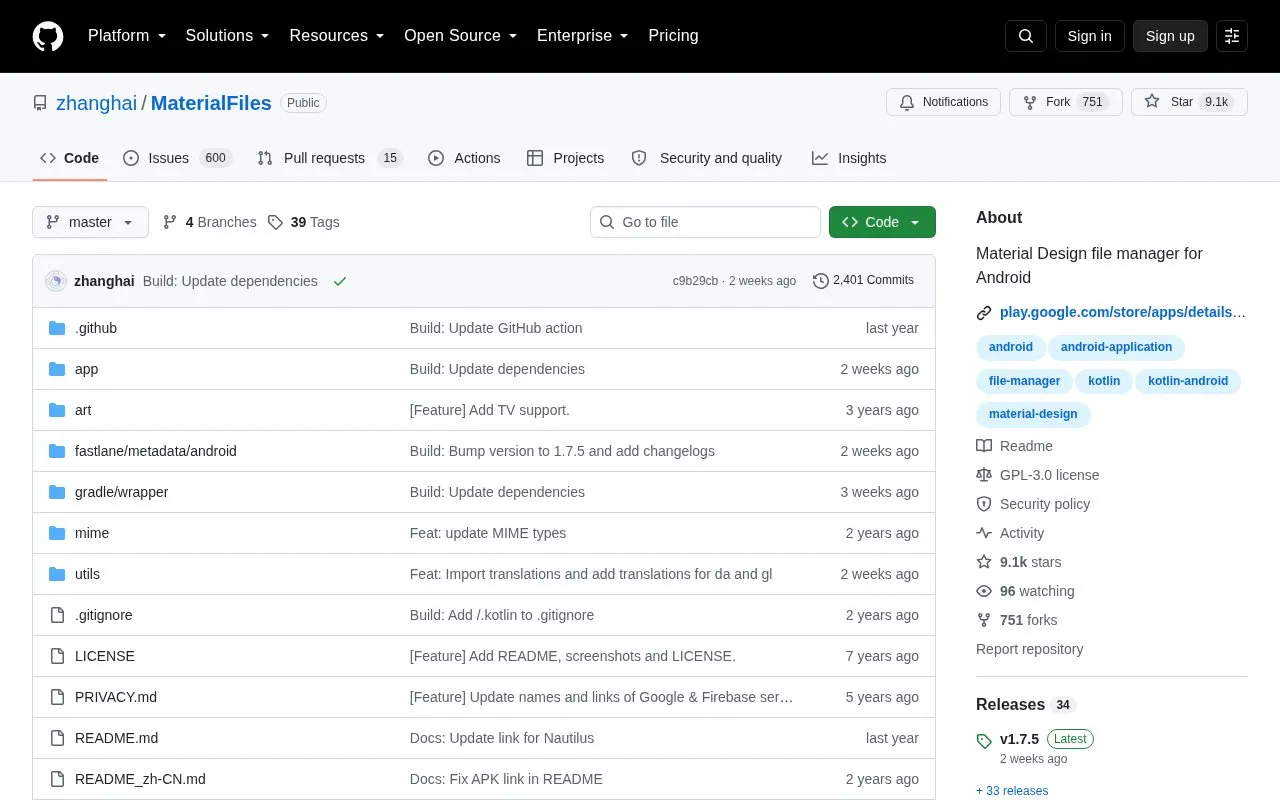
Material Files is an open source file manager for Android 5.0 and later with a Material Design interface. It browses local files and folders, supports root access, viewing and creating archives, and managing files on FTP, SFTP, SMB and WebDAV servers. It handles Linux filesystem details including symbolic links, file permissions and SELinux context, and includes customizable UI colors with night mode.
Tools and sites you could use instead, ranked by how closely they match.
The Clock app is customizable and open source, with privacy-focused design inspired by the Android Clock application.
Round Sync manages remote files from Android through a cloud file manager powered by rclone.
ColorBlendr customizes Material You colors on Android 12 and later, including accent colors and background saturation.
Fossify File Manager helps users manage files on Android, with its project description specifying no ads.
Open Android Backup provides a cross-platform script and app for local device backups, with encryption and compression.
DoNotNotify filters and blocks Android notifications using rules that users can customize.
Well-known listings from the same topic.
Tell us and an editor will check it.
Claim the listing and suggest updates yourself. An editor checks every claim first.


