
MaxFocus
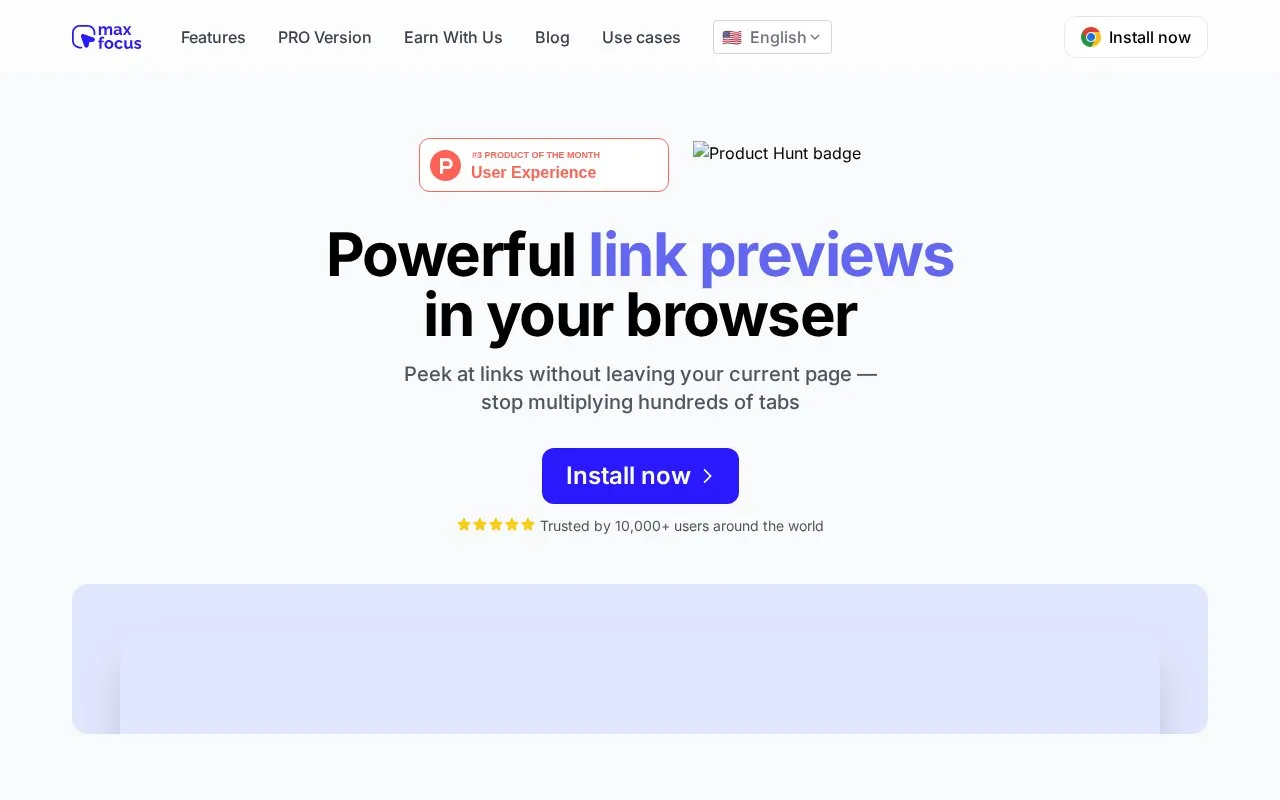
MaxFocus previews links in the browser and offers a reader view, letting users inspect links without leaving the current page.
About MaxFocus
MaxFocus is a browser extension that shows a preview of a link's content without leaving the current page. Previews can be triggered by hovering, clicking, or shortcuts, with settings for size, duration, behavior, and appearance. It also includes a reader mode that converts webpages into an ad-free format, a video mode that shows video without sidebars, and an on-page AI assistant for answers or summaries. It lists support for Chrome, Firefox, Edge, and Brave and states compatibility with most websites.
Key features
- Preview links via hover, long-click, or shortcuts without leaving page
- Reader mode converts webpages into clean, ad-free format
- Video mode shows video content without sidebars
- On-page AI assistant provides answers or summaries
- Customizable preview triggers, behavior, and appearance
- Blocks trackers and states it does not store personal data
- Available for Chrome, Firefox, Edge, and Brave
- Combines link previews with reader mode and video-only viewing
- Preview size, duration, behavior, and appearance can be adjusted
- Described as compatible with most websites, not all websites
MaxFocus at a glance
- Website
- maxfoc.us
- Category
- AI & Machine Learning › AI Business Tools
- Type
- Online tool
- Pricing
- Not confirmed. Check the site
- Platforms
- Web
- Open source
- Not stated
- Language
- English
- Last checked
- Oct 5, 2026 · Online when checked
- Listed
- Oct 5, 2026
Popular in AI Business Tools
Well-known listings from the same topic.


MaxFocus FAQ
What is MaxFocus: Link Preview extension?
How does MaxFocus work?
Tell us and an editor will check it.
Claim the listing and suggest updates yourself. An editor checks every claim first.