
Microsoft Photos
Microsoft’s Windows photo application for viewing and editing images, including background tools on supported versions.
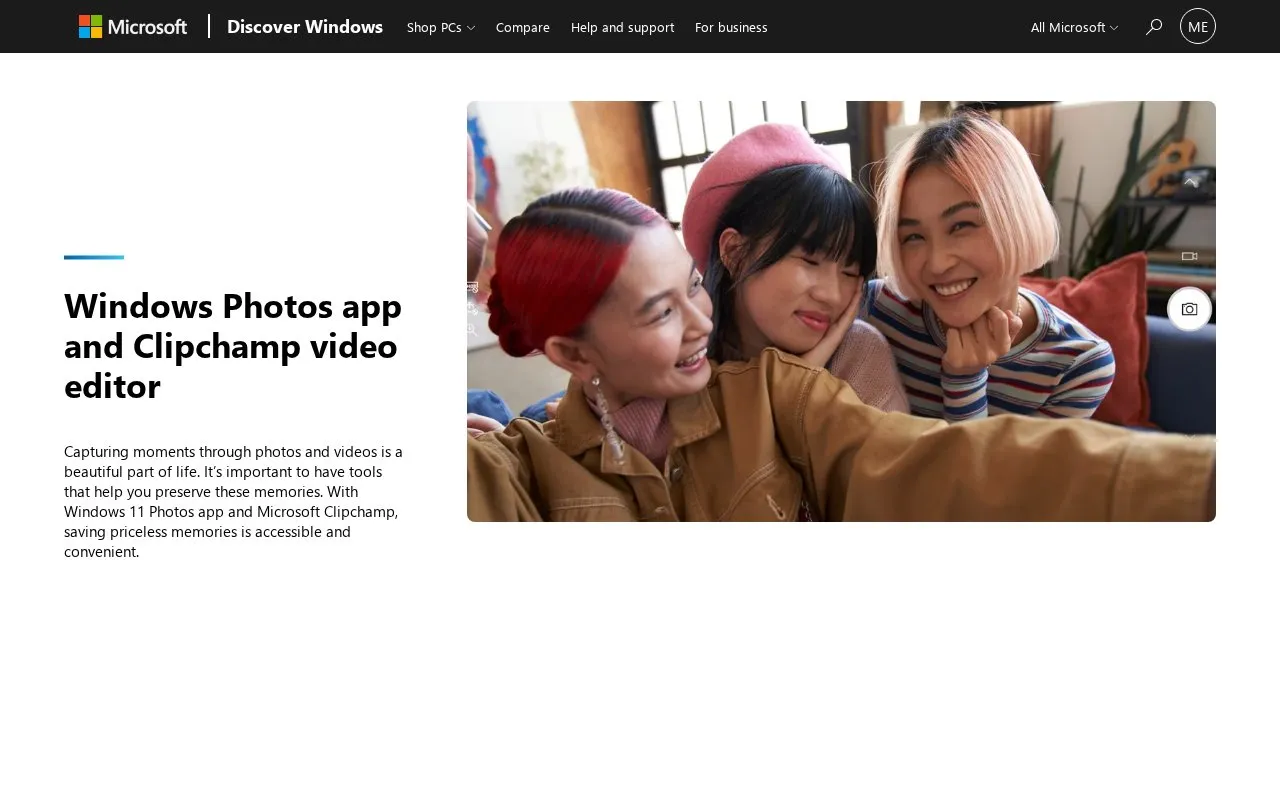
About Microsoft Photos
Microsoft Photos is the photo application included with Windows 11. It lets users view, organize, and edit photos and videos stored on their device, with a gallery view for browsing. Basic editing includes cropping, rotating, filters, and an automatic enhance tool. Some AI editing features, such as background blur and enhanced search, are also described. Photos can be backed up to a Microsoft OneDrive account, and photos from Apple devices can be connected through iCloud integration.
The page also promotes Clipchamp, a separate AI-assisted video editor described as readily available on Windows 11. Clipchamp offers multitrack editing of audio, video, and text, plus a built-in library of stock media. The page compares a free tier, which exports up to 1080p, with a paid Premium tier, which exports up to 4K and includes premium stock and content backup. The directory notes that background tools are available only on supported versions of Windows.
Key features
- Gallery view for browsing and organizing photos and videos on Windows devices
- Crop, rotate, and add filters to photos
- Automatic enhance tool and AI background blur for photos
- Optional backup of photos and videos to a Microsoft OneDrive account
- iCloud integration to move and view photos from Apple devices
- Clipchamp multitrack editing of audio, video, and text in one app
- Photo app is included with Windows 11
- Clipchamp free tier is listed with no cost
- Clipchamp is described as usable without advanced editing skills
- Free Clipchamp tier exports up to 1080p, while 4K export is listed for Premium
- Premium stock library and content backup are listed only for the paid tier
- Directory notes that background tools are available only on supported versions
Microsoft Photos at a glance
- Category
- Design & Creative › Image Creation & Editing
- Type
- Online tool
- Pricing
- Free
- Open source
- Not stated
- Last checked
- Oct 9, 2026 · Online when checked
- Listed
- Oct 9, 2026
Popular in Image Creation & Editing
Well-known listings from the same topic.


Microsoft Photos FAQ
Does Windows 11 have photo editing?
How do I edit photos on Windows 11?
Can photos from an Apple device be moved to Windows 11?
Tell us and an editor will check it.
Claim the listing and suggest updates yourself. An editor checks every claim first.