

A free online image editor, miniPaint runs in the browser and lets users edit and adjust images without installing software.
Mini Paint
miniPaint is an online image editor for creating and editing images with HTML5 technologies, without a download.
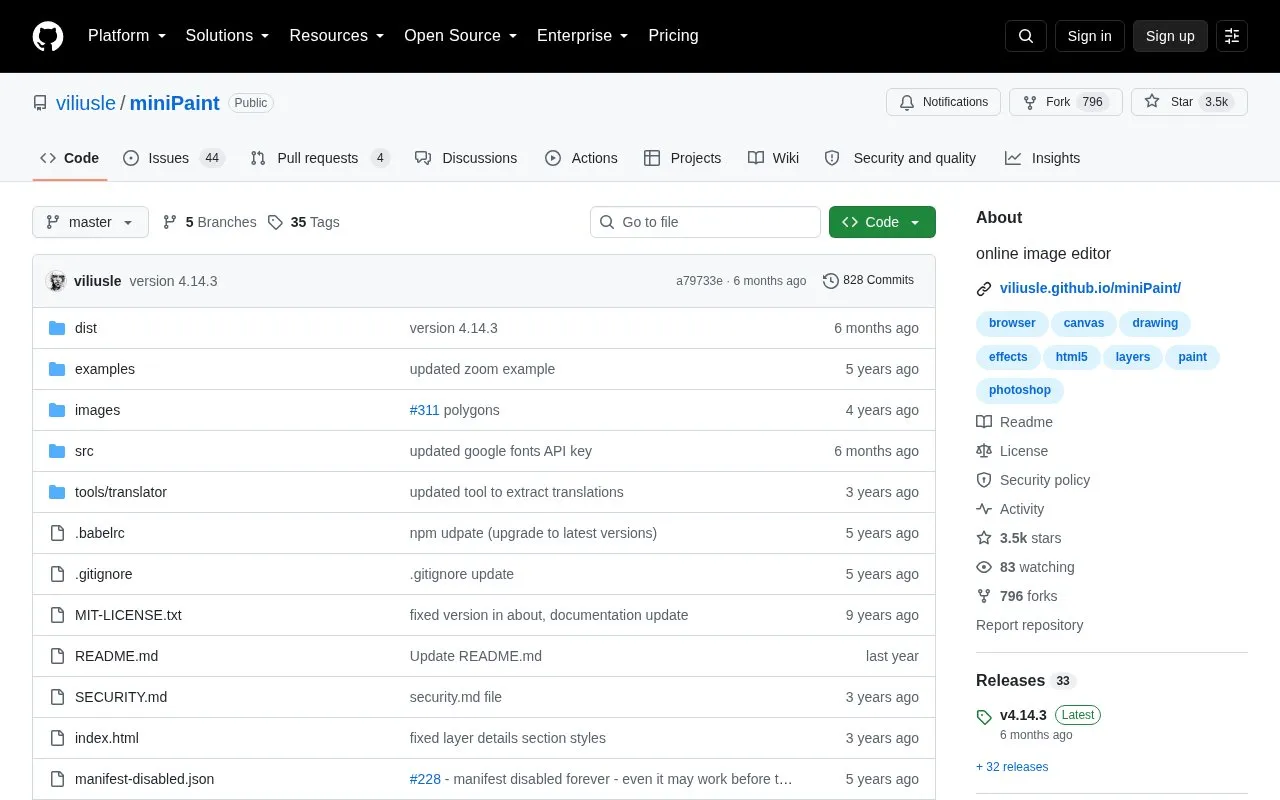
About Mini Paint
Mini Paint is an online image editor that runs in a web browser using HTML5 technologies. It is used to create and edit images without downloading or installing software. The GitHub repository page describes it as operating directly in the browser, with images added by pasting from the clipboard, uploading from a computer, or using drag and drop.
The editor includes layers, a range of filters and effects, color adjustments, cropping and resizing, and several drawing and retouching tools. It can save images in formats including PNG, JPG, BMP, WEBP, animated GIF, and TIFF, and it can also save layer data as JSON. The page states that nothing is sent to any server and that everything stays in the browser. The repository page also lists an MIT License and includes instructions for embedding the editor in another page with an iframe.
Key features
- Multi-layer editing with merging, flattening, and transparency support
- Filters and effects, including sepia, blur, sharpen, vignette, and Instagram-style filters
- Image adjustments such as crop, resize, rotate, flip, and color corrections
- Import by clipboard paste, file upload, drag and drop, URLs, or data URLs
- Export to PNG, JPG, BMP, WEBP, animated GIF, TIFF, JSON layer data, and print
- Drawing and retouching tools including brush, clone, magic wand, eraser, and color picker
Best for: People who need basic to intermediate image editing in a browser without installing software, and developers who want to embed or build on the editor.
Good for
- Runs in the browser, so no download or installation is needed according to the page
- The page states that the app contains no ads
- The page states that images stay in the browser and are not sent to a server
Mini Paint at a glance
- Category
- Design & Creative › Image Creation & Editing
- Type
- Open-source project
- Pricing
- Not confirmed. Check the site
- Open source
- Not stated
- Language
- English
- Last checked
- Oct 6, 2026 · Online when checked
- Listed
- Oct 5, 2026
Mini Paint alternatives
Tools and sites you could use instead, ranked by how closely they match.

LunaPic provides free online tools for editing, adjusting, and creating photos without signup or installation.

MagicalDraw is a drawing chat site for creating shared rooms where participants draw and chat together without registration.
Popular in Image Creation & Editing
Well-known listings from the same topic.
Canvacanva.comGIMPgimp.orgMeme Townmeme.townGreenScreenMemesgreenscreenmemes.comKRESKA.artkreska.artPixelartVillagepixelartvillage.com


Mini Paint FAQ
Can the editor be embedded on another website?
The page provides an iframe code snippet that embeds the hosted app on another page.
Where can I get support or report a bug?
The page says to use GitHub issues for support, feature requests, and bug reports, or to contact the maintainer by email.
Are my images uploaded to a server when I edit them?
The page states that nothing is sent to any server and that everything stays in the browser. This describes the editor's stated operation and does not guarantee the behavior of other services, such as an embedding site.
Is something wrong or out of date?
Tell us and an editor will check it.
Own this website?
Claim this listing
Claim the listing and suggest updates yourself. An editor checks every claim first.