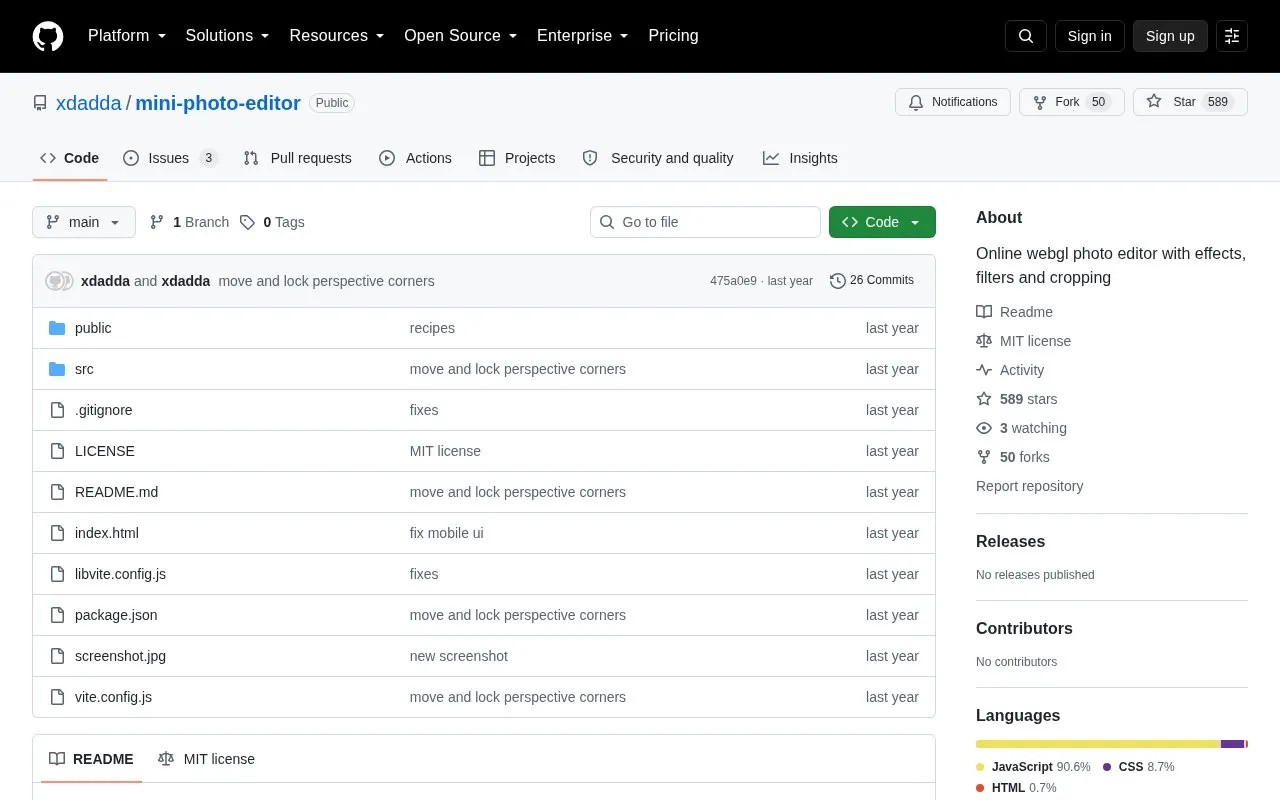
Mini Photo Editor is an open-source photo editor hosted on GitHub. It uses WebGL to apply effects, filters, and cropping in the browser. The README links to a hosted online version of the editor.
The editor covers common editing tasks, including cropping, perspective correction, resizing, color and light adjustments, blur effects, and a heal brush. According to the README, images are edited locally in the browser and are not uploaded to a backend server. This is the project's own description and has not been independently verified. Supported file formats depend on the browser or platform in use. The README notes that 16-bit images can be opened, but shader processing and downloads are limited to 8-bit because of WebGL limitations.
Key features
Crop, perspective correction, and image resizing
Light and color adjustments with color curves
Vignette, clarity or sharpening, and noise reduction
Instagram-style filters and an image blender
Bokeh, lens, and Gaussian blur effects
Heal brush using the Telea inpaint algorithm
Best for: People who want an open-source, browser-based editor for cropping, color adjustments, and blur effects, and who can work within its format and bit-depth limits.
Good for
Images are edited locally in the browser, according to the README
Released under the MIT license and publicly available as source code
Supports a before-after split view and a color histogram
Watch out for
16-bit images are limited to 8-bit for shader processing and download
File format support depends on the browser and platform being used
Feature requests are considered by the maintainer and are not guaranteed
The README states that images are edited locally in the browser and are not uploaded to a backend server.
Which image formats can it open?
Format support depends on the browser or platform. The README gives examples: HEIC opens natively in macOS Safari, and JPEG-XL and AVIF work in Safari and Chrome.
How can I request a feature?
The README asks users to leave feature requests in the repository's issues section, ideally with a real-life example.
Is something wrong or out of date?
Tell us and an editor will check it.
Own this website?
Claim the listing and suggest updates yourself. An editor checks every claim first.