
Docker containers can be viewed and controlled through oxker, a terminal interface.
Open source
24 alternativesDry is an interactive terminal application for managing and monitoring Docker containers.
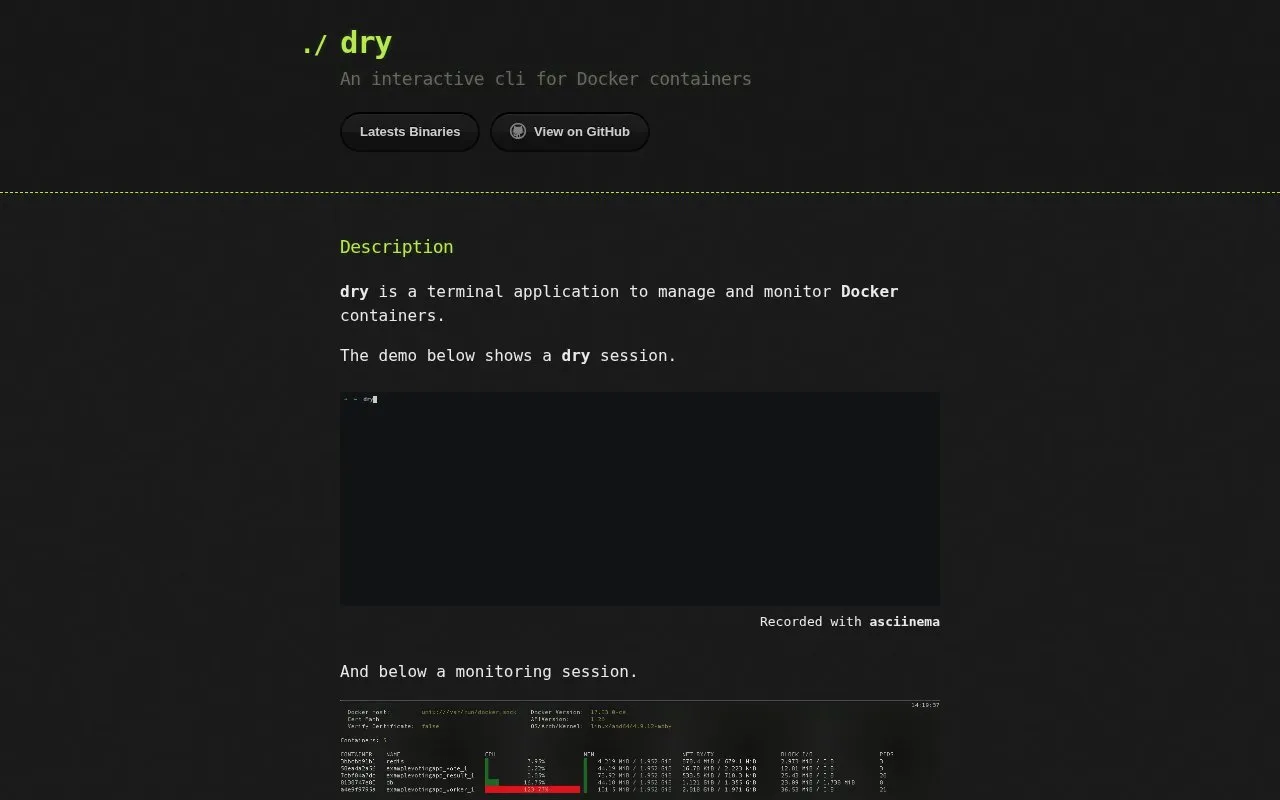
Dry is an interactive terminal application for managing and monitoring Docker containers. It provides a command-line interface for interacting with Docker container workloads directly from the terminal. Users can install the latest release for their platform via a provided installation script or use pre-built binaries.
Tools and sites you could use instead, ranked by how closely they match.
Docker containers can be viewed and controlled through oxker, a terminal interface.
Termible runs Docker-powered terminal apps in a browser so visitors can try a product without installing it.
Docker Hub is a container image registry for developers to find, use, and share container images.
Diun sends notifications when an image is updated on a Docker registry.
Container logs from Docker, Swarm, and Kubernetes can be viewed live with Dozzle.
Kaito provides an operator that manages AI toolchains on Kubernetes clusters.
Well-known listings from the same topic.
Tell us and an editor will check it.
Claim the listing and suggest updates yourself. An editor checks every claim first.


