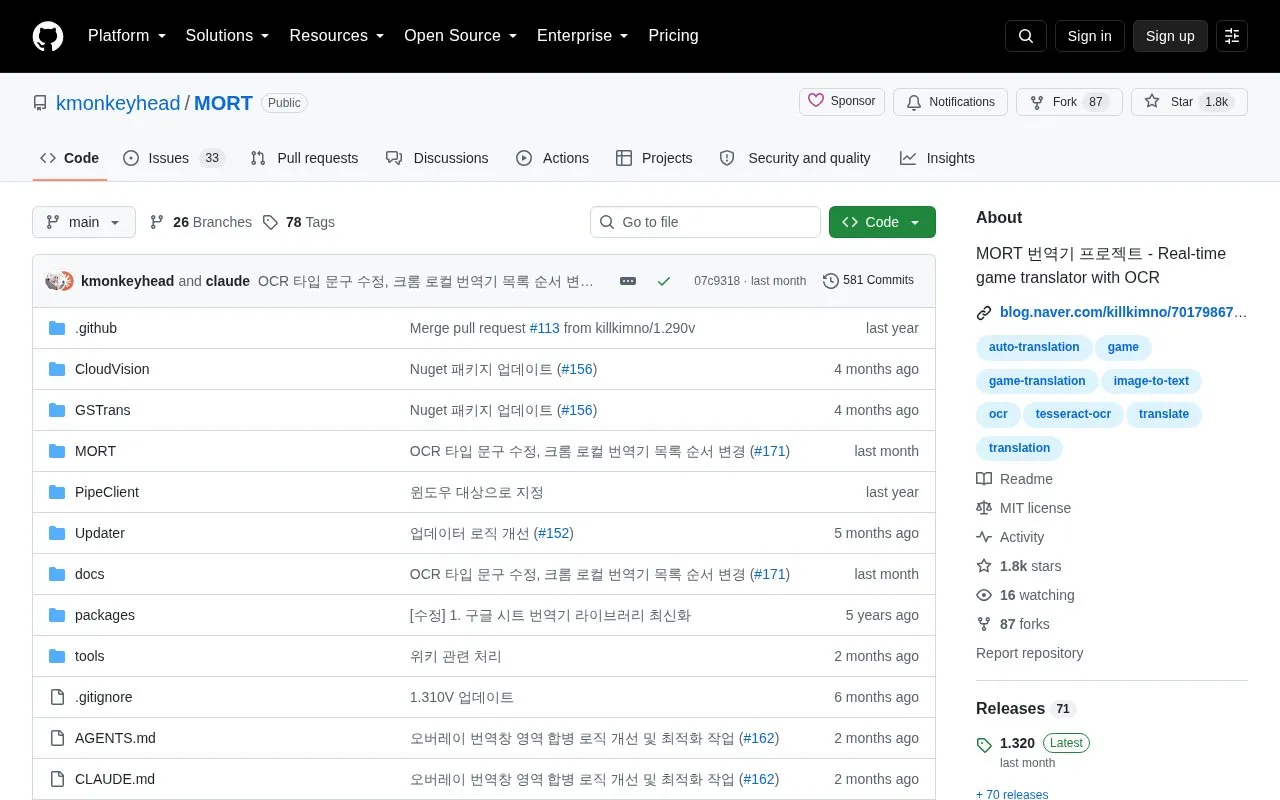
MORT extracts game dialogue from the screen in real time using OCR and outputs translation using a database or machine translation. It handles English and Japanese extraction by default, supports multiple OCR and translation services, multiple OCR areas, and clipboard input from hooking programs. It runs on 64-bit Windows 10 or higher with .NET 9 and the Visual C++ runtime, and does not work with games in fullscreen mode.
Key features
Extracts on-screen dialogue in real time with OCR
Supports TesseractOCR, Windows OCR, Google Cloud Vision and others
Translates via Naver Papago, Google Web, DeepL and ezTrans
Allows multiple OCR areas and image adjustment
Applies language patches using a translation database
Accepts clipboard text from external hooking programs
Best for: Windows users who play English or Japanese games in windowed mode and need on-screen translation.
Good for
Supports multiple OCR engines and machine translation services
Includes multiple OCR areas, image adjustment and custom HTTP API support
Provides Korean and English README files and is open source
Watch out for
Does not work in fullscreen games; requires windowed or borderless mode
Requires 64-bit Windows 10 or higher, .NET 9 and C++ runtime
64-bit version requires a CPU with AVX2; otherwise use the 32-bit version