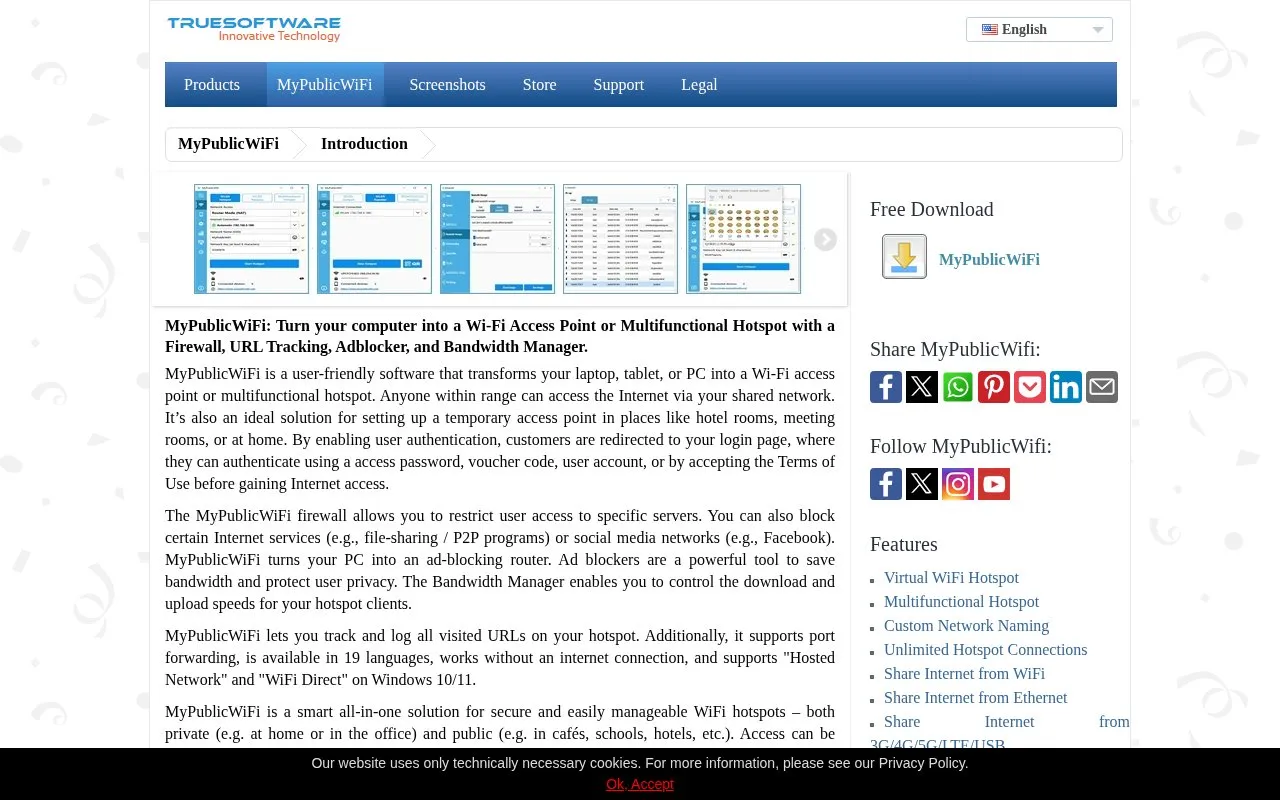
MyPublicWiFi is Windows software that turns a laptop, tablet, or PC into a Wi-Fi access point or multifunctional hotspot. It can share an internet connection from Ethernet, Wi-Fi, DSL, 3G/HSDPA, or 4G/5G. The software can be used for private networks, such as at home or in an office, and for public access, such as in cafés, schools, or hotels. Access can be free or paid through a captive portal that requires a password, voucher code, user account, or acceptance of terms of use.
The software includes a firewall, an ad-blocking function, and a bandwidth manager for hotspot clients. It can also track and log visited URLs on the hotspot, which may be relevant to users' privacy considerations. Some VPN apps can block DHCP traffic, which may stop clients from receiving IP addresses. The source describes workarounds for this issue.
Key features
Turns a Windows PC or laptop into a Wi-Fi access point or hotspot
Shares internet connections from Ethernet, Wi-Fi, DSL, 3G/HSDPA, or 4G/5G
Captive portal login with access password, voucher, user account, or terms acceptance
Firewall to restrict client access to specific servers and block selected services
Bandwidth Manager to control upload and download speeds for hotspot clients
Tracks and logs all URLs visited through the hotspot
Best for: People who want to share an internet connection from a Windows computer in settings such as a home, office, hotel, meeting room, or café.
Good for
Available in 19 languages
Works without an internet connection for local networking and data exchange between devices
Supports Hosted Network and WiFi Direct on Windows 10 and 11
Watch out for
Some VPN apps block DHCP traffic, so clients may not receive an IP address
Wireless Bridge Mode requires the PC to have two Wi-Fi network adapters
Multifunctional hotspot setups need several components, and a Wi-Fi router's DHCP server must be disabled
Can devices connected to the hotspot communicate without an internet connection?
Yes. The source states that MyPublicWiFi supports local networking and data exchange between connected devices even without an active internet connection.
What can be done if clients cannot get an IP address when using a VPN?
The source suggests enabling an "Allow LAN connections" option in the VPN app settings, using OpenVPN or WireGuard with a downloaded configuration file instead of the provider's app, or setting the Wi-Fi technology to Hosted Network or Mobile Hotspot and assigning static IP addresses to clients.
Can hotspot access be free or require payment?
The source states that access can be provided free of charge or for a fee through a captive portal.
Is something wrong or out of date?
Tell us and an editor will check it.
Own this website?
Claim the listing and suggest updates yourself. An editor checks every claim first.