

Cloudflare Speed Test measures download, upload, latency, jitter, and packet loss for an internet connection.
Pick
24 alternativesMeasure internet download, upload, ping, and jitter in a browser with OpenSpeedTest, an HTML5 speed test.
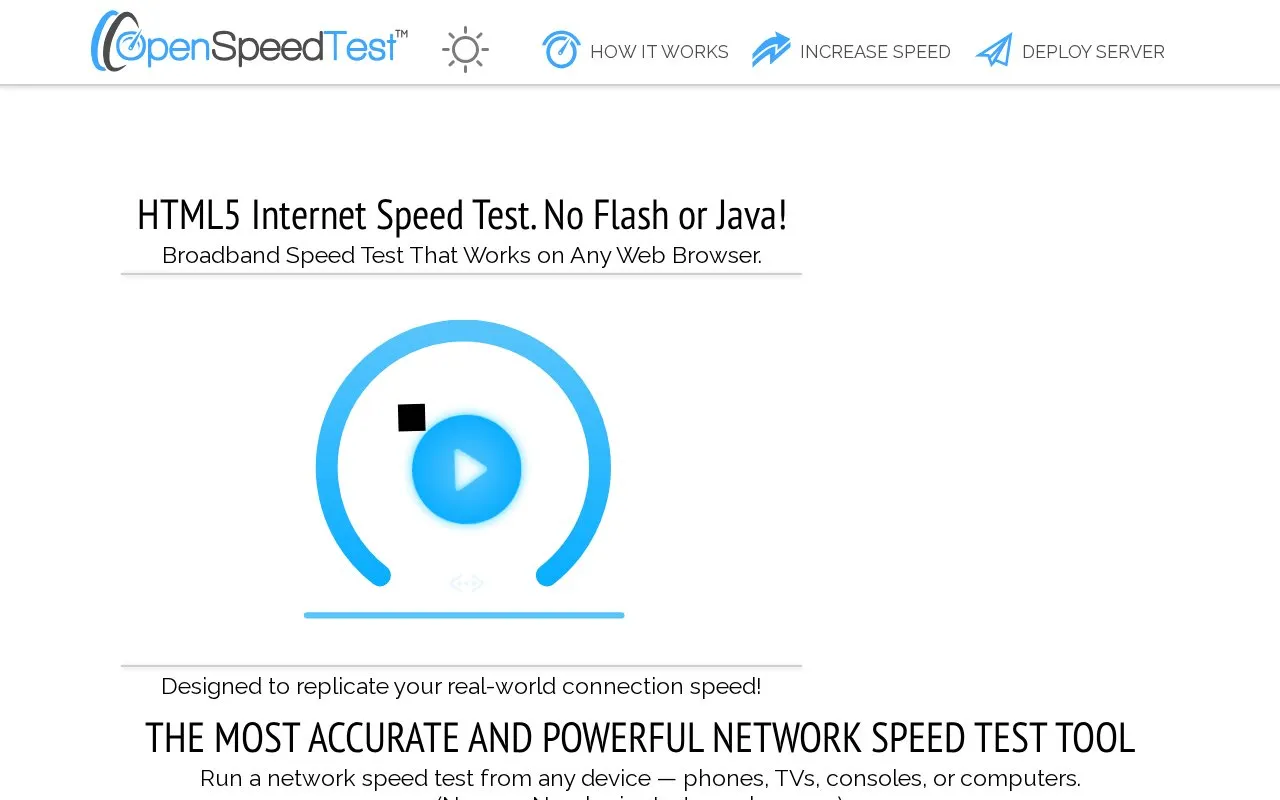
OpenSpeedTest is an HTML5 internet speed test that runs in a web browser. It measures download speed, upload speed, ping, and jitter between a device and a test server. The homepage says the test needs no app, plugin, Flash, or Java, and it works on phones, tablets, TVs, consoles, and computers. The homepage also describes the test as designed to reflect real-world connection speed and to automatically identify the most stable download and upload speeds during each session.
The site also offers options for hosting the test. Website owners can embed the test as a widget, which uses OpenSpeedTest servers. Network administrators can deploy a self-hosted test server using the source code or a Docker image. The homepage states that results show the average of the fastest download and upload bursts during a test, and that speeds vary with network congestion, WiFi interference, device limitations, and browser differences. The homepage also says the site uses the Cachefly CDN.
Tools and sites you could use instead, ranked by how closely they match.
Cloudflare Speed Test measures download, upload, latency, jitter, and packet loss for an internet connection.
Estimate internet download speed in a browser with FAST.com, Netflix’s simple speed test.
Test internet speed and bufferbloat with Waveform’s online network measurement tool.
Pinging.net monitors internet connectivity and displays network status measurements.
MyPublicWiFi turns a Windows computer into a wireless hotspot for sharing an internet connection.
localhost.run creates an SSH tunnel that connects web applications on a local computer to the internet.
Well-known listings from the same topic.
Tell us and an editor will check it.
Claim the listing and suggest updates yourself. An editor checks every claim first.


