

Troubleshoot network problems with NETworkManager, an open-source application with built-in diagnostic tools.
Open source
24 alternativesWiFi Analyzer helps Windows users identify wireless network problems and choose a Wi-Fi channel.
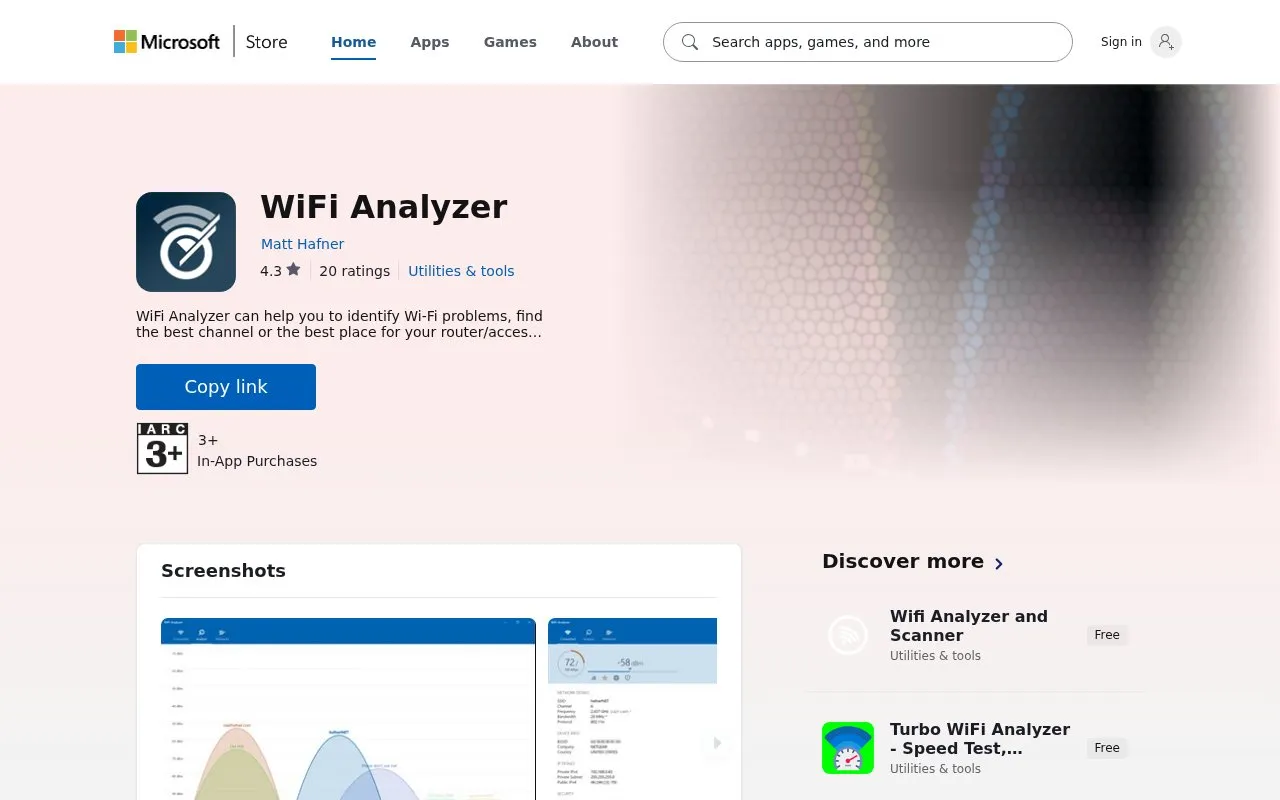
WiFi Analyzer is a wireless network tool available through the Microsoft Store for Windows. It turns a PC, laptop, tablet, or mobile device into an analyzer for nearby wireless networks.
It helps identify Wi-Fi problems, compare channels, and choose placement for a router or access point. Users can view networks on graphs and check details such as SSID, BSSID, and network count. The basic version is ad-free, while additional functions such as filters, direct network connection, and display options are available as PRO features through in-app purchase.
PRO options also include Live-Tile support, a beeper for signal strength, screen timeout and rotation controls, and signal strength border settings. It suits Windows users who want to check signal coverage and channel overlap.
Tools and sites you could use instead, ranked by how closely they match.
Troubleshoot network problems with NETworkManager, an open-source application with built-in diagnostic tools.
MyPublicWiFi turns a Windows computer into a wireless hotspot for sharing an internet connection.
Arcai provides NetCut and router utilities for controlling Wi-Fi networks on Windows and macOS.
Use Bancuh DNS to filter ads, trackers, malware, and adult content across devices on a network.
Meshtastic is open-source mesh networking software for low-power devices used off-grid.
Network protocol traffic can be inspected with Wireshark, a packet analysis application.
Well-known listings from the same topic.
Tell us and an editor will check it.
Claim the listing and suggest updates yourself. An editor checks every claim first.


