

Use Bancuh DNS to filter ads, trackers, malware, and adult content across devices on a network.
FreeOpen source
24 alternativesConfigure AdGuard public DNS to block ads, trackers, malware, and adult websites.
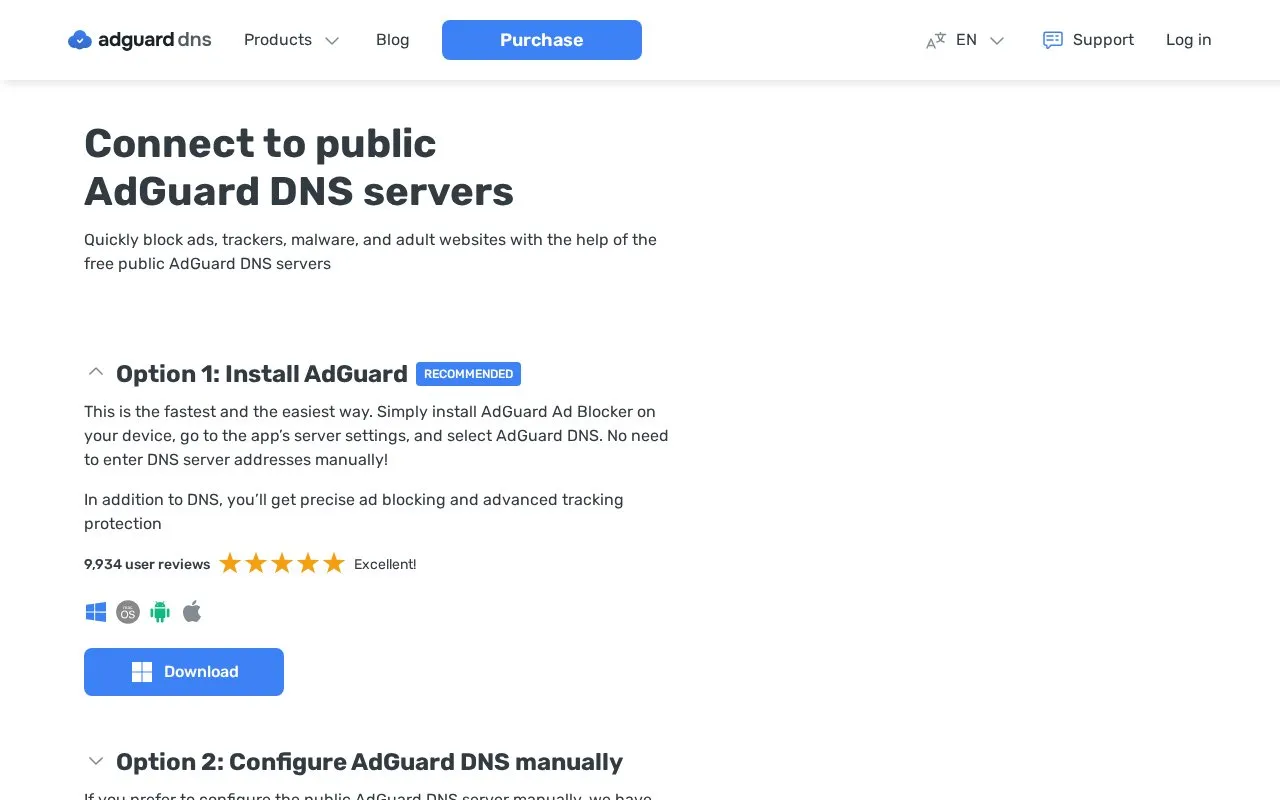
AdGuard public DNS is a set of free DNS servers that filter domain lookups to block ads, trackers, malware, and adult websites. Users point a device or network at one of three servers: a default server that blocks ads and trackers, a non-filtering server that blocks nothing, or a family protection server that also blocks adult content and enables Safe Search and Safe Mode where possible. The page gives setup steps for Android, iOS, macOS, and Windows, including a configuration profile for iOS and macOS that can choose DNS-over-HTTPS or DNS-over-TLS encryption.
The page's recommended route is installing the AdGuard Ad Blocker app, which lets users select AdGuard DNS in its server settings without entering server addresses. The app adds ad blocking and tracking protection beyond DNS. Manual setup applies only at the DNS level, so it does not cover every type of advertising or tracking.
Tools and sites you could use instead, ranked by how closely they match.
Use Bancuh DNS to filter ads, trackers, malware, and adult content across devices on a network.
Use Tiarap’s DNS resolver to block ads, trackers, malware, scam, and phishing domains.
ifconfig.me displays a visitor’s public IP address and provides an API for IP geolocation data.
Arcai provides NetCut and router utilities for controlling Wi-Fi networks on Windows and macOS.
Use the AdGuard DNS filter, which combines filters for ads, tracking protection, and mobile ads.
Meshtastic is open-source mesh networking software for low-power devices used off-grid.
Well-known listings from the same topic.
Tell us and an editor will check it.
Claim the listing and suggest updates yourself. An editor checks every claim first.


