

Port Checker tests whether ports are open and whether router port forwarding is configured.
PortCheckers
Check whether network ports are open and test port forwarding or router connectivity with PortCheckers.
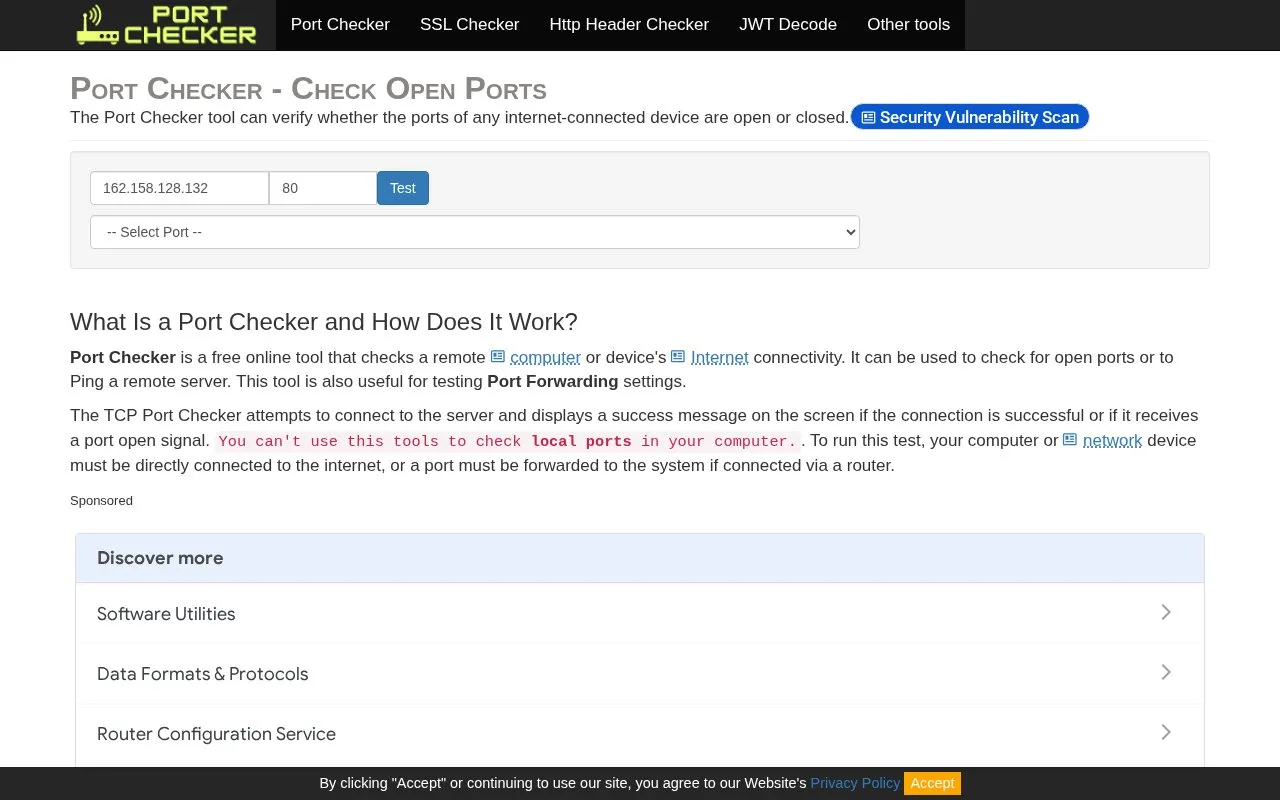
About PortCheckers
PortCheckers is a web-based TCP port checker, described on its homepage as a free online tool, for testing whether a remote computer or device has open ports and for diagnosing router connectivity or port forwarding settings. It can also ping a remote server and can be used to check firewall rules by testing blocked ports with a public IP. It does not check local ports on the computer running the test. Port testing requires the target computer to be reachable through a public IP address, or a port must be forwarded if the device is behind a router; the target port must also be open in the firewall, and the user needs network access and knowledge of the port number or protocol.
The site provides explanatory material on port forwarding, DMZ, UPnP forwarding, and common port numbers.
Key features
- Checks whether remote TCP ports are open
- Tests port forwarding settings and router connectivity
- Can ping a remote server
- Helps verify firewall rules using a public IP
- Explains DMZ, port forwarding and UPnP forwarding
- Lists common port numbers and protocols
Best for: People who need to check remote TCP ports or troubleshoot port forwarding and router connectivity from outside their network.
Good for
- Free online tool, according to the homepage description.
- Tests remote TCP ports and port forwarding.
- Can also ping a remote server.
Watch out for
- Cannot check local ports on the computer running the test.
- Requires a public IP address or port forwarding; local IPs such as 192.168.1.xxx do not work.
- Target port must be open in the firewall, and the user needs network access and the target port number or protocol.
PortCheckers at a glance
- Website
- portcheckers.com
- Category
- Development › Network Tools
- Type
- Online tool
- Pricing
- Not confirmed. Check the site
- Platforms
- Web
- Open source
- Not stated
- Language
- English
- Last checked
- Oct 6, 2026 · Online when checked
- Listed
- Oct 5, 2026
PortCheckers alternatives
Tools and sites you could use instead, ranked by how closely they match.
CanYouSeeMe checks whether an internet connection has an open port and verifies port forwarding.

Check for Cloudflare tests whether a domain uses Cloudflare DNS and checks global locations.
NetBlocks Internet Performance Monitor checks network connectivity and performance issues.

Arcai provides NetCut and router utilities for controlling Wi-Fi networks on Windows and macOS.

Pinging.net monitors internet connectivity and displays network status measurements.
Popular in Network Tools
Well-known listings from the same topic.
Cloudflare Speed Testspeed.cloudflare.comWiFi Analyzerapps.microsoft.com/store/detail/wifi-analyzer/…Check-Hostcheck-host.netis-a.devis-a.devHurricane Electricdns.he.netWiresharkwireshark.org


PortCheckers FAQ
What can PortCheckers test?
It checks a remote computer or device's Internet connectivity, including whether TCP ports are open, and can test port forwarding settings or ping a remote server.
Can it check ports on my local computer?
No. The page says local ports on your computer cannot be checked. The computer or device must be directly connected to the internet, or a port must be forwarded to it if it is behind a router.
What do I need before testing a port?
The computer must be accessible via a public IP address, or port forwarding must be configured if it is inside a subnet. You need network access, the target port number or protocol, and the target port must be open in the firewall.
Is something wrong or out of date?
Tell us and an editor will check it.
Own this website?
Claim this listing
Claim the listing and suggest updates yourself. An editor checks every claim first.