

localhost.run creates an SSH tunnel that connects web applications on a local computer to the internet.
Freemium
24 alternativesPort Checker tests whether ports are open and whether router port forwarding is configured.
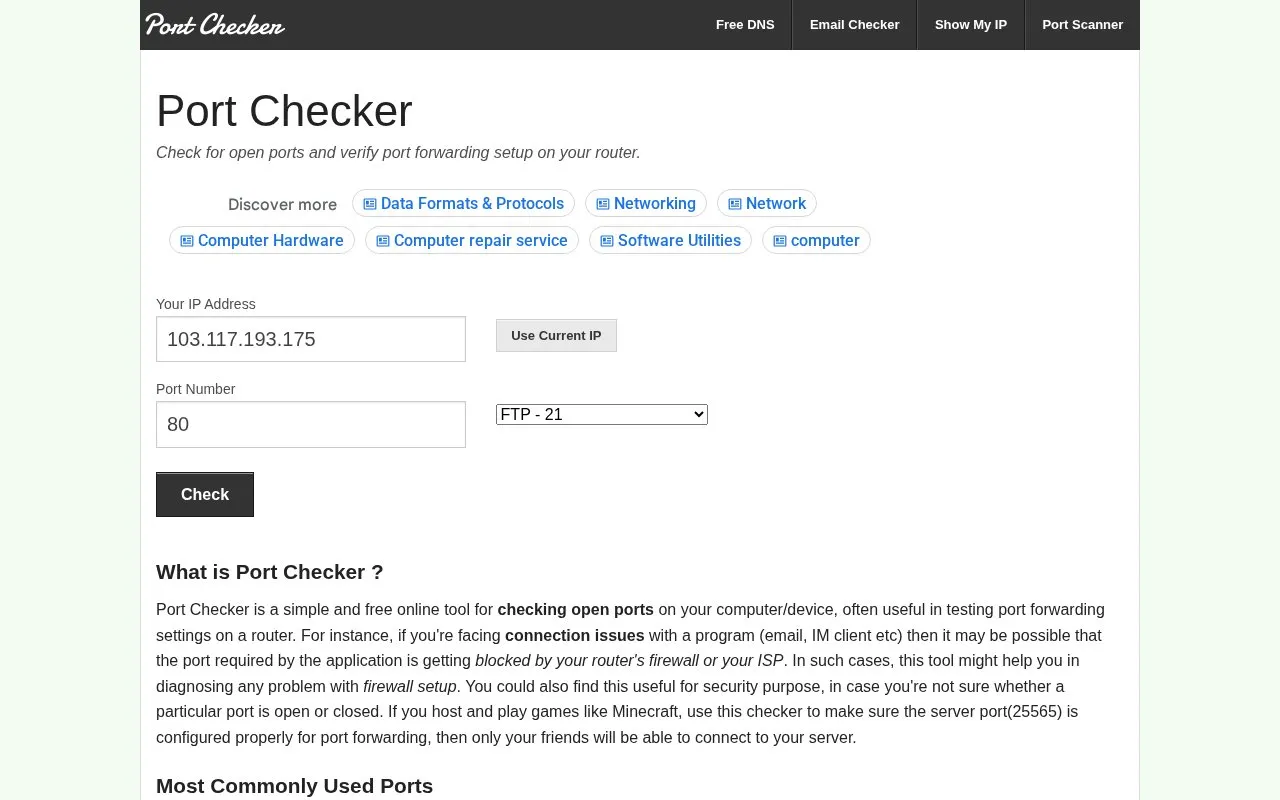
PortChecker checks whether a specific port is open on a computer or device and whether router port forwarding is set up. Users can enter a custom port number from 1 to 65535. It defaults to the visitor's IP address and allows a different IP to be entered to check remote clients and servers. It also lists commonly used ports and describes port ranges, which can help diagnose connection problems with programs such as email clients, chat apps, or a hosted Minecraft server on port 25565.
Results may be inaccurate when using a VPN or proxy server, because the tool may not detect the device's IP correctly.
Tools and sites you could use instead, ranked by how closely they match.
localhost.run creates an SSH tunnel that connects web applications on a local computer to the internet.
Check whether network ports are open and test port forwarding or router connectivity with PortCheckers.
Trace network latency by continuously pinging each host between a computer and its destination.
CanYouSeeMe checks whether an internet connection has an open port and verifies port forwarding.
Check for Cloudflare tests whether a domain uses Cloudflare DNS and checks global locations.
Arcai provides NetCut and router utilities for controlling Wi-Fi networks on Windows and macOS.
Well-known listings from the same topic.
Tell us and an editor will check it.
Claim the listing and suggest updates yourself. An editor checks every claim first.


