

HushMic suppresses microphone noise in real time on Linux using a system-wide virtual microphone with PipeWire.
Open source
24 alternativesNoiseTorch suppresses microphone noise in real time on Linux with PulseAudio or PipeWire.
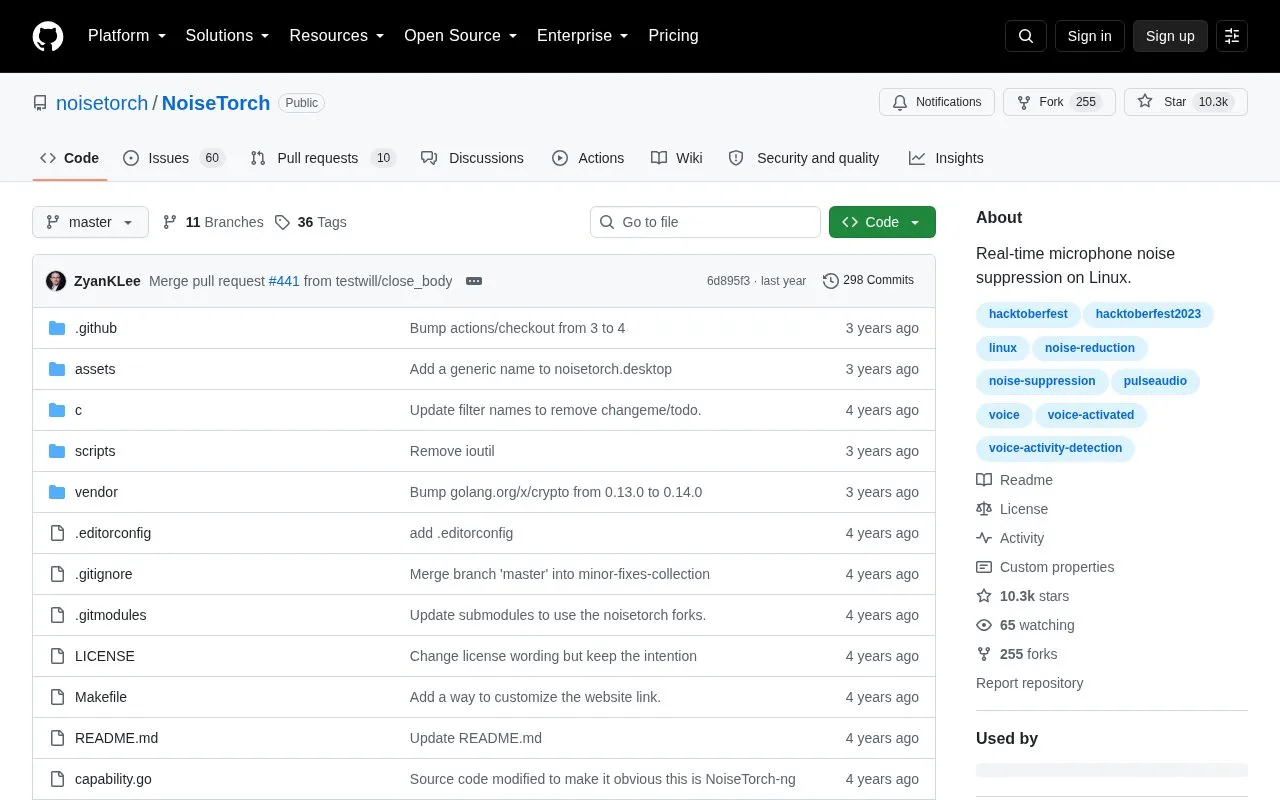
NoiseTorch-ng is a Linux application for PulseAudio or PipeWire that creates a virtual microphone to suppress background noise in real time using RNNoise. It is intended to work with any conferencing or VOIP application: you select the filtered virtual microphone as your input, so sounds such as mechanical keyboards, computer fans or trains are reduced. Output filtering works the same way, routing chosen applications to a "Filtered Headphones" device.
Setup is described as a two-click process: select the microphone to denoise and click Load, then Unload when finished. Once loaded, the virtual microphone keeps working until it is explicitly unloaded, so the window can be closed and the NoiseTorch-ng process is no longer required. Installation is manual: download the latest release from GitHub, unpack the tgz into your home directory, and grant permissions with setcap. A Voice Activation Threshold setting, up to 95%, controls how strictly the microphone sends sound only when voice is detected, and changes require reloading the application. The project states that a suspected security breach of its update server and code repository prompted a community audit that found no malicious code, and that updates are now retrieved from the project's releases page. NoiseTorch-ng may introduce a small amount of latency.
Tools and sites you could use instead, ranked by how closely they match.
HushMic suppresses microphone noise in real time on Linux using a system-wide virtual microphone with PipeWire.
AudioSource forwards Android microphone audio to PulseAudio through ADB for use as a USB microphone.
Well-known listings from the same topic.
Tell us and an editor will check it.
Claim the listing and suggest updates yourself. An editor checks every claim first.


